Curated ToolThis tool is part of our curated AI directory. We only include tools that meet our standards for relevance, usability and real-world value.

SEO PowerSuite

Desktop suite for keyword research, rank tracking, and site audits

Content & On-pageSEO Monitoring
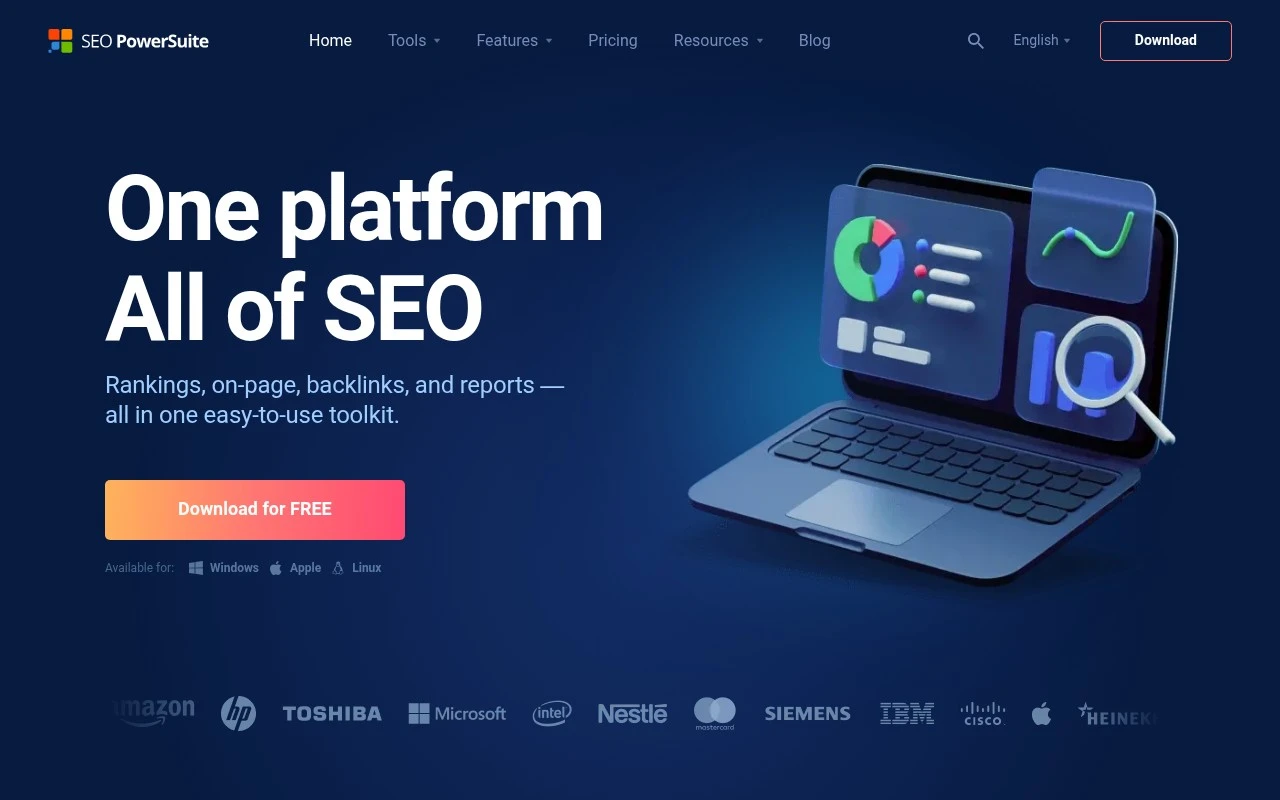
SEO PowerSuite is an all-in-one SEO toolkit from link-assistant.com made up of Rank Tracker, WebSite Auditor, SEO SpyGlass, and LinkAssistant. It covers keyword research, SERP and local rank tracking, technical SEO audits, content optimization, backlink analysis, link prospecting, outreach management, and customizable reporting. Its distinct positioning is that it is downloadable desktop software for Windows, macOS, and Linux, with an emphasis on unlimited SEO data usage, unlimited projects, and no daily credit system.

FYAI Score

8.1 / 10

Based on 559 reviews

Pricing:

Freemium

Best for:

SEO agencies and in-house SEOs managing many sites and campaigns

Score Breakdown

  • Ease of use7.4 / 10
  • Features8.6 / 10
  • Pricing8.6 / 10
  • Integrations7.9 / 10
  • Support8.2 / 10

PRODUCT PREVIEW

What this AI tool does

SEO PowerSuite is an SEO software suite used to help website owners and marketers understand how their sites perform in search and where improvements may be needed. It brings common SEO tasks into one place, making it easier to move from research to analysis without switching between many separate tools. In practice, it’s typically used for activities like checking rankings over time, reviewing on-page SEO factors, auditing technical issues, and analyzing backlinks and competitors. The goal is to support informed decisions by organizing data and reports in a way that’s easier to review and share. This tool is generally most useful when you want a repeatable workflow for ongoing SEO monitoring rather than one-off checks. It can fit both small sites and larger projects, depending on how much detail you need and how frequently you plan to track changes.

Use cases

Best for

Rank Tracking

Track keyword positions across search engines and locations over time, with scheduled checks and SERP history.

Keyword Research

Use SEO PowerSuite to generate keyword ideas and analyze search volume, difficulty, and SERP competitors for each term.

Competitor Analysis

Compare competitors by auditing their backlink profiles, anchor text, and linking domains to find link gaps.

ANALYSIS

Strengths & limitations

Strengths
  • Covers the main SEO workflow in one suite: rankings, keywords, audits, backlinks, link building, and reports.
  • Desktop model is positioned around unlimited keywords, backlinks, projects, and usage rather than a credit-based quota system.
  • Supports broad rank tracking needs, including local tracking, mobile and desktop results, and many search engines.
Limitations
  • Requires installing desktop software, which may not suit teams that prefer fully browser-based SaaS tools.
  • The official page presents many capabilities but does not give detailed independent verification for claims such as ranking accuracy or backlink index quality.
  • Its AI-specific functionality is only lightly described on the provided page, so buyers seeking a primarily AI-native SEO platform may need to review the AI features directly.

Evaluation

FYAI score breakdown

Our structured evaluation across five key criteria

8.1 / 10

Overall score

Based on 559 reviews

  • Ease of use7.4 / 10
  • Features8.6 / 10
  • Pricing8.6 / 10
  • Integrations7.9 / 10
  • Support8.2 / 10

What users say

Findings from public reviews, documentation and community sources.

  • Ease of use

    The SEO PowerSuite homepage presents the product as an “all in one easy-to-use toolkit” and offers desktop downloads for Windows, Apple, and Linux.

  • Features

    The SEO PowerSuite homepage lists “Keyword research & competitor analysis,” “Unlimited rank tracking,” “Technical SEO & content analysis,” and “Backlink analysis & link-building.” The SEO PowerSuite homepage also cites “20+ keyword research methods,” local rank tracking “up to an exact street address,” and tracking in “550+ search engines.”

  • Pricing

    The SEO PowerSuite pricing page lists “FREE FOREVER” for “unlimited evaluation” and 1-year, 2-year, and 3-year plans with savings up to 34%. The SEO PowerSuite pricing page presents unlimited-use positioning for the product.

  • Integrations

    The SEO PowerSuite subscriptions calculator lists “Google Analytics, Search Console, AdWords, Dropbox” and “400+ search engines” for rank checking and queries.

  • Support

    The SEO PowerSuite homepage lists support and learning resources including “SEO PowerSuite user manual,” “SEO Wiki,” “Help & training,” “Get in touch,” blog resources, and social channels.

Who is this for?

Best for SEO users who want desktop software for the core SEO workflow, the homepage lists keyword research and competitor analysis, unlimited rank tracking, technical SEO and content analysis, and backlink analysis and link-building. SEO PowerSuite also fits users who need cross-platform installation because the homepage offers desktop downloads for Windows, Apple, and Linux. Less suited to teams that do not want desktop downloads, the product is presented with Windows, Apple, and Linux downloads rather than a SaaS-only workflow.

PRODUCT PREVIEW

Feature highlights

Rank Tracking

Track SERP and local rankings across engines with scheduled updates.

Backlink Analysis

Analyze links, spot risks, and manage outreach with built-in tools.

All-in-one Site Suite

Audit sites, optimize pages, analyze links, and manage outreach in one tool

COMPARE

Discover curated alternatives worth comparing

Compare similar AI tools based on features, pricing and use cases

8.8/ 10Based on 846 reviews

Yoast SEO

Content & On-pageTechnical & Audit
Generates and optimizes SEO titles, descriptions, and content
Best for:
SEO teams
Pricing
Freemium

8.1/ 10Based on 1.124 reviews

Yext

SEO MonitoringAI Search / GEO
Manages verified business data for search and AI discovery.
Best for:
SEO teams
Pricing
Paid

7.7/ 10Based on 5.772 reviews

Writesonic

Copy Optimization
Monitors brand visibility in answer engines and flags citation gaps
Best for:
Marketing teams
Pricing
Freemium

Start turning audits into rankings wins. See why SEO pros trust SEO PowerSuite to streamline client work and deliver measurable growth.

FAQ

Frequently asked
questions

Everything you need to know about this AI tool,
its features, pricing, use cases, and limitations.

Who is SEO PowerSuite a good fit for, and when is it the wrong choice?
SEO PowerSuite fits consultants and agencies that want one desktop suite for rank tracking, site audits, backlink analysis, and reporting across multiple projects. It’s also useful if you prefer owning a tool rather than relying on a browser-only workflow. It’s a weaker fit if your team needs real-time cloud collaboration or you want a lightweight tool for a single task.
What’s the difference between SEO PowerSuite’s free version and the paid licenses?
The free version is mainly for testing workflows; it’s limited in saving/exporting and typically restricts report generation and some automation. Paid licenses unlock full project saving, scheduled tasks, exports, and more complete reporting options. If you need client deliverables or recurring audits, you’ll likely need a paid plan.
How does SEO PowerSuite compare with Ahrefs, Semrush, or Screaming Frog for day-to-day SEO work?
Compared with Ahrefs/Semrush, SEO PowerSuite is more of an all-in-one desktop toolkit and can be cost-effective, but it may not match the breadth of always-on cloud datasets and competitive research UX. Compared with Screaming Frog, Website Auditor is easier for some users and integrates reporting, but Screaming Frog can feel faster and more flexible for pure crawling tasks. If you want one suite that covers multiple SEO jobs, SEO PowerSuite is closer to a “single toolbox” than a specialized crawler or backlink platform.
How quickly can you get SEO PowerSuite running, and what onboarding effort should you expect?
Because it’s desktop-based, accessibility and collaboration are less seamless than cloud platforms, especially for distributed teams. Some users find the reporting templates less flexible than dedicated reporting tools, which can matter for agency branding. The feature depth is a plus, but it can feel heavy if you only need one function like rank tracking or crawling.
What should teams know about data handling, privacy, and compliance when using SEO PowerSuite?
SEO PowerSuite runs locally, so many project files and crawl data can stay on your machine, which can simplify internal data control compared to fully cloud tools. However, it still connects to third-party services (e.g., Google accounts, search engines, backlink sources), so review what data is sent during those integrations. For compliance, plan for device security, access control, and retention policies since reports and client data may be stored locally and exported.