Curated ToolThis tool is part of our curated AI directory. We only include tools that meet our standards for relevance, usability and real-world value.
Toggl Track
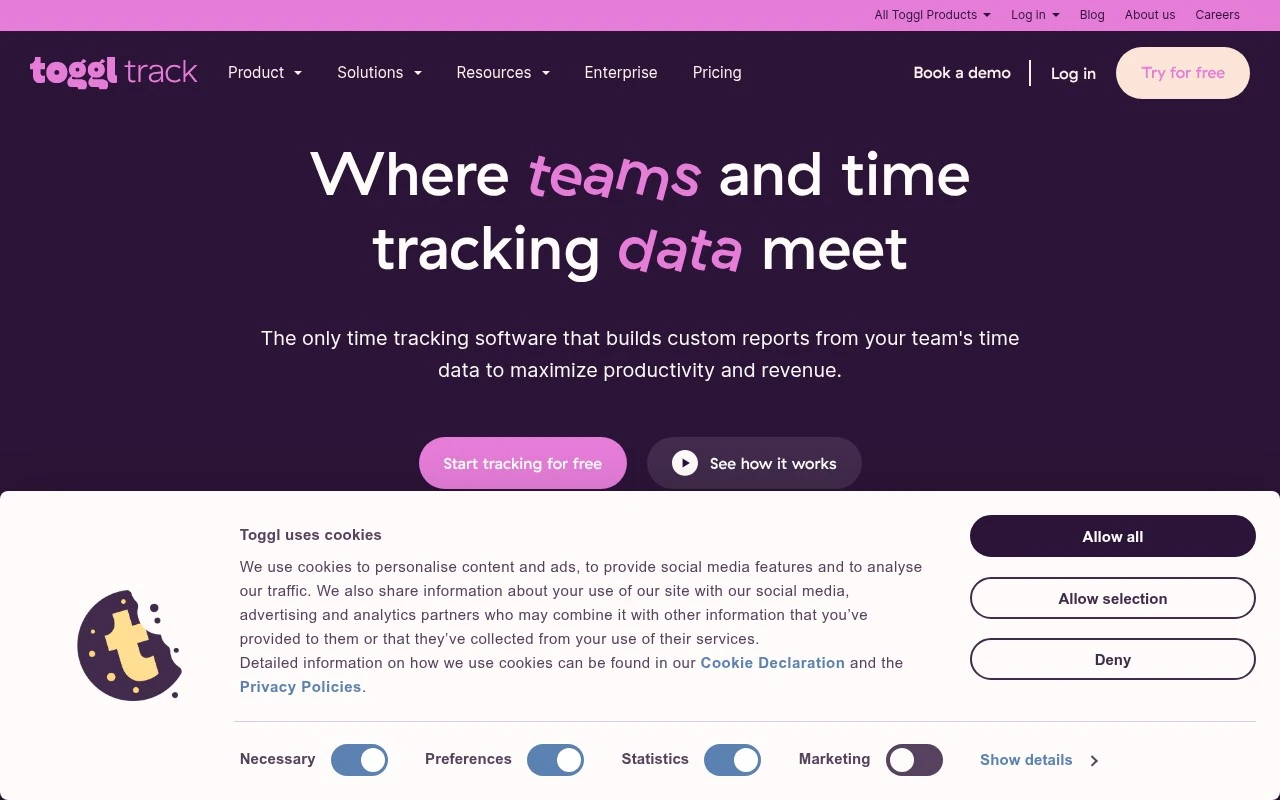
Toggl Track is a time tracking platform that lets individuals and teams record work hours with timers, manual entries, calendar views, and project-based reporting. It supports timesheets, billable rates, and reports for understanding how time is spent across clients and tasks.
Time & Habit Tracking
FYAI Score
9.0 / 10
Based on 1,589 reviews
Pricing:
Freemium
Best for:
Agencies and product teams needing accurate time and client-ready reports
Score Breakdown
- Ease of use9.3 / 10
- Features8.6 / 10
- Pricing9.1 / 10
- Integrations9.2 / 10
- Support9.0 / 10
 | Strengths |
-
 Best suited to teams that need easy adoption because time can be captured across devices, copied from calendar events, and converted from optional background activity.
 -
Strong fit for agencies and professional services teams because reports support billing, profitability, productivity, and workload planning from the same time data.
-
Good fit for organisations that want time tracking without surveillance because Toggl Track avoids screenshot and camera-based monitoring.
 | Limitations |
-
 Less suitable for managers who require screenshot or camera-based employee monitoring because the product deliberately avoids those surveillance features.
 -
Less suitable for teams looking for a generative AI assistant because Toggl Track is focused on time capture, integrations, and reporting rather than content generation.
-
Less suitable for teams that need advanced team reporting and administration on a free plan because the freemium model reserves fuller team functionality for paid plans.
 | 7.9/ 10Based on 740 reviews |
Fyxer
Meeting NotesEmail Assistant
Triages email, drafts replies, and summarizes meeting actions
Best for: | Sales teams |
Pricing | Paid |
 | 7.4/ 10Based on 442 reviews |
Genspark
Productivity
Creates outputs and dashboards from plain-English data questions
Best for: | Knowledge workers |
Pricing | Paid |
 | 8.4/ 10FYAI score |
Granola
Meeting NotesEmail Assistant
Writes meeting notes, action items, and follow-up briefs
Best for: | Knowledge workers |
Pricing | Freemium |