
Curated ToolThis tool is part of our curated AI directory. We only include tools that meet our standards for relevance, usability and real-world value.
tl;dv
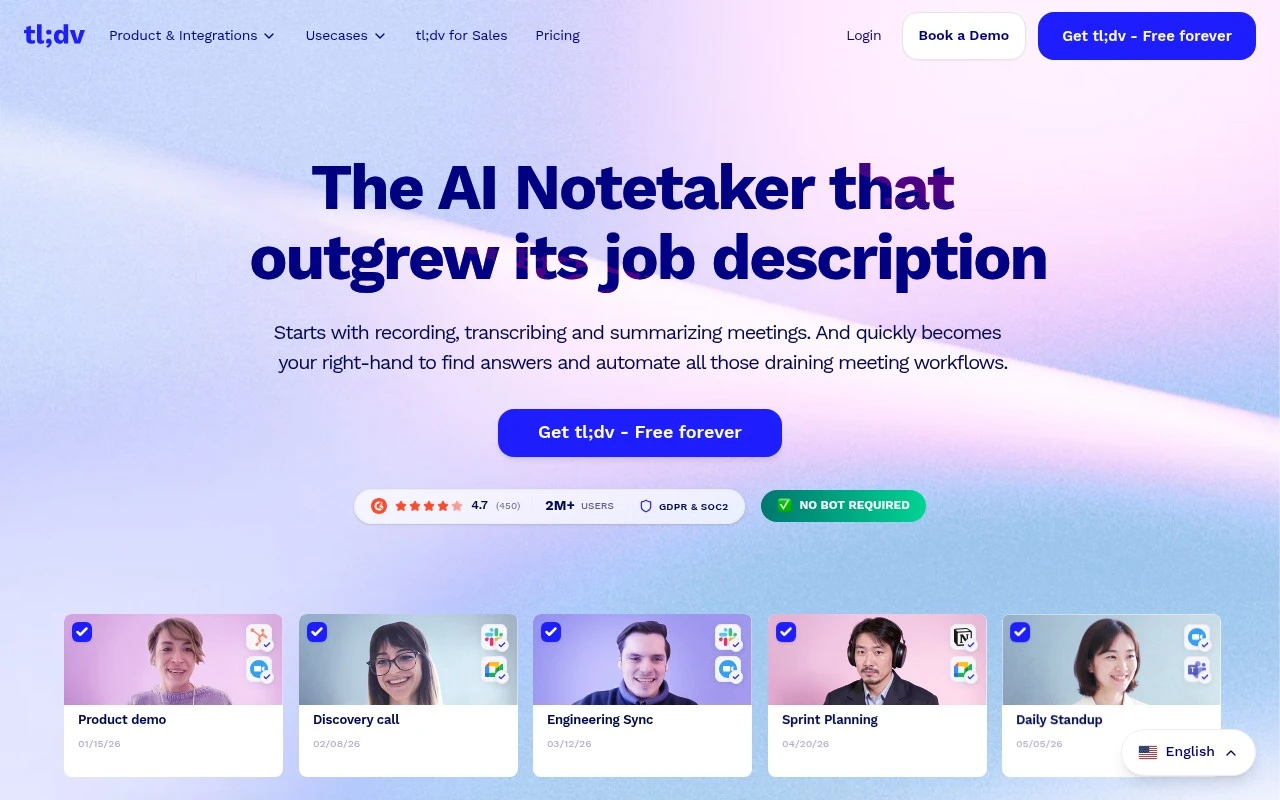
tl;dv is an AI meeting recorder that joins Zoom, Google Meet, and Microsoft Teams calls to record meetings, transcribe audio, and generate searchable summaries with key moments and action items.
Meeting NotesKnowledge Search

FYAI Score
8.1 / 10
Based on 524 reviews
Pricing:
Freemium
Best for:
Sales and customer-facing teams that run lots of calls
Score Breakdown
- Ease of use8.4 / 10
- Features8.6 / 10
- Pricing8.4 / 10
- Integrations7.3 / 10
- Support7.5 / 10
 | Strengths |
-
 Best suited to sales and customer-facing teams because it turns calls into summaries, action items, follow-ups, CRM updates, and coaching insights.
 -
Useful for teams with high meeting volume because searchable transcripts and AI reports can surface themes across many conversations without replaying every recording.
-
Strong fit for distributed or multilingual teams because transcription and translation help share meeting knowledge across languages and time zones.
 | Limitations |
-
 Less suitable for teams that prohibit meeting recording or bot participants because tl;dv’s core value depends on capturing and storing conversation content.
 -
Teams with strict compliance, consent, or data residency rules need governance before rollout because recorded customer and internal meetings can contain sensitive information.
-
Less compelling for individuals or small teams that only need basic transcripts because its broader CRM updates, cross-meeting reports, and coaching workflows add more process than they may need.
 | 7.9/ 10Based on 740 reviews |
Fyxer
Meeting NotesEmail Assistant
Triages email, drafts replies, and summarizes meeting actions
Best for: | Sales teams |
Pricing | Paid |
 | 7.4/ 10Based on 442 reviews |
Genspark
Productivity
Creates outputs and dashboards from plain-English data questions
Best for: | Knowledge workers |
Pricing | Paid |
 | 8.4/ 10FYAI score |
Granola
Meeting NotesEmail Assistant
Writes meeting notes, action items, and follow-up briefs
Best for: | Knowledge workers |
Pricing | Freemium |