Curated ToolThis tool is part of our curated AI directory. We only include tools that meet our standards for relevance, usability and real-world value.

Tettra

AI searches team knowledge base to answer questions in Slack

Knowledge Search
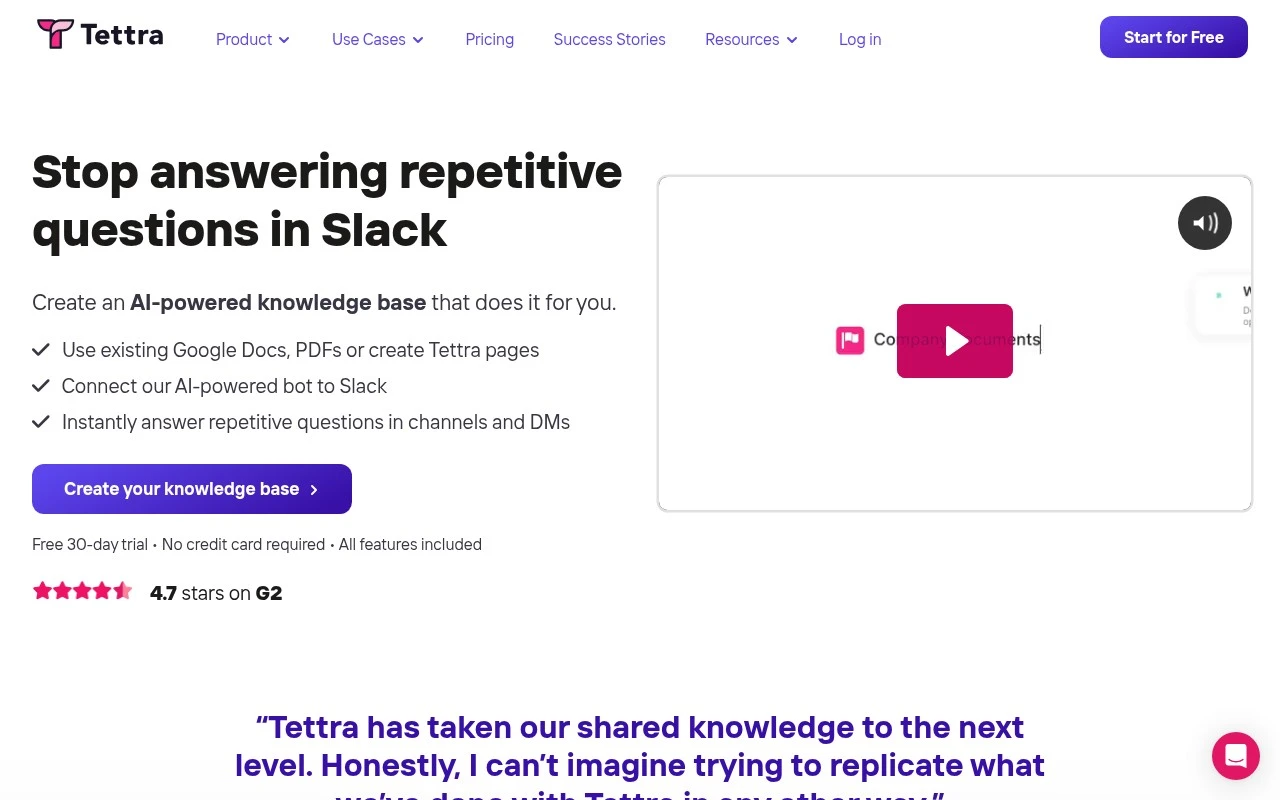
Tettra is an AI internal knowledge base for teams that need a reliable place to store company information and answer recurring questions. It combines documentation, internal Q&A, Slack-based AI answers through Kai, and knowledge management workflows for keeping important pages accurate.

FYAI Score

8.2 / 10

Based on 161 reviews

Pricing:

Paid

Best for:

Ops and support teams centralizing internal knowledge and reducing repeat questions

Score Breakdown

  • Ease of use8.9 / 10
  • Features7.6 / 10
  • Pricing8.0 / 10
  • Integrations7.9 / 10
  • Support8.9 / 10

PRODUCT PREVIEW

What this AI tool does

Tettra is an AI-assisted knowledge base tool designed to help teams capture, organize, and find internal information in one place. It’s typically used for documenting processes, answering recurring questions, and keeping shared guidance up to date as a company grows. In practice, it supports day-to-day work by making it easier to turn scattered notes and conversations into searchable documentation. Teams can use it to reduce time spent looking for answers, improve consistency in how work is done, and provide a clearer source of truth for onboarding and ongoing collaboration. For organizations evaluating internal documentation tools, tettra is relevant when the goal is to centralize knowledge without adding too much overhead. It fits informational needs such as understanding what the tool does, where it’s commonly applied, and how it can support knowledge management workflows.

Use cases

Best for

Knowledge Base Search

Tettra lets teams search knowledge base pages and internal Q and A to find approved answers to recurring company questions.

Internal Search

Tettra provides internal search via Slack using Kai to answer questions from your docs and route gaps to subject owners for updates.

ANALYSIS

Strengths & limitations

Strengths
  • Combines knowledge base creation, internal Q&A, and knowledge verification in one product.
  • Can use existing content from sources such as Google Docs, Notion, and local files to build the knowledge base faster.
  • Includes an AI bot, Kai, that can answer questions from company content and help route unanswered questions to the right person.
Limitations
  • Best suited to internal knowledge management rather than public customer-facing help centers or broad content publishing.
  • AI answers depend on the quality, completeness, and freshness of the knowledge base content.
  • The provided site content does not describe advanced customization, analytics, permissions, or enterprise governance details.

Evaluation

FYAI score breakdown

Our structured evaluation across five key criteria

8.2 / 10

Overall score

Based on 161 reviews

  • Ease of use8.9 / 10
  • Features7.6 / 10
  • Pricing8.0 / 10
  • Integrations7.9 / 10
  • Support8.9 / 10

What users say

Findings from public reviews, documentation and community sources.

  • Ease of use

    G2's 161-review product page reports a 4.7/5 rating and says users praise Tettra for its "intuitive interface and ease of use," while Tettra describes a "simple editor" for creating internal documentation.

  • Features

    Tettra says it offers an AI-powered knowledge base, Q&A in Tettra or Slack via Kai, importing existing content from "Google Docs, Notion, local files, and more," and verification workflows.

  • Pricing

    Tettra's pricing page lists the Scaling plan at "$8 per user/month" with a "10 user minimum," a free 30-day trial, annual billing at 20% off, and an Enterprise plan with custom pricing.

  • Integrations

    Tettra's integrations page lists native integrations for Slack, Google Workspace, GitHub, and Zapier, with Zapier connecting to "1,000+ products." Tettra's pricing page states that API access is available on Scaling and Professional plans.

  • Support

    Tettra's plan comparison lists "Live chat" support on Scaling and "Priority support" on Enterprise, plus Enterprise "hands-on training," custom import/onboarding, and custom reporting. Tettra's pricing FAQ points users to a support center and offers time with product experts.

Who is this for?

Best for teams building an internal knowledge base around Slack. Tettra offers Q&A in Tettra or Slack via Kai and lists a native Slack integration. Less suited to teams that need a broad productivity suite, Tettra's listed capabilities center on an AI-powered knowledge base, Q&A, content import, and verification workflows.

PRODUCT PREVIEW

Feature highlights

Team knowledge base

Store company docs in one place so answers stay consistent.

Slack AI answers

Kai answers questions in Slack using your approved internal content.

Content verification

Review workflows keep key pages accurate and up to date.

COMPARE

Discover curated alternatives worth comparing

Compare similar AI tools based on features, pricing and use cases

7.8/ 10Based on 31 reviews

Wudpecker

Meeting NotesSummarization
Turns meeting recordings into notes, summaries, and action items
Best for:
Knowledge workers
Pricing
Freemium

9.0/ 10Based on 1.589 reviews

Toggl Track

Time & Habit Tracking
Tracks time with automatic activity detection and reporting.
Best for:
Operations teams
Pricing
Freemium

8.5/ 10Based on 2.648 reviews

Todoist

Task & Project Management
Organize, schedule, and share tasks with AI-assisted planning
Best for:
Knowledge workers
Pricing
Freemium

Turn scattered team knowledge into answers everyone can find fast. Start building a shared source of truth with Tettra today.

FAQ

Frequently asked
questions

Everything you need to know about this AI tool,
its features, pricing, use cases, and limitations.

What types of teams and workflows is Tettra a good fit for?
Tettra works best for teams that need a lightweight internal wiki for SOPs, onboarding docs, and recurring Q&A. It’s particularly practical for Slack-centric teams that want knowledge capture and retrieval inside existing workflows. If you need a public-facing help center or heavy content customization, you may find other tools a better match.
Does Tettra have a free plan, and what are the main limitations compared to paid tiers?
Tettra typically offers a trial rather than a full-featured free plan, so ongoing use usually requires a paid subscription. Paid tiers mainly unlock broader team access and administration features, while very small teams may find the per-user cost adds up. Check current pricing on tettra.com since plan details can change.
How does Tettra compare with Notion, Confluence, or Guru for knowledge management?
Compared with Notion, Tettra is more focused on internal knowledge base workflows and Slack integration, while Notion is broader for project docs and databases. Versus Confluence, Tettra is generally simpler to adopt but offers fewer enterprise controls and customization options. Against Guru, Tettra is more wiki-like, whereas Guru emphasizes verified “cards” and browser-based knowledge surfacing.
How quickly can a team set up Tettra and migrate existing documentation?
Tettra’s layout and branding customization are limited, which can matter if you want a highly tailored knowledge portal. Search is solid for many teams but may feel less powerful than larger enterprise knowledge platforms at high scale. If you need complex permissions, advanced analytics, or deep workflow automation, you may need a more heavyweight option.
What should we know about Tettra’s data handling, privacy, and compliance before adopting it?
If you plan to store sensitive internal processes or customer-related information in Tettra, confirm where data is hosted and what encryption and access controls are available. Review Tettra’s security documentation and DPA options to ensure it aligns with your compliance needs (e.g., SOC 2, GDPR) and your organization’s retention policies. Also validate how connected apps like Slack and Google Drive affect permissions and data exposure.