
Curated ToolThis tool is part of our curated AI directory. We only include tools that meet our standards for relevance, usability and real-world value.
Taskade
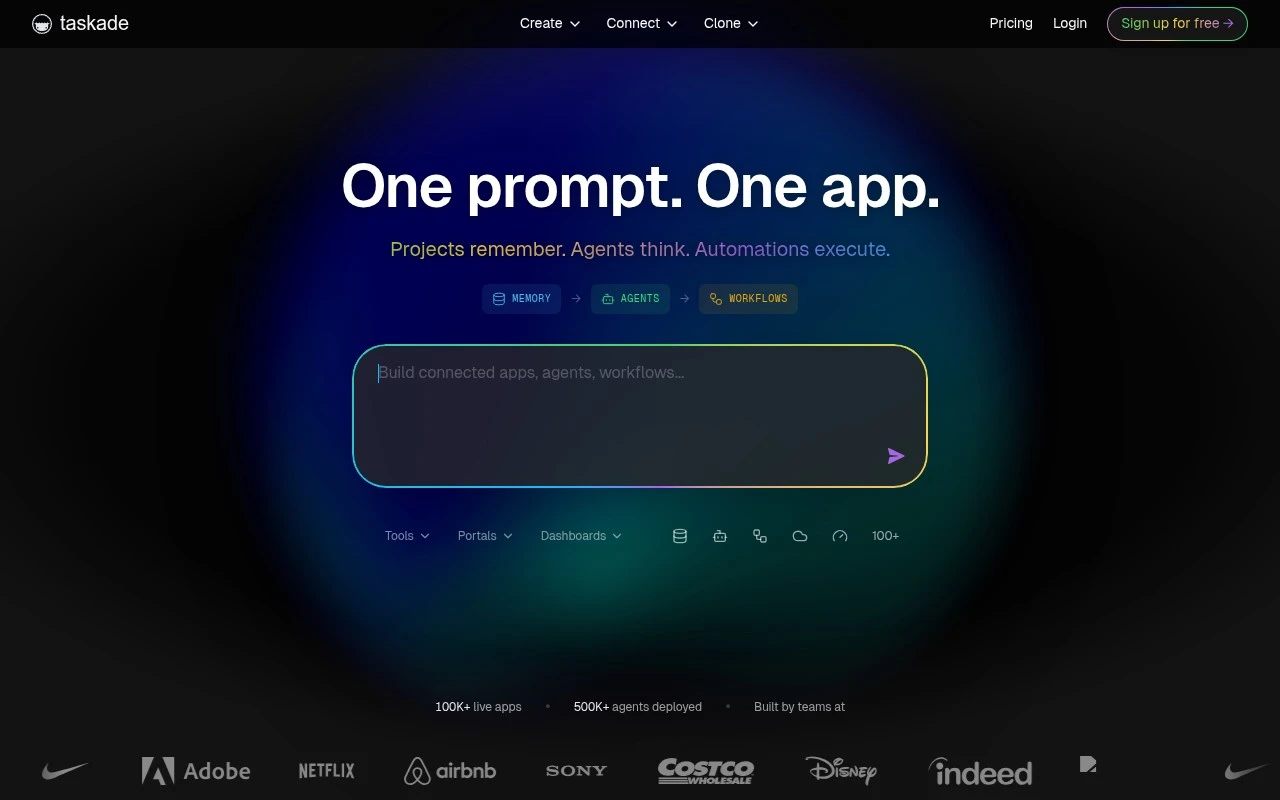
Taskade is an AI-powered workspace for creating task lists, project plans, notes, mind maps, and shared team documents in one collaborative environment. It supports real-time collaboration, chat, and built-in AI agents to help generate, organize, and manage work.
Task & Project Management
FYAI Score
7.9 / 10
Based on 616 reviews
Pricing:
Freemium
Best for:
Operators and founders building internal business systems without coding
Score Breakdown
- Ease of use7.3 / 10
- Features8.2 / 10
- Pricing9.1 / 10
- Integrations7.9 / 10
- Support7.1 / 10
 | Strengths |
-
 Best suited to business operators who need working internal tools quickly because prompts can generate live apps instead of requiring separate database, frontend, agent, and automation setup.
 -
Strong fit for small teams that want one workspace for apps, tasks, data, agents, and integrations because workflow context can stay connected across the system.
-
Useful for repeatable business workflows because AI agents and automations can act on workspace context rather than only answering questions in a chat interface.
 | Limitations |
-
 Less suitable for teams that need deeply custom software architecture because generated no-code business systems trade engineering control for speed and convenience.
 -
Less suitable for organisations already committed to separate best-of-breed tools because centralising apps, data, agents, and automations in Taskade can create workflow lock-in.
-
The freemium model is best for evaluation and light use because broader team usage, heavier automation, or production workflows are likely to require a paid plan.
 | 7.9/ 10Based on 740 reviews |
Fyxer
Meeting NotesEmail Assistant
Triages email, drafts replies, and summarizes meeting actions
Best for: | Sales teams |
Pricing | Paid |
 | 7.4/ 10Based on 442 reviews |
Genspark
Productivity
Creates outputs and dashboards from plain-English data questions
Best for: | Knowledge workers |
Pricing | Paid |
 | 8.4/ 10FYAI score |
Granola
Meeting NotesEmail Assistant
Writes meeting notes, action items, and follow-up briefs
Best for: | Knowledge workers |
Pricing | Freemium |