Curated ToolThis tool is part of our curated AI directory. We only include tools that meet our standards for relevance, usability and real-world value.

Scribe

Captures workflows and auto-generates step-by-step process docs

Productivity
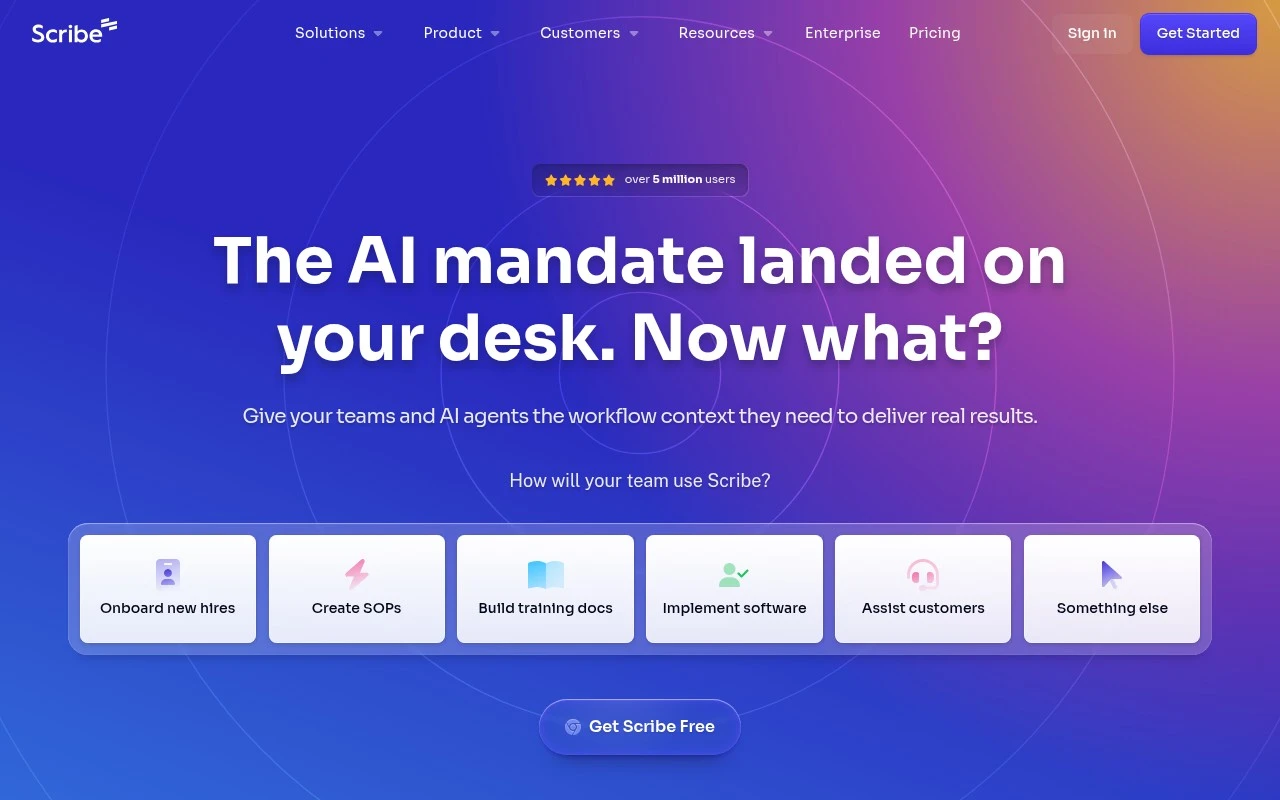
Scribe is a workflow documentation and workflow intelligence platform for teams. It records how work is done, turns that institutional knowledge into reusable process guides, and positions the resulting workflow data as context for training people, improving operations, and supporting AI agents.

FYAI Score

8.8 / 10

Based on 895 reviews

Pricing:

Freemium

Best for:

Ops and enablement teams documenting processes and onboarding at scale

Score Breakdown

  • Ease of use9.4 / 10
  • Features8.6 / 10
  • Pricing9.0 / 10
  • Integrations8.2 / 10
  • Support8.5 / 10

PRODUCT PREVIEW

What this AI tool does

Scribe is an AI tool designed to help people turn their work into clear, shareable documentation. It’s useful when you need to explain a process—such as completing a task in a web app, following an internal workflow, or onboarding someone new—without spending a lot of time writing everything from scratch. In practice, it supports creating step-by-step guides by capturing what you do and converting it into readable instructions that can be reviewed and edited. This can help teams keep procedures consistent, reduce back-and-forth questions, and maintain documentation that stays closer to how work is actually done. Because the output is meant for everyday use, scribe fits well in settings like customer support, operations, training, and product teams that need straightforward process documentation. It’s best suited for informational needs where clarity and accuracy matter more than elaborate formatting.

Use cases

Best for

Workflow to Sops

Scribe records your on screen steps as you work and converts them into step by step SOPs with screenshots and text.

Onboarding and Training Docs

Create shareable procedure guides from captured workflows so employees can follow consistent steps during onboarding or software rollouts.

Workflow Analysis Context

Review captured workflows to spot redundant steps and share the documented process as context for AI tools or agents.

ANALYSIS

Strengths & limitations

Strengths
  • Reduces the manual effort required to create process documentation by capturing workflows as people work.
  • Supports team training, onboarding, SOP creation, software implementation, and AI-agent context from the same workflow knowledge base.
  • Includes enterprise-oriented security and compliance positioning, including automatic redaction and standards such as SOC 2 Type II, HIPAA, GDPR, CCPA, and FERPA.
Limitations
  • Best suited to repeatable business workflows; it is not positioned as a general-purpose writing, note-taking, or knowledge-base tool.
  • Its usefulness depends on teams capturing and maintaining accurate workflow data.
  • The official page makes broad claims about AI workflow analysis and agent performance, but does not fully explain the underlying methods or limits.

Evaluation

FYAI score breakdown

Our structured evaluation across five key criteria

8.8 / 10

Overall score

Based on 895 reviews

  • Ease of use9.4 / 10
  • Features8.6 / 10
  • Pricing9.0 / 10
  • Integrations8.2 / 10
  • Support8.5 / 10

What users say

Findings from public reviews, documentation and community sources.

  • Ease of use

    G2’s 895-review product page rates Scribe 4.8/5 and says users “most consistently highlight how easy it is to use.” G2’s product page cites “simple setup and automatic screenshot capture that documents processes as the work happens.”

  • Features

    Scribe’s pricing page lists “AI-powered automatic capture,” on-screen walkthroughs, desktop/web capture, and exports to PDF/HTML/Markdown/Word.

  • Pricing

    Scribe’s pricing page lists a Free Basic plan, Pro Personal at “$35” monthly or “$25 per seat per month” yearly, Pro Team at “$17” monthly or “$13 per seat per month” yearly starting at 5 seats, and custom Enterprise.

  • Integrations

    Scribe’s pricing page lists “Confluence integration,” “Enterprise search API,” “Slack bot integration,” and “Custom AI assistants integration.”

  • Support

    Scribe’s pricing page includes “Customer support” and “Customer success,” and the site surfaces “Support” and “Help Center.”

Who is this for?

Best for teams that need to turn live workflows into documentation, G2’s 895-review product page cites “simple setup and automatic screenshot capture that documents processes as the work happens.” Less suited to solo buyers who want the team plan without a seat minimum, Scribe’s pricing page says Pro Team starts at 5 seats.

PRODUCT PREVIEW

Feature highlights

Auto process capture

Record workflows and instantly generate step-by-step documentation.

Reusable SOP library

Organize guides into a shared knowledge base anyone can follow.

Workflow intelligence

Use workflow data to spot gaps, improve ops, and support AI agents.

COMPARE

Discover curated alternatives worth comparing

Compare similar AI tools based on features, pricing and use cases

7.8/ 10Based on 31 reviews

Wudpecker

Meeting NotesSummarization
Turns meeting recordings into notes, summaries, and action items
Best for:
Knowledge workers
Pricing
Freemium

9.0/ 10Based on 1.589 reviews

Toggl Track

Time & Habit Tracking
Tracks time with automatic activity detection and reporting.
Best for:
Operations teams
Pricing
Freemium

8.5/ 10Based on 2.648 reviews

Todoist

Task & Project Management
Organize, schedule, and share tasks with AI-assisted planning
Best for:
Knowledge workers
Pricing
Freemium

Turn any workflow into clear, shareable guides in minutes. Join teams using Scribe to capture knowledge fast and keep everyone aligned.

FAQ

Frequently asked
questions

Everything you need to know about this AI tool,
its features, pricing, use cases, and limitations.

Is Scribe a good fit for my use case?
This tool is designed for clearly defined workflows where consistency and speed matter. It performs best when the use case matches its core functionality. Testing against real tasks is recommended before adoption.
Is Scribe free, and what do paid plans include?
Most tools provide a limited free tier or trial. Paid plans usually increase usage limits and unlock advanced features. Pricing should be reviewed before production use.
How does Scribe compare to similar tools?
It focuses on a specific workflow with predictable output. Alternatives may differ in pricing, integrations, or flexibility. Comparing based on your primary use case is advised.
How quickly can I get started with Scribe?
Limitations often relate to customization depth or usage caps. Some outputs may still require human review. Understanding these limits early prevents surprises.
How does Scribe handle data and privacy?
Data handling depends on the provider’s policies and infrastructure. Users should review retention and privacy terms carefully. Sensitive data should be handled with caution.