
Curated ToolThis tool is part of our curated AI directory. We only include tools that meet our standards for relevance, usability and real-world value.
Routine
Routine is a productivity app that combines calendar, tasks, notes, and contacts in one workspace. It helps users capture to-dos, plan their schedule, prepare meetings, and organize follow-ups from a daily agenda.
Meeting NotesSummarization

FYAI Score
8.4 / 10
FYAI rating based on features, pricing and integrations
Pricing:
Freemium
Best for:
Busy professionals managing tasks, meetings, and daily planning in one place
Score Breakdown
- Ease of use7.7 / 10
- Features8.3 / 10
- Pricing9.0 / 10
- Integrations9.1 / 10
- Support7.9 / 10
 | Strengths |
-
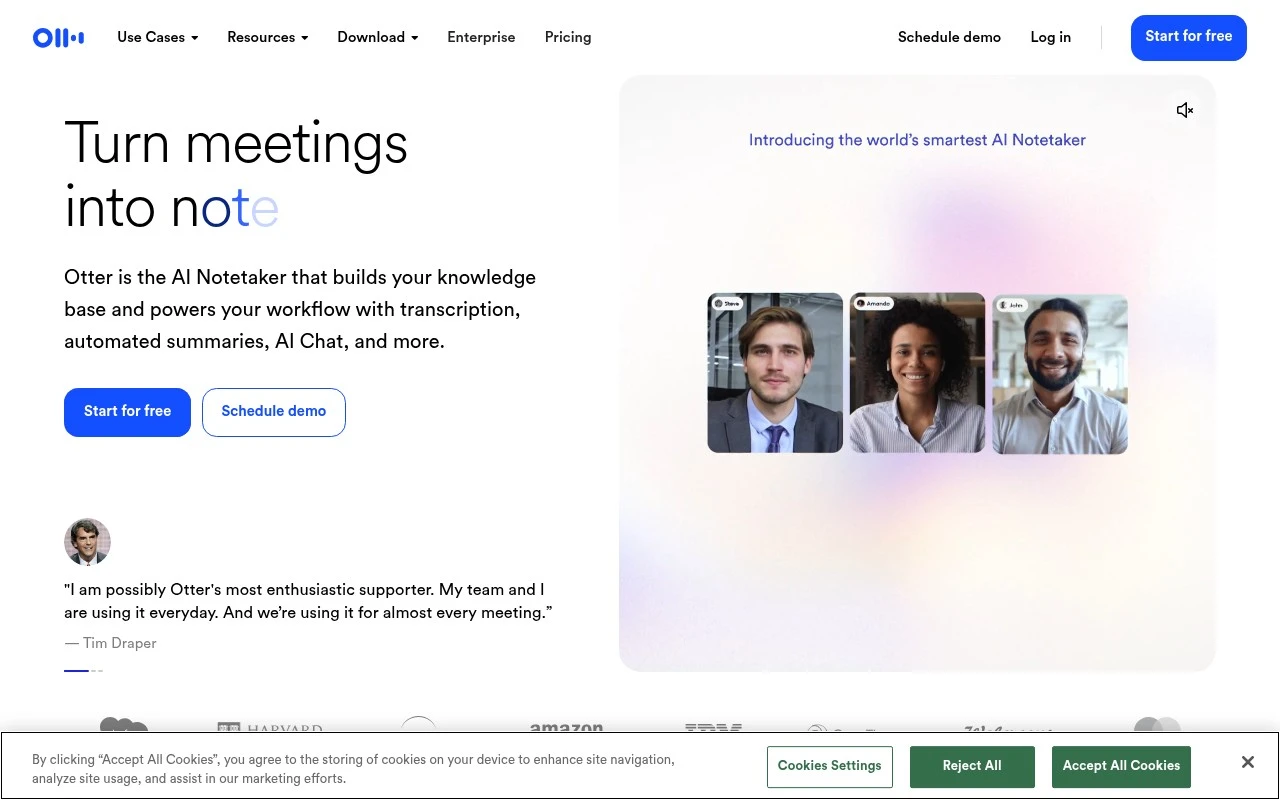
 Best suited to meeting-heavy teams because it captures conversations from bots, desktop recording, browser, mobile, and uploaded media in one workflow.
 -
Useful for fast follow-up because it turns meetings into live transcripts, summaries, action items, and searchable records.
-
Strong fit for sales, operations, education, recruiting, and media teams because conversation insights can feed collaboration, CRM, and project-management workflows.
 | Limitations |
-
 Less suitable for teams that mainly need task management or scheduling because its core value is meeting capture and conversation knowledge.
 -
Less suitable for highly confidential conversations unless recording consent, data retention, and access controls fit the organisation’s policies.
-
The freemium model can constrain frequent users because heavier transcription, storage, or team workflow needs typically require a paid plan.
 | 7.9/ 10Based on 740 reviews |
Fyxer
Meeting NotesEmail Assistant
Triages email, drafts replies, and summarizes meeting actions
Best for: | Sales teams |
Pricing | Paid |
 | 7.4/ 10Based on 442 reviews |
Genspark
Productivity
Creates outputs and dashboards from plain-English data questions
Best for: | Knowledge workers |
Pricing | Paid |
 | 8.4/ 10FYAI score |
Granola
Meeting NotesEmail Assistant
Writes meeting notes, action items, and follow-up briefs
Best for: | Knowledge workers |
Pricing | Freemium |