
Curated ToolThis tool is part of our curated AI directory. We only include tools that meet our standards for relevance, usability and real-world value.
Read.ai
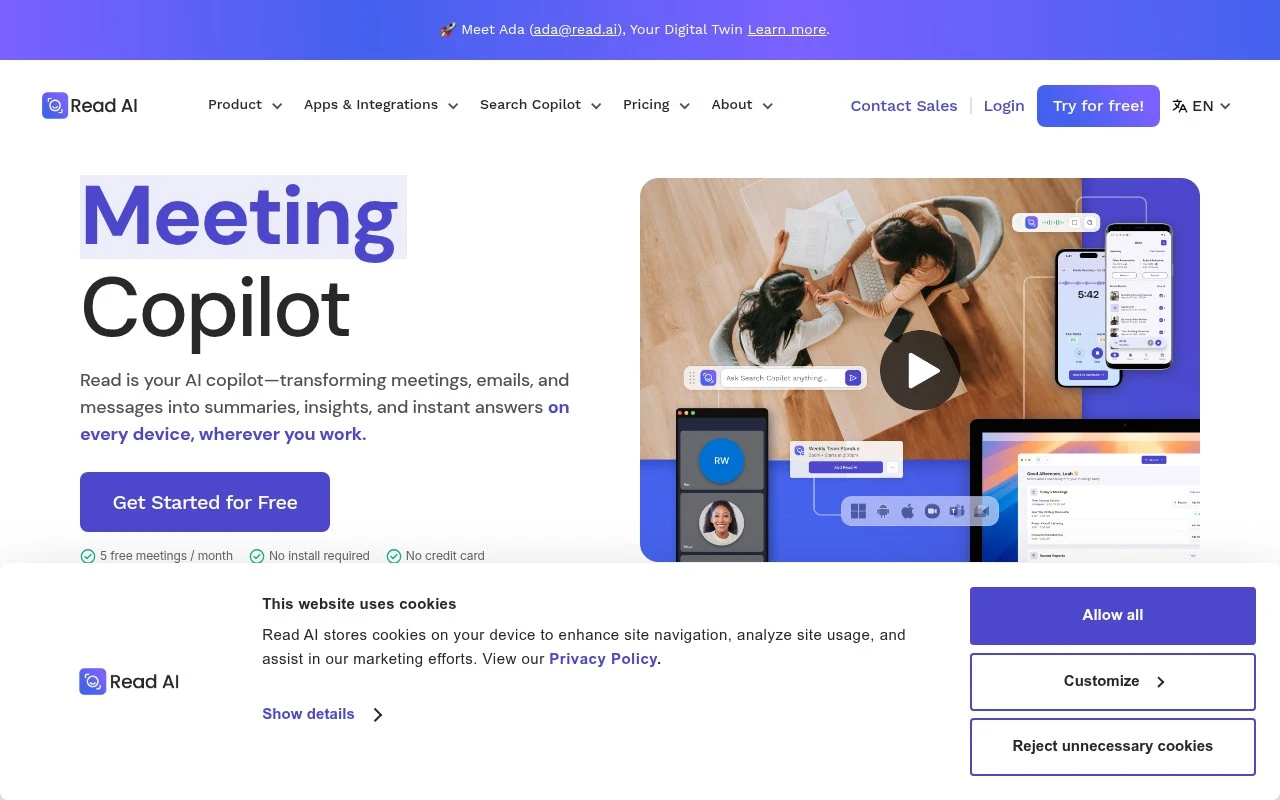
Read.ai is an AI meeting assistant that records and transcribes online meetings, then generates summaries, action items, and searchable notes. It also provides meeting analytics such as talk time, sentiment, and engagement signals for platforms like Zoom, Google Meet, and Microsoft Teams.
Meeting NotesKnowledge Search

FYAI Score
7.9 / 10
Based on 103 reviews
Pricing:
Freemium
Best for:
Knowledge workers who run frequent meetings and need searchable context
Score Breakdown
- Ease of use7.1 / 10
- Features7.8 / 10
- Pricing8.5 / 10
- Integrations8.7 / 10
- Support7.5 / 10
 | Strengths |
-
 Strong fit for meeting-heavy teams because it turns calls into transcripts, summaries, highlights, and action items across Zoom, Google Meet, and Microsoft Teams.
 -
Useful for managers and executives because Ask Read lets them retrieve context across connected meetings, email, and messages instead of searching separate note documents.
-
Good for follow-through because extracted action items and structured summaries help turn discussions into trackable next steps.
 | Limitations |
-
 Less suitable for teams with strict communication-data boundaries because its strongest value comes from connecting meetings, email, and messaging into one searchable layer.
 -
Setup is heavier when used as intended because connecting calendars, meeting platforms, email, messaging, browser, desktop, and mobile workflows requires permissions and change management.
-
The freemium model is better for trial use than broad deployment because higher-volume teams should expect paid subscription needs as usage and feature requirements grow.
 | 7.9/ 10Based on 740 reviews |
Fyxer
Meeting NotesEmail Assistant
Triages email, drafts replies, and summarizes meeting actions
Best for: | Sales teams |
Pricing | Paid |
 | 7.4/ 10Based on 442 reviews |
Genspark
Productivity
Creates outputs and dashboards from plain-English data questions
Best for: | Knowledge workers |
Pricing | Paid |
 | 8.4/ 10FYAI score |
Granola
Meeting NotesEmail Assistant
Writes meeting notes, action items, and follow-up briefs
Best for: | Knowledge workers |
Pricing | Freemium |