Curated ToolThis tool is part of our curated AI directory. We only include tools that meet our standards for relevance, usability and real-world value.

Plus AI

Draft, rewrite, and format editable slides in PowerPoint or Slides

Productivity
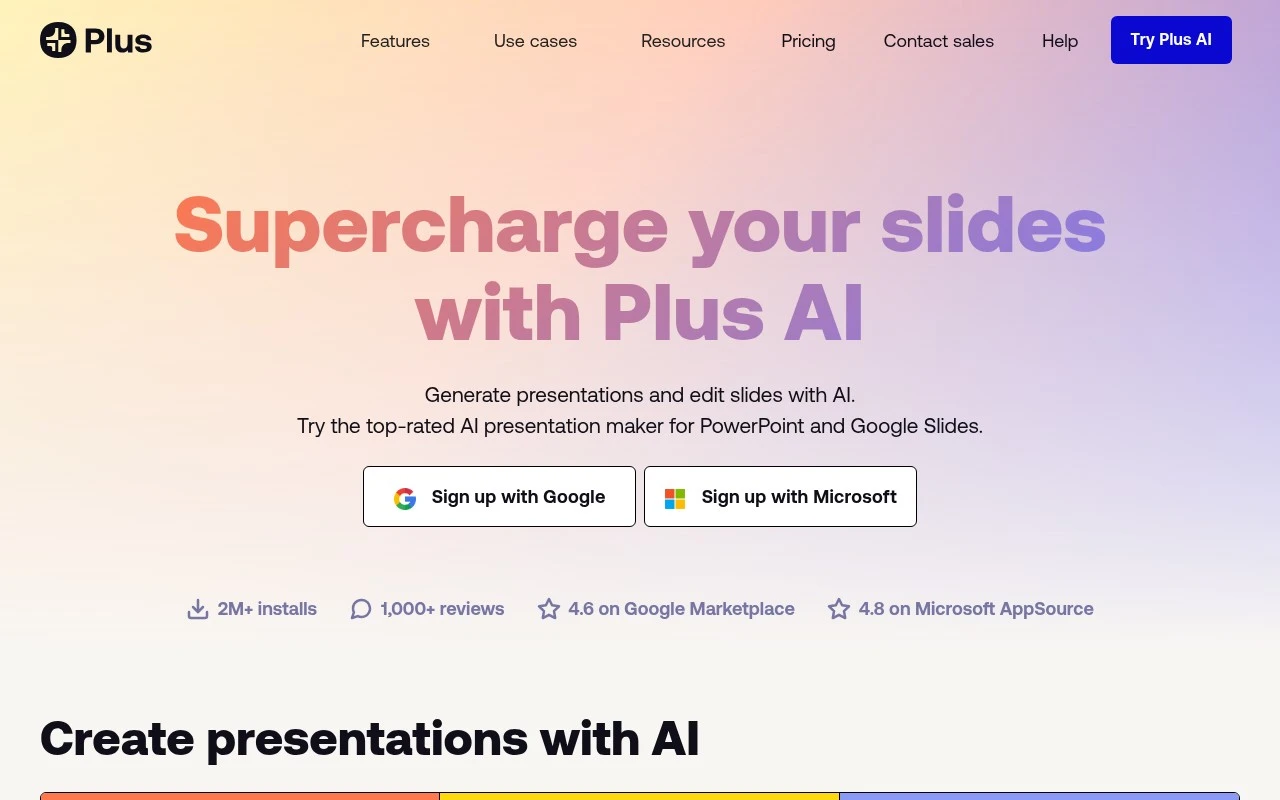
Plus AI is an AI add-on for PowerPoint and Google Slides. It helps users generate presentations from prompts or uploaded files, add individual slides, rewrite slide text, and reformat existing content into editable layouts. Its main distinction is that it works directly in the presentation tools many teams already use, producing native PPTX and Google Slides outputs rather than requiring a separate presentation app.

FYAI Score

7.5 / 10

Based on 10 reviews + FYAI product analysis

Pricing:

Paid

Best for:

Consultants and business teams building client-ready decks fast

Score Breakdown

  • Ease of use7.7 / 10
  • Features7.4 / 10
  • Pricing7.8 / 10
  • Integrations7.6 / 10
  • Support7.1 / 10

PRODUCT PREVIEW

What this AI tool does

Plus AI is an AI tool designed to help people create and refine written content with less manual effort. It can be used to turn rough notes into clearer drafts, improve wording and structure, and adapt text for different audiences or formats while keeping the original intent. In practice, it’s useful for everyday writing tasks such as emails, summaries, short reports, and other documents where clarity and consistency matter. Users typically provide a prompt or existing text, then review and edit the output to match their preferred tone, level of detail, and any specific requirements. As with most AI writing tools, results can vary depending on the input and context, so it works best when you provide specific instructions and verify important details. plus-ai can support faster drafting and iteration, but it should be treated as an assistant rather than a replacement for human judgment.

Use cases

Best for

Presentation Generation

Plus AI generates native PowerPoint or Google Slides decks from a prompt or uploaded document directly inside your slide editor.

Rewrite Content

It rewrites slide text in place and can reformat existing content into editable slide layouts in PowerPoint or Google Slides.

ANALYSIS

Strengths & limitations

Strengths
  • Works directly inside PowerPoint and Google Slides, reducing the need to move work into a separate slide-making tool.
  • Supports multiple starting points, including prompts, presets, PDFs, Word documents, PowerPoint files, and text files.
  • Includes professional slide workflow features such as rewrite, remix, custom instructions, preset libraries, templates, images, icons, charts, and team branding support.
Limitations
  • The free option is limited to a 7-day trial, with continued use requiring a paid plan.
  • It is designed around PowerPoint and Google Slides workflows, so it may be less relevant for users who want a standalone presentation platform.
  • Generated presentations are positioned as usable drafts and may still require human review, editing, and design judgment.

Evaluation

FYAI score breakdown

Our structured evaluation across five key criteria

7.5 / 10

Overall score

Based on 10 reviews + FYAI product analysis

  • Ease of use7.7 / 10
  • Features7.4 / 10
  • Pricing7.8 / 10
  • Integrations7.6 / 10
  • Support7.1 / 10

What users say

Findings from public reviews, documentation and community sources.

  • Ease of use

    A Reddit user in r/powerpoint described Plus AI as fitting Google Slides workflows: “If your team lives in Google Slides, this is the answer. Works as an add-on, zero learning curve. Smooth iterations and great collab.”

  • Features

    Plusdocs.com says Plus AI can “Start from a prompt,” upload “PDF, Word document (.docx), PowerPoint (.pptx), or text file,” and “Rewrite and reformat slides in one click,” with team branding.

  • Pricing

    The Plus AI pricing page lists a “7-day trial,” Basic at “$10 per user/month, billed annually,” Pro at $20, Team at $30, and Max at $200. The Plus AI pricing page states “1,500 AI credits per month” on Basic, and the trial requires a credit card while most usage is credit-metered below Max.

  • Integrations

    Plusdocs.com says Plus AI “works directly inside PowerPoint and Google Slides” and includes both Google and Microsoft sign-up paths.

  • Support

    A G2 review states: “Their customer support is nonexistent.” The Plus AI product page references a Help Center and priority email support on the Max tier.

Who is this for?

Best for teams that create presentations in Google Slides or PowerPoint, Plus AI “works directly inside PowerPoint and Google Slides,” so users can keep the slide workflow in those apps. Less suited to teams that need broad marketplace/API-oriented connectivity, the documented ecosystem is concentrated on the two core presentation ecosystems. Less suited to teams that want unrestricted lower-tier usage, most usage is credit-metered below Max, and Basic includes “1,500 AI credits per month.”

PRODUCT PREVIEW

Feature highlights

Prompt to slides

Generate complete presentations from a prompt in your existing deck.

Turn docs into decks

Upload text or files and convert them into editable slide layouts.

Rewrite & reformat

Improve slide text and restructure content into clean, native slides.

COMPARE

Discover curated alternatives worth comparing

Compare similar AI tools based on features, pricing and use cases

7.8/ 10Based on 31 reviews

Wudpecker

Meeting NotesSummarization
Turns meeting recordings into notes, summaries, and action items
Best for:
Knowledge workers
Pricing
Freemium

9.0/ 10Based on 1.589 reviews

Toggl Track

Time & Habit Tracking
Tracks time with automatic activity detection and reporting.
Best for:
Operations teams
Pricing
Freemium

8.5/ 10Based on 2.648 reviews

Todoist

Task & Project Management
Organize, schedule, and share tasks with AI-assisted planning
Best for:
Knowledge workers
Pricing
Freemium

Create polished, consistent documents in minutes instead of hours. Start using Plus AI today to speed up workflows and keep every deliverable on-brand.

FAQ

Frequently asked
questions

Everything you need to know about this AI tool,
its features, pricing, use cases, and limitations.

What types of teams and documents is Plus AI a good fit for?
Plus AI tends to fit small to mid-sized teams that produce repeatable business documents like proposals, contracts, SOWs, and client-facing templates. It’s most useful when you want consistent formatting and faster first drafts across a sales, ops, or legal-adjacent workflow. If your documents are highly bespoke or require complex legal review, you may still need significant manual editing.
Does Plus AI have a free plan, and what are the practical limitations compared to paid tiers?
Plus AI may offer a free trial or limited access depending on current packaging, but most teams evaluating it for production use should expect paid tiers for full template customization and workflow features. The main differences typically show up in usage limits, advanced template controls, and team/admin capabilities. If you need multi-user collaboration and standardized outputs, plan on a paid plan.
How does Plus AI compare with general-purpose writing tools or document automation platforms?
Compared with general-purpose AI writing tools, Plus AI is usually more structured around reusable document templates and repeatable business outputs rather than one-off drafting. Versus heavier document automation platforms, it can be quicker to adopt but may be less flexible for complex conditional logic or specialized document types. If you’re comparing, prioritize whether you need strict workflow automation or faster standardized drafting.
How long does it take to set up Plus AI for a real workflow?
Plus AI can struggle with highly specialized documents that require nuanced domain rules, complex clauses, or strict conditional structures. You may also need a human review layer to ensure accuracy, especially for legal or compliance-sensitive content. Cost can be a factor if you need advanced features and multiple seats.
What should I check about data privacy, security, and compliance when evaluating Plus AI?
Review Plus AI’s current security documentation for how it stores documents, whether data is used for model training, and what controls exist for access, retention, and deletion. Confirm whether it supports your requirements (e.g., SSO, audit logs, role-based access) and whether it aligns with frameworks your organization cares about. If you handle regulated data, validate contractual terms and any available compliance attestations before uploading sensitive content.