
Curated ToolThis tool is part of our curated AI directory. We only include tools that meet our standards for relevance, usability and real-world value.
Obsidian
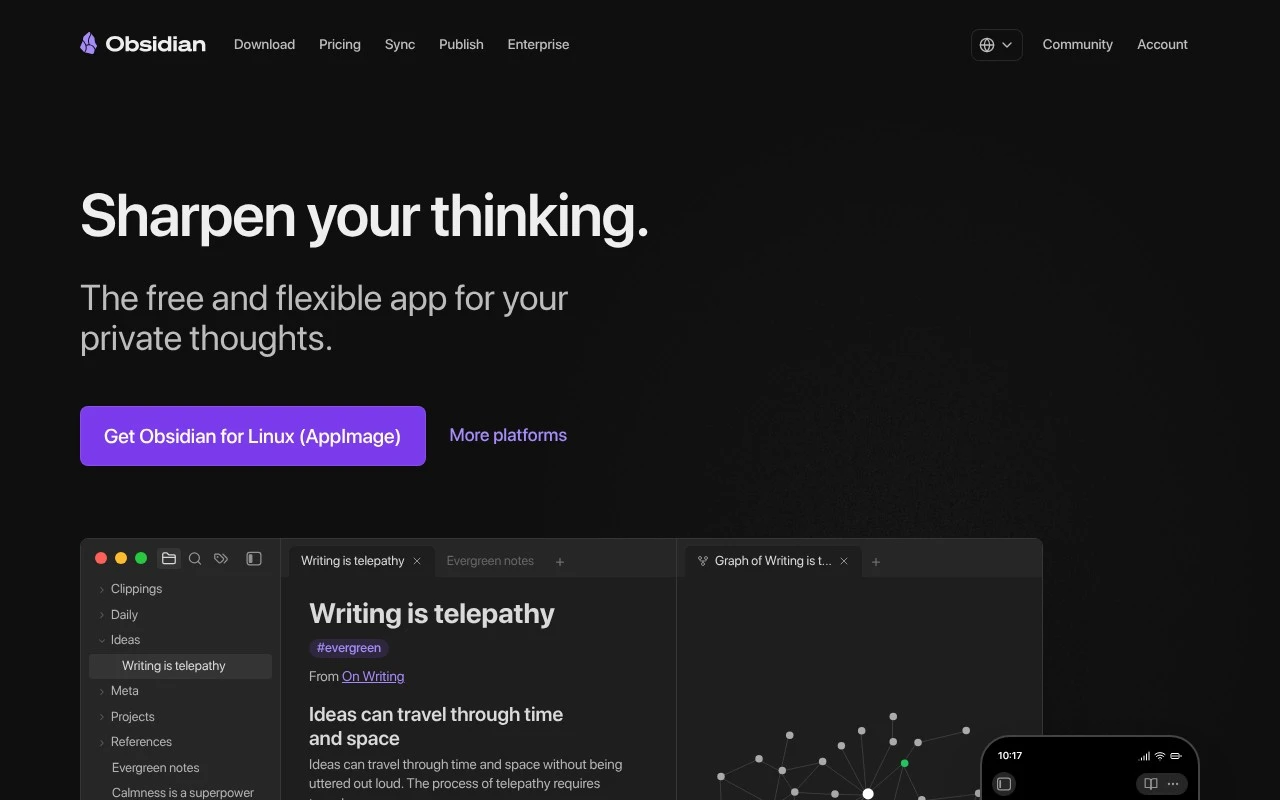
Obsidian is a note-taking and knowledge management app that stores notes as local Markdown files. It helps users connect ideas through links, backlinks, graph views, and a plugin system for customizing workflows.
Knowledge Search

FYAI Score
8.8 / 10
FYAI rating based on features, pricing and integrations
Pricing:
Freemium
Best for:
Knowledge workers building a personal knowledge base
Score Breakdown
- Ease of use7.4 / 10
- Features9.0 / 10
- Pricing9.4 / 10
- Integrations9.3 / 10
- Support9.2 / 10
 | Strengths |
-
 Best suited to privacy-conscious knowledge workers because notes are stored locally as plain-text Markdown files that remain portable and user-controlled.
 -
Strong for writers, students, and researchers because linked notes, graph views, and canvas workspaces help organise complex ideas and reference material.
-
Highly adaptable for long-term personal workflows because plugins, themes, and vault-based organisation let users tailor the system to their own process.
 | Limitations |
-
 Less suitable for teams that need a turnkey collaborative workspace because Obsidian is primarily local-first and collaboration depends on shared vault workflows.
 -
Less suitable for buyers seeking built-in AI automation because AI-specific behaviour depends on separate plugins or integrations rather than being native to the core app.
-
Can be heavier than simple note apps for casual users because Markdown, vault structure, links, and plugin choices create setup and maintenance work.
 | 7.9/ 10Based on 740 reviews |
Fyxer
Meeting NotesEmail Assistant
Triages email, drafts replies, and summarizes meeting actions
Best for: | Sales teams |
Pricing | Paid |
 | 7.4/ 10Based on 442 reviews |
Genspark
Productivity
Creates outputs and dashboards from plain-English data questions
Best for: | Knowledge workers |
Pricing | Paid |
 | 8.4/ 10FYAI score |
Granola
Meeting NotesEmail Assistant
Writes meeting notes, action items, and follow-up briefs
Best for: | Knowledge workers |
Pricing | Freemium |