Curated ToolThis tool is part of our curated AI directory. We only include tools that meet our standards for relevance, usability and real-world value.

NotebookLM

Summarizes and answers questions from your uploaded sources

Knowledge Search
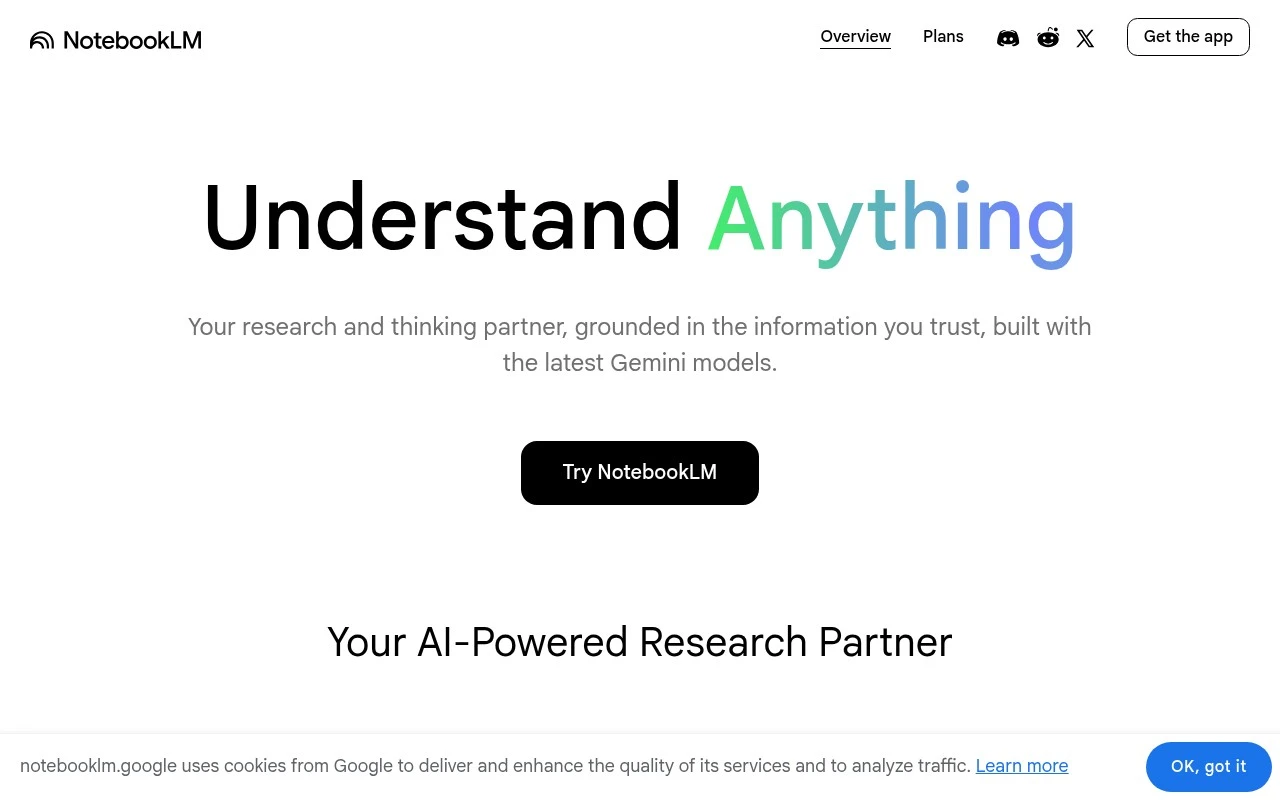
NotebookLM is Google’s AI research tool and thinking partner for working with source-based information. Users add materials to a notebook, then use AI to analyze those sources, clarify complex content, answer questions, and transform the material into useful formats for studying, writing, research, or planning.

FYAI Score

7.3 / 10

Based on 6 reviews + FYAI product analysis

Pricing:

Free

Best for:

Students and researchers working from dense source materials

Score Breakdown

  • Ease of use7.1 / 10
  • Features7.2 / 10
  • Pricing7.8 / 10
  • Integrations7.2 / 10
  • Support7.2 / 10

PRODUCT PREVIEW

What this AI tool does

NotebookLM is an AI-assisted notebook designed to help you work with your own documents and notes in a more structured way. Instead of starting from a blank page, it focuses on turning source material you provide into something easier to read, reference, and discuss. You can use it to ask questions about a set of files, pull out key points, and create summaries that stay grounded in the content you uploaded. This can be useful for studying, preparing briefs, organizing research, or reviewing meeting notes when you want quick clarity without manually scanning everything. Because it is built around your inputs, the quality of the results depends on the completeness and clarity of the material you add. It works best as a support tool for understanding and drafting, with you reviewing outputs for accuracy and context before relying on them.

Use cases

Best for

Source-Grounded Q and a

Ask questions about your uploaded or linked sources and get answers grounded in that material with citations to the relevant passages.

Document Summarization

NotebookLM summarizes your provided documents into clearer explanations and structured formats like bullet points, sections, and key takeaways.

Study and Briefing Aids

Generate outlines, FAQs, timelines, and audio overviews directly from your source content to support studying, briefing, or analysis.

ANALYSIS

Strengths & limitations

Strengths
  • Grounds its responses in user-provided sources rather than operating as a general-purpose chatbot alone.
  • Useful for condensing dense or scattered materials into summaries, explanations, and structured notes.
  • Distinctive for source-aware research workflows and generated audio-style overviews that help users review material in another format.
Limitations
  • Its usefulness depends heavily on the quality and completeness of the sources added by the user.
  • AI-generated answers and summaries still require verification, especially for academic, legal, medical, or high-stakes work.
  • It is best suited to research and comprehension workflows, not broad project management, database work, or fully automated content production.

Evaluation

FYAI score breakdown

Our structured evaluation across five key criteria

7.3 / 10

Overall score

Based on 6 reviews + FYAI product analysis

  • Ease of use7.1 / 10
  • Features7.2 / 10
  • Pricing7.8 / 10
  • Integrations7.2 / 10
  • Support7.2 / 10

What users say

Findings from public reviews, documentation and community sources.

  • Ease of use

    A Reddit discussion says NotebookLM is useful for people who “want to search documents and get insights,” but says it is “not as simple as just needing some information.”

  • Features

    A Reddit thread describes NotebookLM use to “search documents and get insights,” and another Reddit thread mentions a “new video function.” Google’s indexed plan/support snippets indicate notebook/source limits.

  • Pricing

    Google’s NotebookLM plans page lists concrete limits including “Up to 50 per notebook” and “Up to 100 per notebook,” plus Pro/Ultra regional availability. A Reddit user says the subscription has a “first month free” but that “USD 20 is really too much.”

  • Integrations

    Google Workspace says NotebookLM is “included in Workspace plans,” and the product flow supports uploading materials such as “meeting notes, reports and more.”

  • Support

    Google’s official support page covers “higher limits and premium features” and “Usage Limits.”

Who is this for?

Best for people who need to work from documents, Reddit users describe using NotebookLM to “search documents and get insights,” and Google Workspace says the product flow supports uploading “meeting notes, reports and more.” Less suited to users who only need quick information lookup, a Reddit discussion says NotebookLM is “not as simple as just needing some information,” so the workflow may require learning. Less suited to users choosing mainly for a broad native integration catalog or open API, the cited connectivity facts are Workspace inclusion and uploads such as “meeting notes, reports and more.”

PRODUCT PREVIEW

Feature highlights

Source-grounded Q&A

Ask questions and get answers based on your uploaded sources.

Cited insights

See where key points come from with quotes and source references.

Study & draft outputs

Turn notes into summaries, outlines, guides, and draft text fast.

COMPARE

Discover curated alternatives worth comparing

Compare similar AI tools based on features, pricing and use cases

7.8/ 10Based on 31 reviews

Wudpecker

Meeting NotesSummarization
Turns meeting recordings into notes, summaries, and action items
Best for:
Knowledge workers
Pricing
Freemium

9.0/ 10Based on 1.589 reviews

Toggl Track

Time & Habit Tracking
Tracks time with automatic activity detection and reporting.
Best for:
Operations teams
Pricing
Freemium

8.5/ 10Based on 2.648 reviews

Todoist

Task & Project Management
Organize, schedule, and share tasks with AI-assisted planning
Best for:
Knowledge workers
Pricing
Freemium

Turn your sources into instant understanding. Start using NotebookLM to ask better questions, align your team, and move from reading to decisions faster.

FAQ

Frequently asked
questions

Everything you need to know about this AI tool,
its features, pricing, use cases, and limitations.

What types of teams and workflows is NotebookLM a good fit for?
NotebookLM works best for teams that need to synthesize information from a set of documents (e.g., project specs, research PDFs, meeting notes) and keep a shared, queryable workspace. It’s a strong option for research-heavy roles, product teams, and internal enablement where people frequently need to cite sources and align on “what the docs say.” If your workflow is primarily task management or long-form writing, you may find a dedicated project tool or editor a better primary hub.
Is NotebookLM free, and what are the practical limitations compared to paid options?
NotebookLM is available at no cost for many users, but limits can apply around usage and access depending on your Google account type and region. Paid Google Workspace tiers can matter more for admin controls, organizational access, and enterprise governance than for core note-taking features. If you need guaranteed business support, centralized admin policies, or stricter data controls, compare what your Workspace plan includes before standardizing on it.
How does NotebookLM compare with Notion, Confluence, or Microsoft OneNote for team knowledge management?
NotebookLM is more focused on working from a curated set of sources and generating answers grounded in those materials, rather than being a full wiki or database like Notion or Confluence. OneNote is often better for free-form note capture and offline use, while NotebookLM tends to be stronger for summarizing and cross-referencing uploaded or linked documents. If your team needs structured pages, permissions by space, and deep workflow integrations, a wiki-first tool may fit better.
How quickly can a team get started with NotebookLM, and what onboarding effort should you expect?
NotebookLM is less compelling if you rely on robust offline access, heavy interface customization, or complex page/database structures. It also assumes you’re comfortable operating in the Google ecosystem for identity, sharing, and document sources. If your team needs a highly tailored workspace or works across multiple productivity suites, the fit may be uneven.
What should we know about data handling, privacy, and compliance when evaluating NotebookLM?
NotebookLM usage is tied to your Google account and, for organizations, your Google Workspace policies—so admin settings and contractual terms matter. Before uploading sensitive material, verify what data is stored, how long it’s retained, who can access notebooks, and whether your plan supports required controls (e.g., audit logs, DLP, region settings). For regulated environments, confirm with your security team that your Workspace tier and Google’s terms meet your compliance requirements.