
Curated ToolThis tool is part of our curated AI directory. We only include tools that meet our standards for relevance, usability and real-world value.
Motion
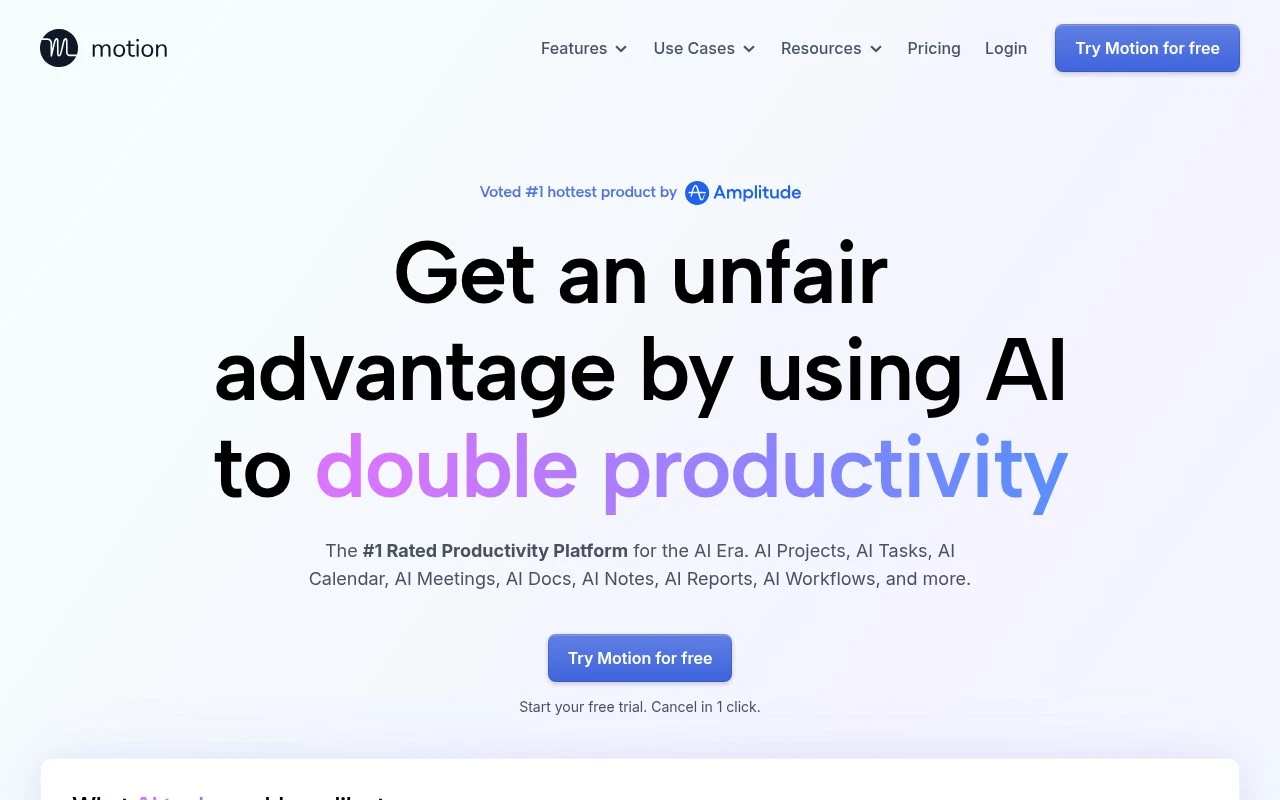
Motion is an AI scheduling and productivity app that combines calendars, tasks, and project management. It automatically plans work into your calendar based on priorities, deadlines, availability, and meeting schedules.
Meeting NotesScheduling & Calendar

FYAI Score
7.9 / 10
Based on 573 reviews
Pricing:
Free trial
Best for:
Busy professionals and teams juggling tasks, meetings, and deadlines
Score Breakdown
- Ease of use7.3 / 10
- Features8.8 / 10
- Pricing7.7 / 10
- Integrations7.7 / 10
- Support7.7 / 10
 | Strengths |
-
 Best suited to busy knowledge workers because its AI planner turns tasks, meetings, deadlines, and priorities into an automatically updated daily schedule.
 -
Useful for managers and project teams because it can generate project plans, update project status, summarize meetings, and assign action items in one workflow.
-
Helpful for operations-heavy teams because docs assistance, work-item search, and SOP-based workflow creation reduce the need to manage planning, notes, and execution in separate tools.
 | Limitations |
-
 Less suitable for people who only need a simple to-do list because Motion is built around structured tasks, projects, calendars, priorities, and scheduling rules.
 -
Less suitable for teams that prefer manual planning because the core experience depends on trusting automated prioritization and schedule changes.
-
The free-trial pricing model makes it a poor fit for buyers who need a permanently free productivity tool after evaluation.
 | 7.9/ 10Based on 740 reviews |
Fyxer
Meeting NotesEmail Assistant
Triages email, drafts replies, and summarizes meeting actions
Best for: | Sales teams |
Pricing | Paid |
 | 7.4/ 10Based on 442 reviews |
Genspark
Productivity
Creates outputs and dashboards from plain-English data questions
Best for: | Knowledge workers |
Pricing | Paid |
 | 8.4/ 10FYAI score |
Granola
Meeting NotesEmail Assistant
Writes meeting notes, action items, and follow-up briefs
Best for: | Knowledge workers |
Pricing | Freemium |