Curated ToolThis tool is part of our curated AI directory. We only include tools that meet our standards for relevance, usability and real-world value.
Meetgeek
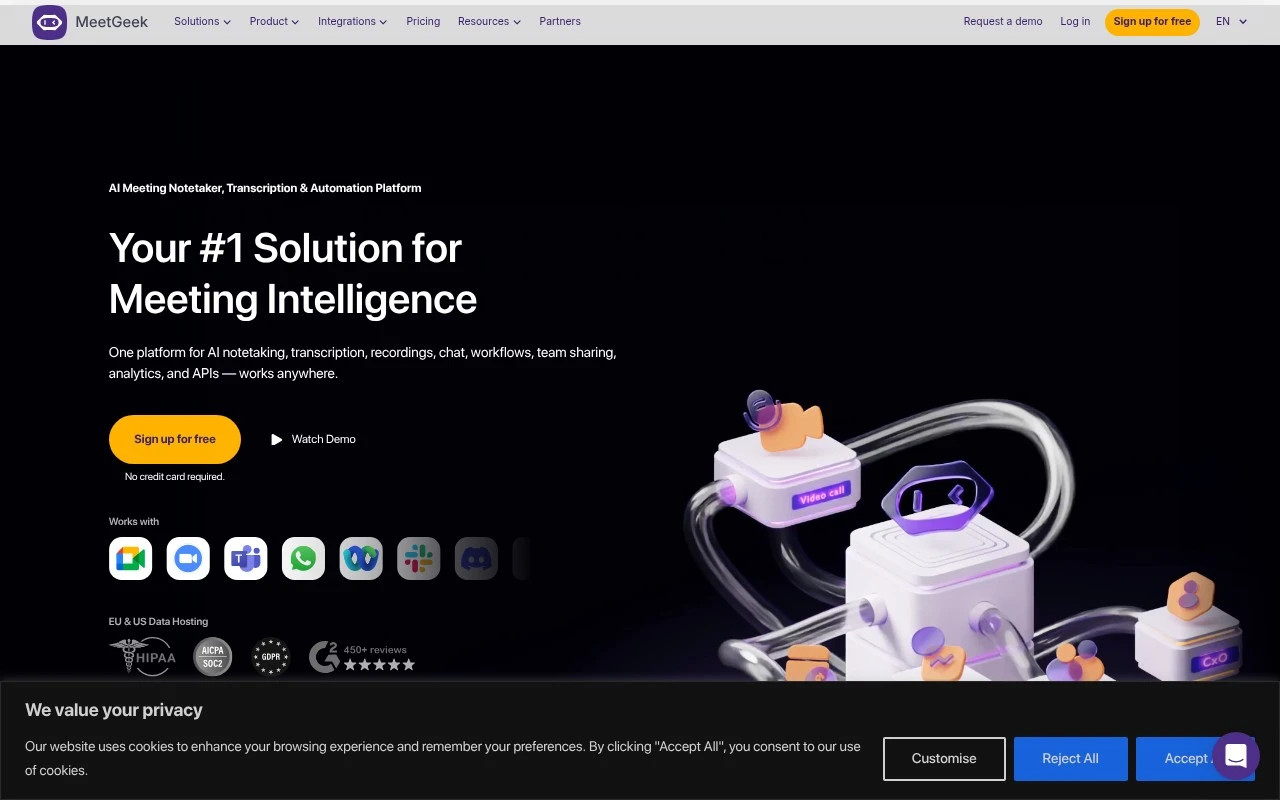
Meetgeek is an AI meeting assistant that records online meetings, can transcribe audio, and generates searchable transcripts, summaries, highlights, and action items for teams.
Meeting NotesSummarization

FYAI Score
8.5 / 10
Based on 490 reviews
Pricing:
Freemium
Best for:
Business teams that want meetings turned into notes and actions
Score Breakdown
- Ease of use8.8 / 10
- Features8.8 / 10
- Pricing7.4 / 10
- Integrations9.3 / 10
- Support8.4 / 10
 | Strengths |
-
 Strong fit for meeting-heavy teams because it combines transcripts, recordings, summaries, action items, searchable history, and team sharing in one workspace.
 -
Useful across online and offline conversations because it supports an automatic meeting agent, no-bot browser recording, mobile recording, uploaded files, dialer connections, and API capture.
-
Good for teams that want follow-through from meetings because structured insights, workflow automation, analytics, and integrations can turn discussions into shared actions across existing tools.
 | Limitations |
-
 Less suitable for individuals or very small teams that only need occasional raw transcription because its collaboration, automation, analytics, and knowledge-base features add unnecessary workflow overhead.
 -
The freemium model is best for evaluation because teams with regular meeting volume, longer retention, deeper collaboration, or automation needs should expect to move onto a paid subscription.
-
Teams in regulated or client-sensitive environments need clear consent, access-control, and retention policies because MeetGeek centralizes recordings, transcripts, and searchable conversation history.
 | 7.9/ 10Based on 740 reviews |
Fyxer
Meeting NotesEmail Assistant
Triages email, drafts replies, and summarizes meeting actions
Best for: | Sales teams |
Pricing | Paid |
 | 7.4/ 10Based on 442 reviews |
Genspark
Productivity
Creates outputs and dashboards from plain-English data questions
Best for: | Knowledge workers |
Pricing | Paid |
 | 8.4/ 10FYAI score |
Granola
Meeting NotesEmail Assistant
Writes meeting notes, action items, and follow-up briefs
Best for: | Knowledge workers |
Pricing | Freemium |