
Curated ToolThis tool is part of our curated AI directory. We only include tools that meet our standards for relevance, usability and real-world value.
Jamie AI
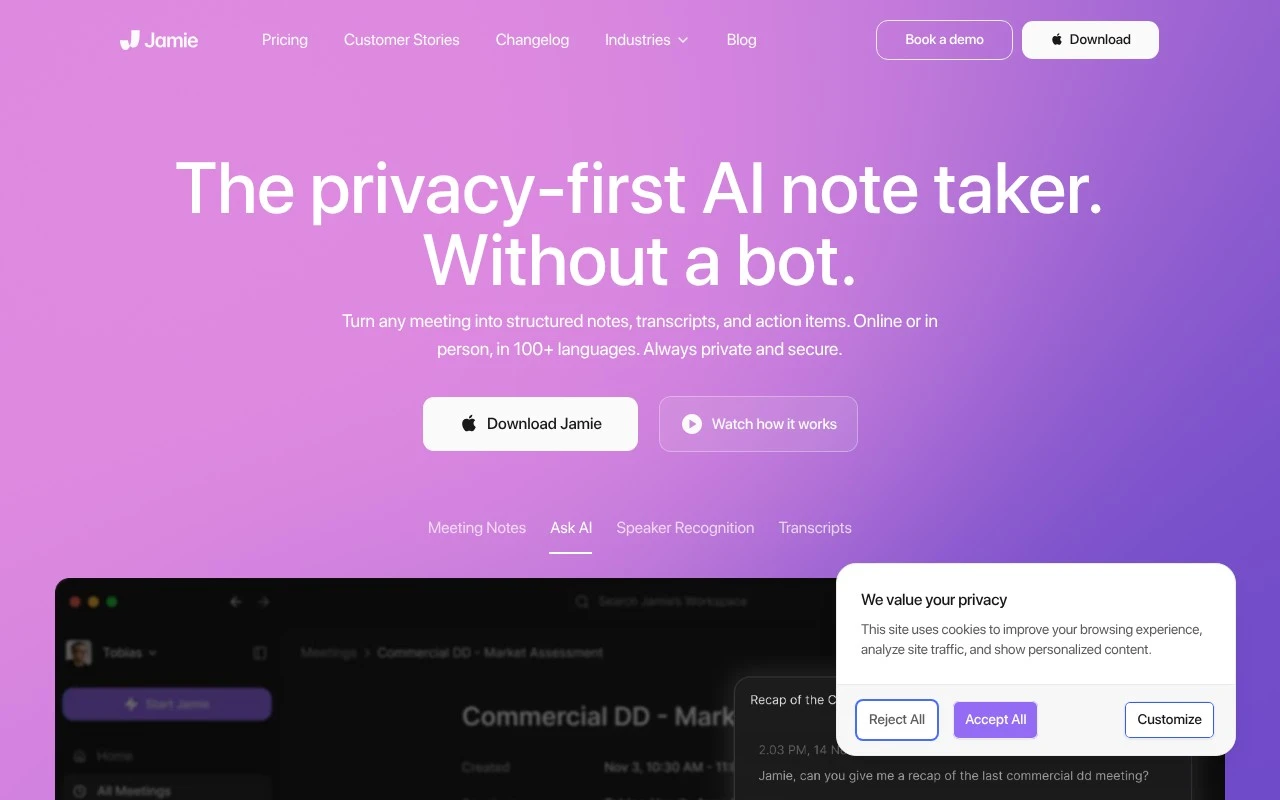
Jamie AI is an AI meeting assistant that can transcribe audio from online and in-person meetings and generate structured summaries, notes, and action items without requiring a meeting bot to join.
Meeting NotesSummarization

FYAI Score
8.7 / 10
Based on 27 reviews
Pricing:
Freemium
Best for:
Privacy-conscious teams that run frequent meetings and need reliable notes
Score Breakdown
- Ease of use8.7 / 10
- Features8.6 / 10
- Pricing8.5 / 10
- Integrations9.0 / 10
- Support8.6 / 10
 | Strengths |
-
 Bot-free capture suits teams that do not want an AI attendee joining calls, while still covering online meetings and offline conversations.
 -
Strong privacy positioning fits organizations handling sensitive discussions because Jamie AI emphasizes EU hosting, GDPR compliance, encryption, deleted audio after transcription, and no training on customer data.
-
Multilingual summaries, transcripts, speaker labels, and action items help international teams turn recurring meetings into searchable documentation without manual note taking.
 | Limitations |
-
 Less suitable for teams that cannot record meeting audio because Jamie AI still needs captured conversation data to generate notes and transcripts.
 -
Less suitable for organizations that want a visible in-meeting bot for attendance, disclosure, or live participant workflows because Jamie AI is designed around bot-free capture.
-
The freemium model is less suitable for high-volume meeting teams because heavier usage and advanced needs are likely to require a paid plan.
 | 7.9/ 10Based on 740 reviews |
Fyxer
Meeting NotesEmail Assistant
Triages email, drafts replies, and summarizes meeting actions
Best for: | Sales teams |
Pricing | Paid |
 | 7.4/ 10Based on 442 reviews |
Genspark
Productivity
Creates outputs and dashboards from plain-English data questions
Best for: | Knowledge workers |
Pricing | Paid |
 | 8.4/ 10FYAI score |
Granola
Meeting NotesEmail Assistant
Writes meeting notes, action items, and follow-up briefs
Best for: | Knowledge workers |
Pricing | Freemium |