
Curated ToolThis tool is part of our curated AI directory. We only include tools that meet our standards for relevance, usability and real-world value.
Grain
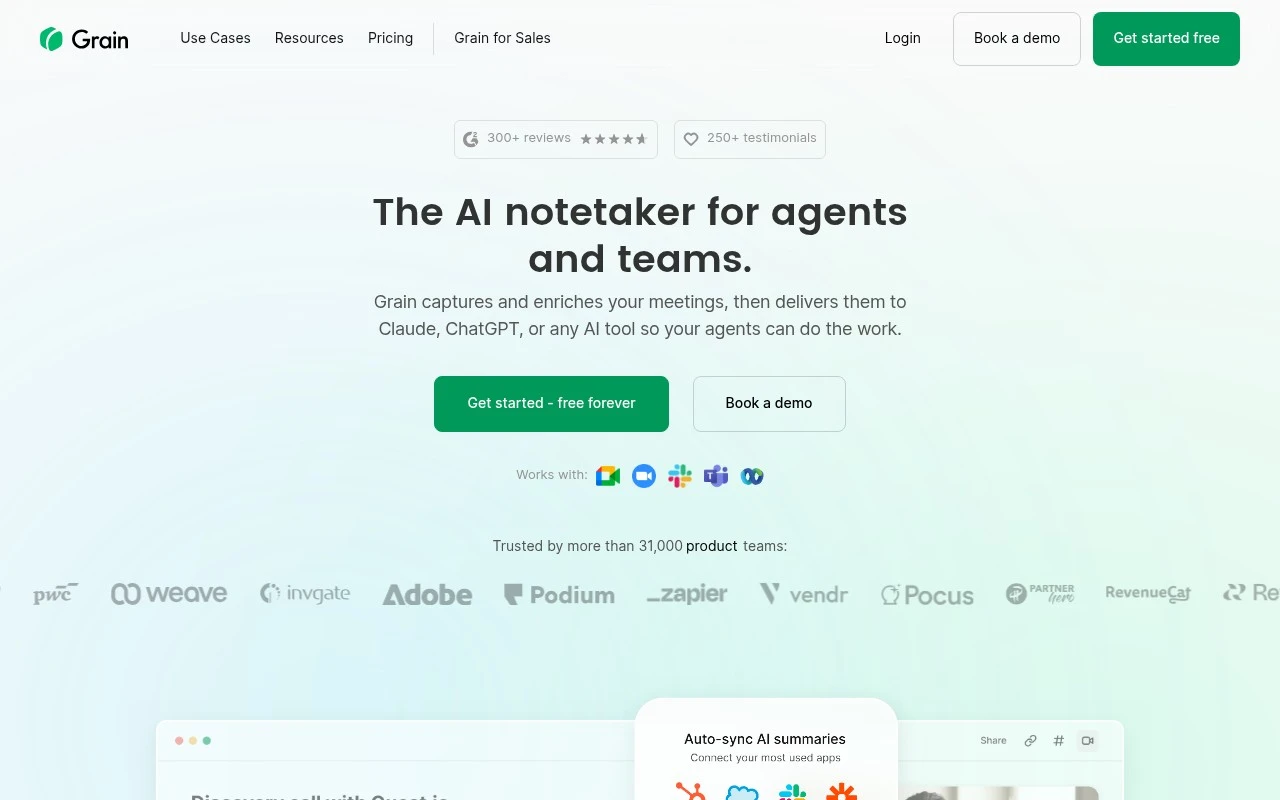
Grain is an AI meeting assistant that records, transcribes, and summarizes video meetings. It helps teams capture key moments, create shareable clips, and sync meeting insights to tools such as Salesforce, HubSpot, and Slack.
Meeting NotesSummarization

FYAI Score
8.5 / 10
Based on 309 reviews
Pricing:
Freemium
Best for:
Teams that run lots of meetings and need reliable notes and follow-ups
Score Breakdown
- Ease of use9.2 / 10
- Features8.3 / 10
- Pricing8.1 / 10
- Integrations9.0 / 10
- Support7.8 / 10
 | Strengths |
-
 Best suited to meeting-heavy teams because it turns calls into transcripts, summaries, action items, clips, and searchable context in one workflow.
 -
Strong fit for multilingual teams because it transcribes meetings in 100+ languages and keeps meeting records usable across regions.
-
Useful for AI-forward teams because enriched Markdown exports, an MCP server, and an API let agents and external tools query meeting history.
 | Limitations |
-
 Less suitable for teams that do not rely heavily on live meetings because its value is centered on recorded conversations rather than broader project knowledge management.
 -
Less suitable for teams without technical or operations support because MCP, API, and AI-agent workflows require setup, governance, and integration decisions.
-
Freemium pricing can limit growing teams because higher-volume meeting capture, team workflows, or advanced usage are likely to require paid plans.
 | 7.9/ 10Based on 740 reviews |
Fyxer
Meeting NotesEmail Assistant
Triages email, drafts replies, and summarizes meeting actions
Best for: | Sales teams |
Pricing | Paid |
 | 7.4/ 10Based on 442 reviews |
Genspark
Productivity
Creates outputs and dashboards from plain-English data questions
Best for: | Knowledge workers |
Pricing | Paid |
 | 8.4/ 10FYAI score |
Granola
Meeting NotesEmail Assistant
Writes meeting notes, action items, and follow-up briefs
Best for: | Knowledge workers |
Pricing | Freemium |