Curated ToolThis tool is part of our curated AI directory. We only include tools that meet our standards for relevance, usability and real-world value.

Google Gemini

Conversational AI for writing, summarizing, coding, and multimodal Q&A

Meeting NotesEmail Assistant
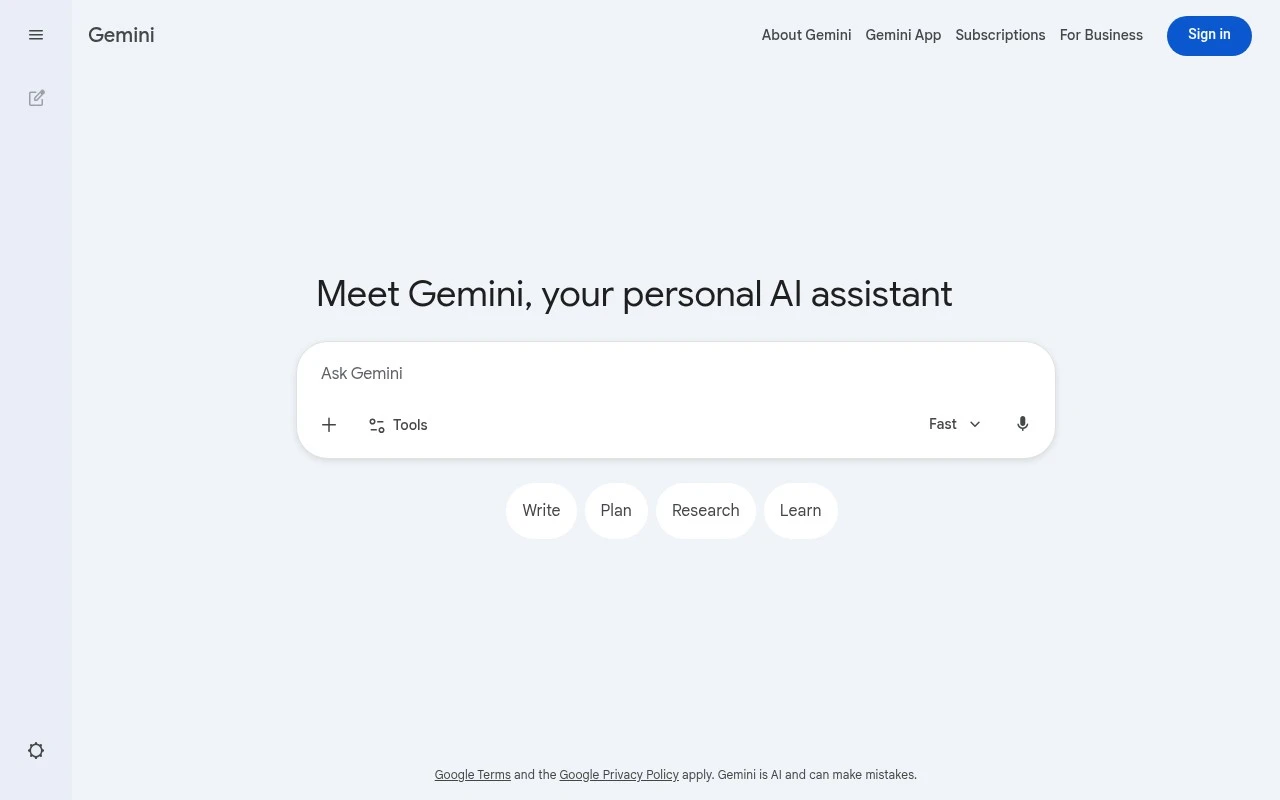
Google Gemini is a general-purpose AI chatbot and assistant available at gemini.google.com. It lets users converse with Google’s Gemini models to generate text, analyze or discuss uploaded images, get explanations, summarize material, brainstorm ideas, and receive coding or productivity help. Its distinction is its role as Google’s flagship consumer AI assistant, with access to Gemini model capabilities and varying levels of integration with Google products depending on account, region, and plan.

FYAI Score

8.1 / 10

Based on 977 reviews

Pricing:

Freemium

Best for:

Everyday Google users who want an AI assistant for work and life

Score Breakdown

  • Ease of use7.8 / 10
  • Features8.1 / 10
  • Pricing7.7 / 10
  • Integrations9.0 / 10
  • Support8.4 / 10

PRODUCT PREVIEW

What this AI tool does

Google Gemini is an AI tool designed to help people work with information and language in a more efficient way. It can be used to interpret prompts, generate text, and assist with everyday tasks where clear writing or quick synthesis is useful. In practice, it fits informational needs such as drafting and refining content, summarizing material, or exploring ideas through guided questions. The quality of results depends on how specific your input is, so providing context, constraints, and examples can help produce more accurate and relevant outputs.

Use cases

Best for

AI Assistant

Use Google Gemini as a chat assistant to draft text, explain concepts, summarize documents, and answer questions from images you upload.

Keyword Research

Use Gemini to generate keyword ideas, cluster them by intent, and draft query variations from a seed topic you provide in chat.

Analyze Data

Use Gemini to interpret pasted tables or CSV text, calculate basic metrics, and summarize trends and outliers in plain language.

ANALYSIS

Strengths & limitations

Strengths
  • Broad general-purpose capability across writing, research, learning, coding, and multimodal prompts.
  • Backed by Google’s Gemini models and closely tied to the Google ecosystem.
  • Accessible through a simple web chat interface for everyday users as well as more technical users.
Limitations
  • Responses can be inaccurate, incomplete, or overconfident and still require verification.
  • Feature availability, model access, integrations, and limits can vary by country, account type, and subscription plan.
  • Users should be cautious with sensitive data because prompts may be handled under Google’s service and privacy terms.

Evaluation

FYAI score breakdown

Our structured evaluation across five key criteria

8.1 / 10

Overall score

Based on 977 reviews

  • Ease of use7.8 / 10
  • Features8.1 / 10
  • Pricing7.7 / 10
  • Integrations9.0 / 10
  • Support8.4 / 10

What users say

Findings from public reviews, documentation and community sources.

  • Ease of use

    A Reddit thread about Gemini AI describes Gemini as “the most practical AI” and “fast,” while another comment in the same supplied snippet says “A disaster for me.”

  • Features

    A Reddit thread about Gemini AI says “Gemini 2.0 is multi-modality and fast.”

  • Pricing

    The Gemini subscriptions page lists “Starting at: $99.99 / month” for a plan with “Gemini in Gmail, Docs, and more” and “5 TB of cloud storage.”

  • Integrations

    Google Support says Connected Apps in Gemini can “Summarize emails from Gmail, create events in Google Calendar or third-party apps,” and also mentions help with code.

  • Support

    Google Support provides documentation for “Use & manage Connected Apps in Gemini.”

Who is this for?

Best for users who work in Google apps, Google Support says Connected Apps can “Summarize emails from Gmail, create events in Google Calendar or third-party apps,” so Gemini can fit email and calendar tasks. Less suited to users seeking a lower-cost conversational-AI pro subscription, the Gemini subscriptions page lists “Starting at: $99.99 / month” for the cited plan.

PRODUCT PREVIEW

Feature highlights

Chat for anything

Draft, rewrite, explain, and brainstorm with natural conversation.

Image understanding

Upload images to analyze, describe, and discuss what you see.

Coding help

Generate code, debug errors, and get step-by-step explanations.

COMPARE

Discover curated alternatives worth comparing

Compare similar AI tools based on features, pricing and use cases

8.1/ 10FYAI score

Helply

Customer Support BotsKnowledge Base Bots
Answers support tickets, drafts replies, and flags churn risk
Best for:
Customer support teams
Pricing
Freemium

8.7/ 10Based on 7.757 reviews

Zoho Desk

Customer Support BotsKnowledge Base Bots
Uses Zia AI to triage tickets, draft replies, and flag issues
Best for:
Customer support teams
Pricing
Freemium

7.8/ 10Based on 31.824 reviews

Zoho

Customer Support Bots
Cloud suite for CRM, finance, HR, and business operations
Best for:
Operations teams
Pricing
Freemium

Start working faster with Google Gemini—turn ideas into clear drafts, answers, and plans in minutes. See why teams use it to stay aligned and move work forward.

FAQ

Frequently asked
questions

Everything you need to know about this AI tool,
its features, pricing, use cases, and limitations.

What types of teams and workflows is Google Gemini a good fit for?
Google Gemini tends to fit teams already operating in Google Workspace that want fast drafting, summarization, and Q&A across emails, docs, and meeting notes. It’s also useful for customer support, sales, and ops teams that need quick responses and content variations with shared context. If your workflow depends heavily on offline work or deep project-management customization, you may want to compare alternatives.
What’s the difference between the free and paid versions of Google Gemini?
The free Gemini experience is typically sufficient for light, individual use, but it may have tighter usage limits and fewer business controls. Paid options (often via Google Workspace add-ons or enterprise plans) generally add stronger admin management, security features, and higher capacity. Exact availability and features can vary by region and Workspace edition, so it’s worth checking your tenant’s plan details.
How does Google Gemini compare with Microsoft Copilot or ChatGPT for business use?
Google Gemini is usually the most straightforward choice if your organization lives in Gmail, Google Docs, Drive, and Meet, because the workflow integration is the main differentiator. Microsoft Copilot can be a better fit for companies standardized on Microsoft 365 apps and policies. ChatGPT often wins on breadth of third-party integrations and flexible tooling, but may require more setup to align with enterprise governance.
How quickly can a team get started with Google Gemini, and what onboarding is involved?
Google Gemini is less compelling in low-connectivity environments because offline functionality is limited. Teams coming from non-Google ecosystems may face a learning curve, especially around Workspace-centric workflows. It can also feel less customizable than dedicated project-management or knowledge-base tools if you need highly tailored processes.
What should we know about data privacy, retention, and compliance when using Google Gemini?
For business use, confirm whether your Gemini access is covered under your Google Workspace terms, including how prompts and outputs are handled and whether they’re used to improve models. Review admin controls, audit logs, and data residency options relevant to your plan, and validate alignment with requirements like SOC 2, ISO 27001, HIPAA, or GDPR as applicable. If you handle sensitive data, involve security/legal to set policies on what content can be submitted and how outputs are stored.