Curated ToolThis tool is part of our curated AI directory. We only include tools that meet our standards for relevance, usability and real-world value.

Fireflies.ai

Records meetings, transcribes audio, and extracts summaries and tasks

Meeting NotesSummarization
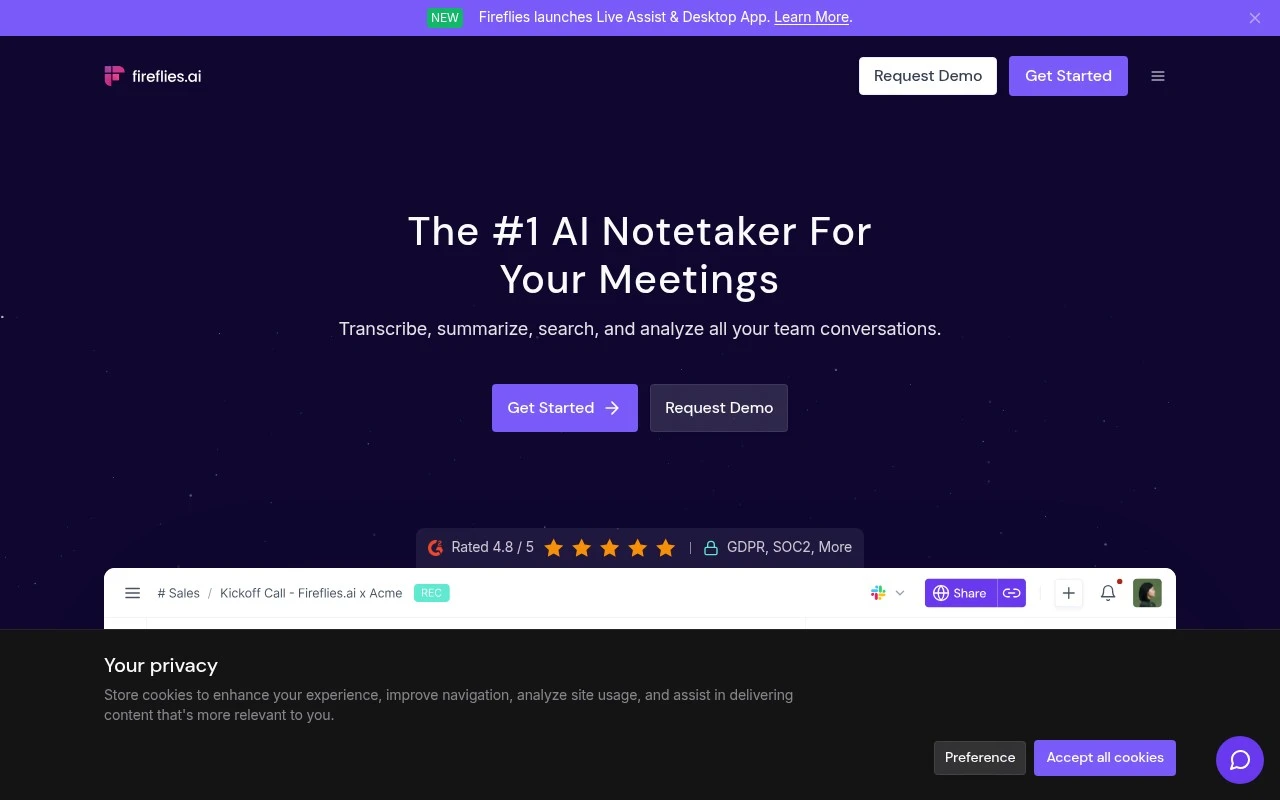
Fireflies.ai.ai is best understood as an AI notetaker and conversation-intelligence system for work meetings. It can join calendar meetings as a bot, record through browser, desktop, mobile, dialer, file upload, or API workflows, then produce transcripts, summaries, action items, and searchable meeting records. Its differentiators are the breadth of capture methods, team-wide searchable conversation memory, AI Q&A over meetings through AskFred, conversation analytics such as speaker talk time and topic tracking, and integrations that push notes or tasks into CRM, project-management, Slack, and other work tools.

FYAI Score

9.0 / 10

Based on 751 reviews

Pricing:

Free trial

Best for:

Sales and customer-facing teams who live in meetings

Score Breakdown

  • Ease of use8.9 / 10
  • Features9.3 / 10
  • Pricing9.2 / 10
  • Integrations8.8 / 10
  • Support8.6 / 10

PRODUCT PREVIEW

What this AI tool does

Fireflies.ai is an AI tool designed to help teams capture and make sense of spoken conversations, such as meetings, interviews, or customer calls. It focuses on turning audio into usable written information so people can review what was said without relying on memory or manual note-taking. In practice, it records or connects to a call, produces a transcript, and helps organize key parts of the discussion for later reference. This can be useful for sharing summaries with teammates, tracking decisions, and keeping a searchable record of conversations. For anyone researching meeting transcription and conversation documentation, fireflies can fit into workflows where accuracy and follow-up matter. It’s typically used by individuals and teams who want a consistent way to document discussions and reduce the time spent writing notes after a call.

Use cases

Best for

Meeting Notes

Fireflies.ai joins your calendar meetings to record, transcribe, and generate summaries and action items you can search later.

Transcribe Audio

Upload a file or record via browser, desktop, mobile, or dialer to get a timestamped transcript and searchable keywords.

Crm Automation

Send meeting notes and action items into your CRM via integrations or API to auto-fill call logs and follow-up tasks.

ANALYSIS

Strengths & limitations

Strengths
  • Supports many capture paths, including meeting bot, Chrome extension, mobile app, desktop app, dialers, API, and uploaded audio or video files.
  • Combines transcription, summaries, action items, speaker recognition, search, AI Q&A, and conversation analytics in one meeting knowledge base.
  • Connects meeting content to business workflows through CRM, project-management, Slack, ATS, API, MCP, and AI Skills integrations.
Limitations
  • Its value depends on recording and storing conversations, which may require participant consent, internal policy review, and careful security configuration.
  • It is centered on meetings and conversation records; it is not a full CRM, project-management system, or task manager by itself.
  • The official page makes broad claims about meetings, email, chat, CRM, and apps, but the supplied content gives the most concrete detail for meeting capture, transcription, summaries, search, analytics, and integrations.

Evaluation

FYAI score breakdown

Our structured evaluation across five key criteria

9.0 / 10

Overall score

Based on 751 reviews

  • Ease of use8.9 / 10
  • Features9.3 / 10
  • Pricing9.2 / 10
  • Integrations8.8 / 10
  • Support8.6 / 10

What users say

Findings from public reviews, documentation and community sources.

  • Ease of use

    G2 shows 4.7/5 from 751 reviews for Fireflies.ai, and one reviewer says Fireflies.ai is "fast and flexible" and reliable for both virtual and in-person meetings. Fireflies.ai positions meeting capture around auto-joining calendar meetings and multiple apps/extensions.

  • Features

    Fireflies.ai says it can "Transcribe, summarize, search, and analyze" conversations and supports "100+ Languages." Fireflies.ai also lists speaker recognition, AskFred, and "200+ AI Skills."

  • Pricing

    The Fireflies.ai pricing page lists a "Free forever" plan with unlimited transcription and AI summaries, plus paid tiers at Pro "$10 per seat / month, billed annually," Business "$19," and Enterprise "$39." The Fireflies.ai pricing page discloses usage limits such as storage minutes, AI credits, and recording limits in the plan table.

  • Integrations

    Fireflies.ai lists CRM integrations, project-management integrations, ATS connections, Slack, dialers such as Aircall and RingCentral, and an API. The Fireflies.ai pricing page includes "API access" and "Unlimited integrations" on paid tiers.

  • Support

    The Fireflies.ai pricing page lists "Priority support," "Dedicated support," and an "Onboarding program." The Fireflies.ai FAQ directs users to write to support by email for additional questions.

Who is this for?

Best for teams that need meeting capture across languages and post-meeting workflows, Fireflies.ai says it can "Transcribe, summarize, search, and analyze" conversations, supports "100+ Languages," and lists task/contact workflows. Less suited to buyers who want the same support experience on every plan, the pricing page separates "Priority support," "Dedicated support," and an "Onboarding program" by tier.

PRODUCT PREVIEW

Feature highlights

Meetings captured

Join calls or record anywhere—web, app, dialer, uploads, or API.

Notes & action items

Auto transcripts, summaries, and follow-ups you can share in seconds.

Search + AskFred Q&A

Search all meetings and ask questions to instantly find key moments.

COMPARE

Discover curated alternatives worth comparing

Compare similar AI tools based on features, pricing and use cases

7.8/ 10Based on 31 reviews

Wudpecker

Meeting NotesSummarization
Turns meeting recordings into notes, summaries, and action items
Best for:
Knowledge workers
Pricing
Freemium

9.0/ 10Based on 1.589 reviews

Toggl Track

Time & Habit Tracking
Tracks time with automatic activity detection and reporting.
Best for:
Operations teams
Pricing
Freemium

8.5/ 10Based on 2.648 reviews

Todoist

Task & Project Management
Organize, schedule, and share tasks with AI-assisted planning
Best for:
Knowledge workers
Pricing
Freemium

Join teams that leave every meeting with clear, shareable notes. Start capturing decisions and action items automatically with Fireflies.ai today.

FAQ

Frequently asked
questions

Everything you need to know about this AI tool,
its features, pricing, use cases, and limitations.

What types of teams and meetings is Fireflies.ai a good fit for?
Fireflies.ai works best for teams that run frequent video calls and need consistent notes, action items, and searchable transcripts across projects. It’s commonly used by sales, customer success, recruiting, and product teams that want a record of decisions and follow-ups. If your work is mostly async or you rarely meet, the value tends to be lower compared with lighter note tools.
How do Fireflies.ai’s free and paid plans differ in practice?
The free tier is typically enough to test recording and transcription quality, but it’s usually constrained by limits on storage, advanced features, and admin controls. Paid plans are where you generally get more robust integrations, longer retention, and team-level management. If you need organization-wide rollout, plan on a paid tier to avoid hitting usage caps quickly.
How does Fireflies.ai compare with Otter, Fathom, or Gong for meeting notes?
Compared with Otter, Fireflies.ai is often evaluated for its workflow integrations and team search across meeting history, while Otter is frequently chosen for straightforward transcription. Versus Fathom, Fireflies.ai is more oriented toward a centralized meeting repository and cross-tool integrations, while Fathom is often favored for lightweight personal use. Against Gong, Fireflies.ai is generally a broader meeting-notes tool rather than a full revenue intelligence platform with deep sales coaching analytics.
How quickly can a team get Fireflies.ai running, and what onboarding is required?
Transcription quality can drop with poor audio, heavy accents, or multiple people talking over each other, which affects summaries and action items. If you need highly structured outputs (e.g., strict templates per meeting type), you may need additional manual cleanup or a different tool. Costs can also add up for small teams if you require advanced features for everyone.
What should we check about Fireflies.ai data privacy, retention, and compliance before adopting it?
Confirm where recordings/transcripts are stored, how long data is retained, and whether you can configure deletion and access controls to match internal policy. Review available security features (e.g., SSO/SAML, role-based access) and any compliance documentation relevant to your industry. Also validate consent requirements for recording in the regions you operate, since meeting capture may require notifying participants.