Curated ToolThis tool is part of our curated AI directory. We only include tools that meet our standards for relevance, usability and real-world value.

Fathom

Transcribes meetings and generates summaries and action items.

Meeting NotesSummarization
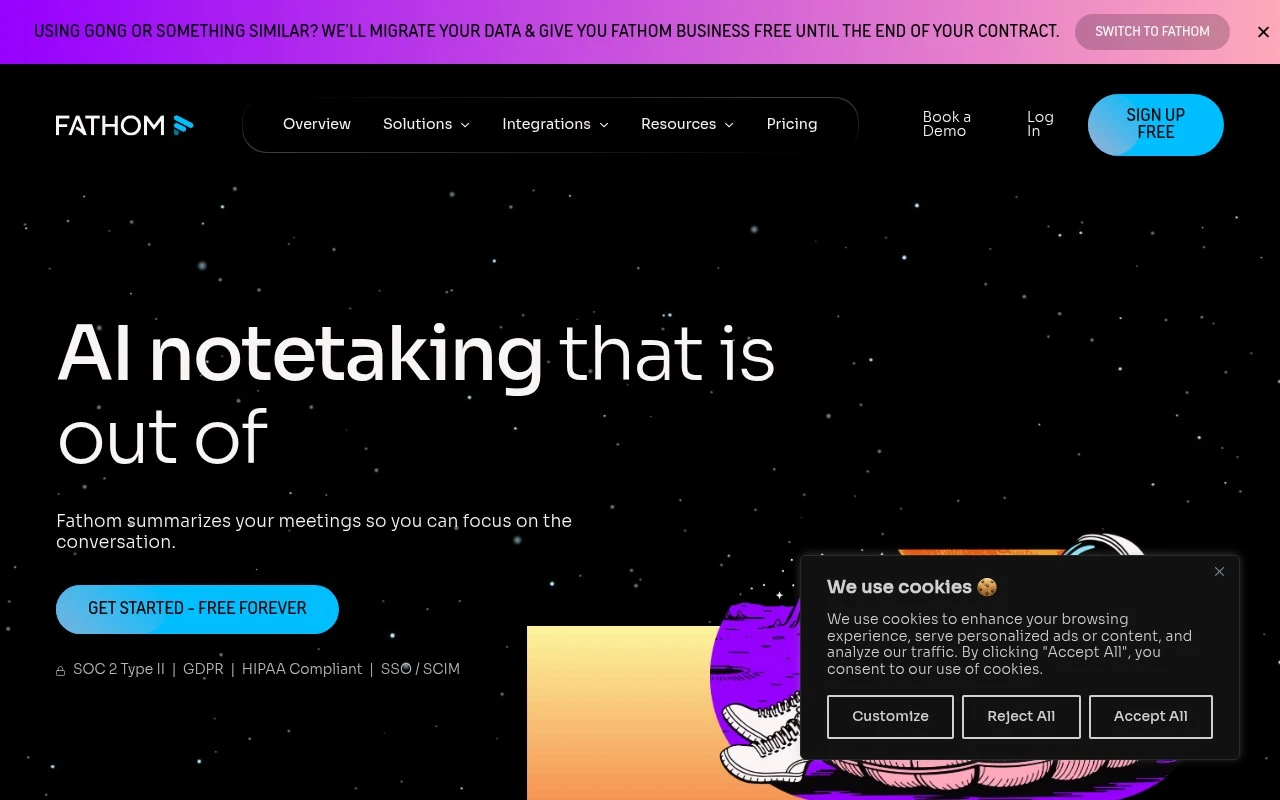
Fathom is an AI notetaking tool for meetings. It captures calls, produces transcripts and summaries, extracts action items and key moments, and makes past conversations searchable through features such as Ask Fathom. The product is aimed at both individuals and teams that want a shared record of meetings and less manual follow-up work. Its official site emphasizes bot-free capture, team visibility, customizable summaries, integrations with collaboration and CRM tools, and compliance claims including SOC 2 Type II, GDPR, HIPAA, SSO, and SCIM.

FYAI Score

9.3 / 10

Based on 6.929 reviews

Pricing:

Freemium

Best for:

Sales and customer-facing teams who need fast, reliable meeting notes

Score Breakdown

  • Ease of use9.4 / 10
  • Features9.3 / 10
  • Pricing9.4 / 10
  • Integrations9.2 / 10
  • Support9.2 / 10

PRODUCT PREVIEW

What this AI tool does

Fathom is an AI tool designed to help people capture and organize information from conversations and written content. It focuses on turning raw notes into clearer summaries and structured takeaways, which can be useful when you need to review what was discussed without rereading everything. In practice, it can support common workflows like meeting follow-ups, project updates, and personal knowledge management by extracting key points and presenting them in a more digestible format. The goal is to make it easier to recall decisions, track action items, and share a concise record with others. Because it is intended for informational use, the quality of results can depend on the clarity of the source material and the context provided. It’s generally best used as a starting point for review, with a quick human check before relying on the output for important decisions or external communication.

Use cases

Best for

Meeting Notes

Fathom records meetings and generates a transcript, summary, and action items you can share with your team.

Transcribe Audio

Use Fathom to capture meeting audio and convert it into a searchable transcript with speaker attribution.

Audio Summarization

Fathom summarizes recorded calls into key points and highlights so you can review decisions without replaying audio.

ANALYSIS

Strengths & limitations

Strengths
  • Supports automatic transcripts, summaries, action items, and searchable meeting history.
  • Offers both bot-based and bot-free meeting capture according to the official site.
  • Designed to connect meeting outputs with common work tools, including Slack, Salesforce, HubSpot, Notion, Asana, Google Meet, Zoom, and Microsoft Teams.
Limitations
  • Best suited to meeting documentation and conversation intelligence, not general-purpose note-taking outside meetings.
  • Team-level value depends on adoption across meetings and integration with existing CRM or collaboration workflows.
  • The public page gives high-level positioning, so buyers should verify exact pricing, platform support, capture behavior, and data-handling requirements before rollout.

Evaluation

FYAI score breakdown

Our structured evaluation across five key criteria

9.3 / 10

Overall score

Based on 6.929 reviews

  • Ease of use9.4 / 10
  • Features9.3 / 10
  • Pricing9.4 / 10
  • Integrations9.2 / 10
  • Support9.2 / 10

What users say

Findings from public reviews, documentation and community sources.

  • Ease of use

    G2 reports a 5/5 rating across 6,929 reviews, with users praising Fathom for “ease of use” and accurate meeting summaries that let them focus on conversations. Capterra’s review signal says Fathom is “much easier and more intuitive to use.”

  • Features

    Fathom’s pricing page lists unlimited recordings/transcriptions, instant AI summaries, AI action items, and bot or bot-free capture.

  • Pricing

    Fathom’s pricing page lists the Individual Free plan as “Free forever” with unlimited recordings and transcriptions. Fathom’s pricing page lists Premium at $20/month, Team at $19/user/month, and Business at $34/user/month with annual discounts, plus a 90-day guarantee and nonprofit and startup programs.

  • Integrations

    Fathom’s pricing page lists integrations including Slack, Salesforce, HubSpot, Zoom, Google Meet, Microsoft Teams, Zapier, Make, Claude, and ChatGPT. Fathom’s pricing page also references CRM syncs and “Public API & MCP.”

  • Support

    Fathom’s pricing page says the Enterprise tier includes a “Launch Assist Onboarding Program,” “Dedicated Success Manager,” and “priority Support SLAs.”

Who is this for?

Best for individuals and teams that want meeting capture without a paid starting point, the Individual Free plan is “Free forever” with unlimited recordings and transcriptions. Best for teams that want notes to turn into follow-up work, Fathom’s pricing page lists instant AI summaries and AI action items. Less suited to teams that need dedicated onboarding and SLAs on a non-Enterprise plan, Fathom’s pricing page lists “Launch Assist Onboarding Program,” “Dedicated Success Manager,” and “priority Support SLAs” under the Enterprise tier.

PRODUCT PREVIEW

Feature highlights

Bot-free capture

Record calls without a meeting bot and keep conversations flowing.

AI summaries & tasks

Auto-generate summaries, action items, and key moments in seconds.

Ask Fathom search

Search past meetings and ask questions to find answers fast.

COMPARE

Discover curated alternatives worth comparing

Compare similar AI tools based on features, pricing and use cases

7.8/ 10Based on 31 reviews

Wudpecker

Meeting NotesSummarization
Turns meeting recordings into notes, summaries, and action items
Best for:
Knowledge workers
Pricing
Freemium

9.0/ 10Based on 1.589 reviews

Toggl Track

Time & Habit Tracking
Tracks time with automatic activity detection and reporting.
Best for:
Operations teams
Pricing
Freemium

8.5/ 10Based on 2.648 reviews

Todoist

Task & Project Management
Organize, schedule, and share tasks with AI-assisted planning
Best for:
Knowledge workers
Pricing
Freemium

Turn every meeting into clear outcomes. Start using Fathom today to stay aligned, follow up faster, and keep projects moving without extra effort.

FAQ

Frequently asked
questions

Everything you need to know about this AI tool,
its features, pricing, use cases, and limitations.

What types of teams and meetings is Fathom a good fit for?
Fathom works best for teams that run frequent Zoom-style meetings and want searchable notes, highlights, and action items without assigning a dedicated note-taker. It’s a strong fit for sales calls, customer interviews, recruiting screens, and internal syncs where consistent documentation matters. If your meetings are highly technical or rely on heavy whiteboarding, plan on some manual cleanup.
How do Fathom’s free and paid plans differ in practice?
Fathom’s free tier is typically enough to validate transcript quality, summaries, and the general workflow on real meetings. Paid plans usually add more admin controls, team features, and higher usage limits that matter once you roll it out broadly. Before committing, confirm whether your must-haves (e.g., centralized management, sharing controls, or integrations) are gated.
How does Fathom compare with Otter, Fireflies, or Gong for meeting notes?
Compared with general note-takers like Otter or Fireflies, Fathom is often chosen for a lightweight “record, summarize, share” workflow that’s easy for individuals to adopt. Compared with revenue intelligence tools like Gong, Fathom is usually less focused on deep sales coaching analytics and more on fast documentation and highlights. If you need strict call library governance and coaching dashboards, a sales platform may fit better.
How quickly can a team get Fathom running, and what onboarding is required?
Fathom can miss nuance in fast, technical, or multi-speaker discussions, so critical meetings may still need a quick human review. Summary quality depends heavily on clear audio and stable connectivity, which can be a problem for remote participants with poor setups. If you require perfect capture of complex decisions, consider tools with stronger editing and QA workflows.
What should we check about Fathom’s data handling, privacy, and compliance before choosing it?
Verify where Fathom stores recordings/transcripts, how long data is retained, and whether you can control deletion at the user and workspace level. Confirm encryption practices, access controls, and whether it supports the compliance standards your organization needs (e.g., SOC 2) and any required DPAs. Also review consent/notification options, since recording rules vary by jurisdiction and company policy.