Curated ToolThis tool is part of our curated AI directory. We only include tools that meet our standards for relevance, usability and real-world value.

Equal Time

Transcribes meetings, summarizes, and extracts action items

Meeting NotesEmail Assistant
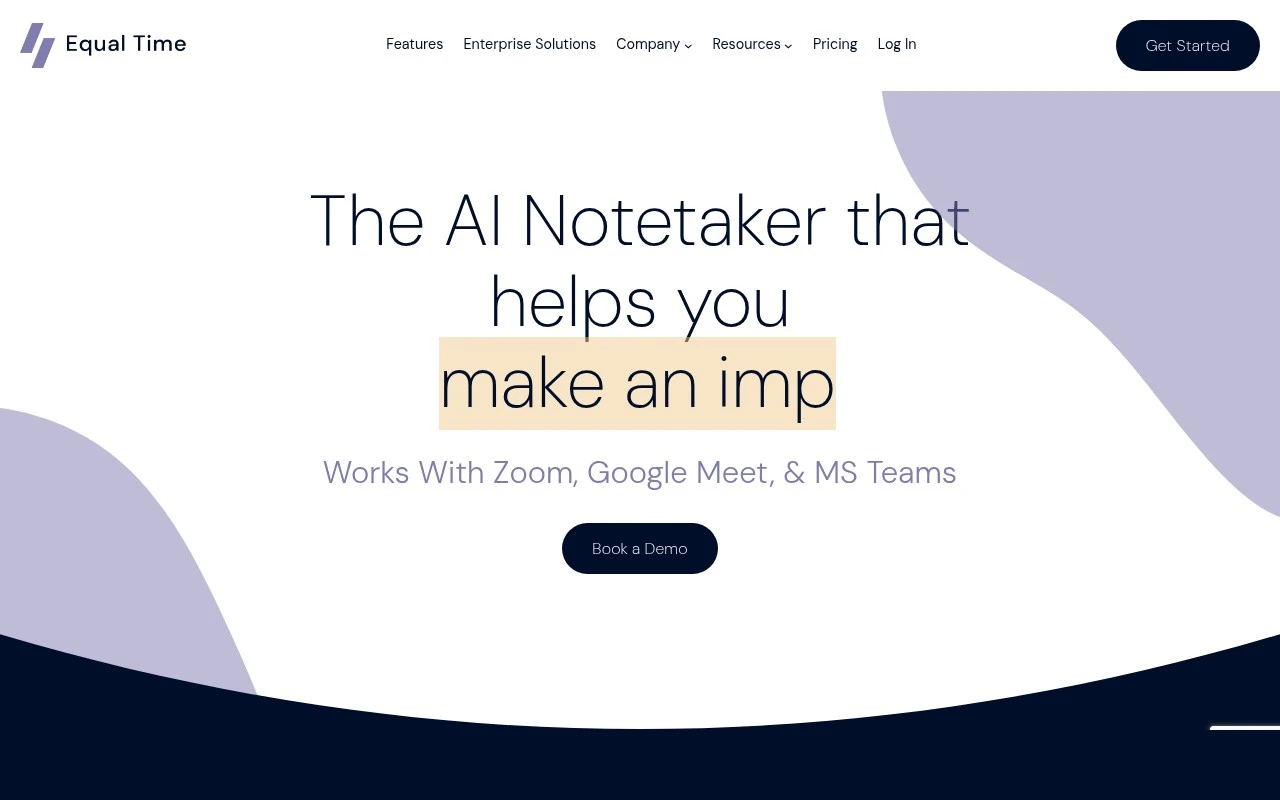
Equal Time is an AI notetaker for virtual meetings. It transcribes and summarizes meetings across Zoom, Google Meet, and Microsoft Teams, provides action items and customized meeting-note formats, supports many languages, and can send notes to tools such as CRMs, chat apps, intranets, issue trackers, or Zapier-connected workflows. Its distinguishing feature is that it goes beyond note-taking by analyzing participation and communication patterns, offering inclusivity metrics and AI coaching feedback on leadership presence, clarity, and meeting facilitation.

FYAI Score

7.8 / 10

Based on 15 reviews + FYAI product analysis

Pricing:

Freemium

Best for:

Leaders and teams running frequent cross-functional virtual meetings

Score Breakdown

  • Ease of use7.9 / 10
  • Features8.1 / 10
  • Pricing7.1 / 10
  • Integrations8.8 / 10
  • Support7.3 / 10

PRODUCT PREVIEW

What this AI tool does

Equal Time is an AI tool designed to help people work with time-based information in a more consistent way. It focuses on turning messy or inconsistent time inputs into a format that’s easier to compare, calculate, and reuse across documents, spreadsheets, or internal systems. In practice, it can be useful when you’re dealing with schedules, logs, time tracking, or any workflow where timestamps and durations need to be aligned. By reducing manual cleanup and interpretation, it supports clearer reporting and fewer errors when time data comes from multiple sources. equaltime is best suited for teams and individuals who want a straightforward way to standardize time-related data without changing their existing tools. It’s intended for informational and operational tasks where accuracy and consistency matter more than complex automation.

Use cases

Best for

Meeting Notes

Equal Time joins Zoom, Meet, or Teams calls to capture transcripts, summaries, and action items in your preferred note format.

Transcribe Audio

It transcribes spoken audio from virtual meetings in multiple languages and exports the text to connected apps or Zapier workflows.

Email Writing

Use meeting summaries and action items to draft follow up emails that you can paste into your email client or send via connected tools.

ANALYSIS

Strengths & limitations

Strengths
  • Combines meeting transcription, summaries, action items, searchable transcripts, and post-meeting Q&A in one workflow.
  • Includes participation and inclusivity analytics such as talk time, interruptions, monologues, and demographic-group trend tracking on higher-tier plans.
  • Supports major video meeting platforms and can route notes to external systems through listed integrations and webhooks.
Limitations
  • The public page describes virtual meeting support but does not establish support for in-person meetings or non-meeting audio workflows.
  • Some organization-level analytics, such as team trend tracking by seniority or demographic group, are described as limited to Team and Company License plans.
  • Claims around security, privacy, and compliance are stated on the site, but buyers may still need to review the detailed documentation before enterprise adoption.

Evaluation

FYAI score breakdown

Our structured evaluation across five key criteria

7.8 / 10

Overall score

Based on 15 reviews + FYAI product analysis

  • Ease of use7.9 / 10
  • Features8.1 / 10
  • Pricing7.1 / 10
  • Integrations8.8 / 10
  • Support7.3 / 10

What users say

Findings from public reviews, documentation and community sources.

  • Ease of use

    G2 reviewers describe Equal Time with terms such as “simplicity,” “easy-to-use features with no fluff,” and the ability to implement it “without a learning” curve. G2 lists 15 reviews at 5/5 for Equal Time.

  • Features

    Equal Time’s features page lists transcripts, summaries and notes, Ask Equal Time, speaking-time analytics, and 102 supported languages. Equal Time’s features page also lists sentiment, inclusion score, interruptions, gender balance, templates, video playback, and custom vocabulary.

  • Pricing

    Equal Time’s pricing page references “Try Equal Time For Free” and “book a personalized demo for your company.”

  • Integrations

    Equal Time states it works with Zoom, Google Meet, and Microsoft Teams, and can send notes to CRMs, chat tools, intranets, or issue trackers via webhooks, Zapier, Make, or a custom solution. Equal Time names Salesforce, HubSpot, Pipedrive, Slack, MS Teams, Notion, Coda, Linear, plus “8000+ integrations through Zapier.”

  • Support

    Equal Time’s site offers “Book a Demo” and references data privacy and security documentation.

Who is this for?

Best for teams that want meeting notes plus participation analytics, Equal Time’s features page lists summaries and notes, action items, speaking-time analytics, interruptions, and inclusion score. Less suited to buyers who need paid-tier details before shortlisting, the pricing page references “Try Equal Time For Free” and “book a personalized demo for your company,” while detailed tier pricing or usage limits are handled outside the machine-readable pricing evidence.

PRODUCT PREVIEW

Feature highlights

Meeting notes, done

Transcribes and summarizes Zoom, Meet, and Teams automatically.

Action items to tools

Sends tasks and notes to CRMs, chat, trackers, or Zapier.

Inclusivity insights

Participation metrics plus AI coaching on clarity and presence.

COMPARE

Discover curated alternatives worth comparing

Compare similar AI tools based on features, pricing and use cases

7.8/ 10Based on 31 reviews

Wudpecker

Meeting NotesSummarization
Turns meeting recordings into notes, summaries, and action items
Best for:
Knowledge workers
Pricing
Freemium

9.0/ 10Based on 1.589 reviews

Toggl Track

Time & Habit Tracking
Tracks time with automatic activity detection and reporting.
Best for:
Operations teams
Pricing
Freemium

8.5/ 10Based on 2.648 reviews

Todoist

Task & Project Management
Organize, schedule, and share tasks with AI-assisted planning
Best for:
Knowledge workers
Pricing
Freemium

Align your team, cut status-chasing, and keep projects moving forward. See why growing teams choose Equal Time to stay on track and deliver with confidence.

FAQ

Frequently asked
questions

Everything you need to know about this AI tool,
its features, pricing, use cases, and limitations.

What types of teams and workflows is Equal Time a good fit for?
Equal Time tends to work best for teams that need structured project management plus centralized communication in one place. It’s a stronger fit for cross-functional work where real-time updates and clear ownership matter (e.g., product, operations, client delivery). If your workflow is lightweight and mostly personal task tracking, simpler tools may be more cost-effective.
Does Equal Time have a free plan, and what are the practical limitations versus paid tiers?
Equal Time’s free vs paid availability and feature limits can vary, so it’s worth confirming current plan details on equaltime.io before committing. In practice, the biggest differences to check are team size caps, access to advanced collaboration controls, and any restrictions on project history or admin features. If you need organization-wide rollout, budget for paid seats and governance features.
How does Equal Time compare to tools like Asana, Trello, or Monday.com?
Equal Time emphasizes keeping project discussions and updates centralized, which can reduce context switching compared with setups that rely heavily on external chat tools. Compared with Trello-style boards, it may feel more structured but also less lightweight. Against broader suites like Asana or Monday.com, the main comparison point is integration breadth—Equal Time may be less flexible if your stack depends on many third-party connections.
How quickly can a team get started with Equal Time, and what onboarding effort should you expect?
The most common trade-offs are limited integration options and a potentially steeper learning curve for first-time users. Pricing can also be higher than basic task trackers, which may matter for small teams or simple use cases. If your workflow depends on automations across many apps, validate integration needs early.
What should I check about data handling, privacy, and compliance before using Equal Time?
Review Equal Time’s documentation for where data is hosted, how it’s encrypted in transit/at rest, and what access controls and audit logs are available. If you operate in regulated environments, confirm whether it supports requirements like SSO/SAML, role-based permissions, and data retention policies. Also verify vendor terms around data ownership and any subprocessors used.