
Curated ToolThis tool is part of our curated AI directory. We only include tools that meet our standards for relevance, usability and real-world value.
Coda
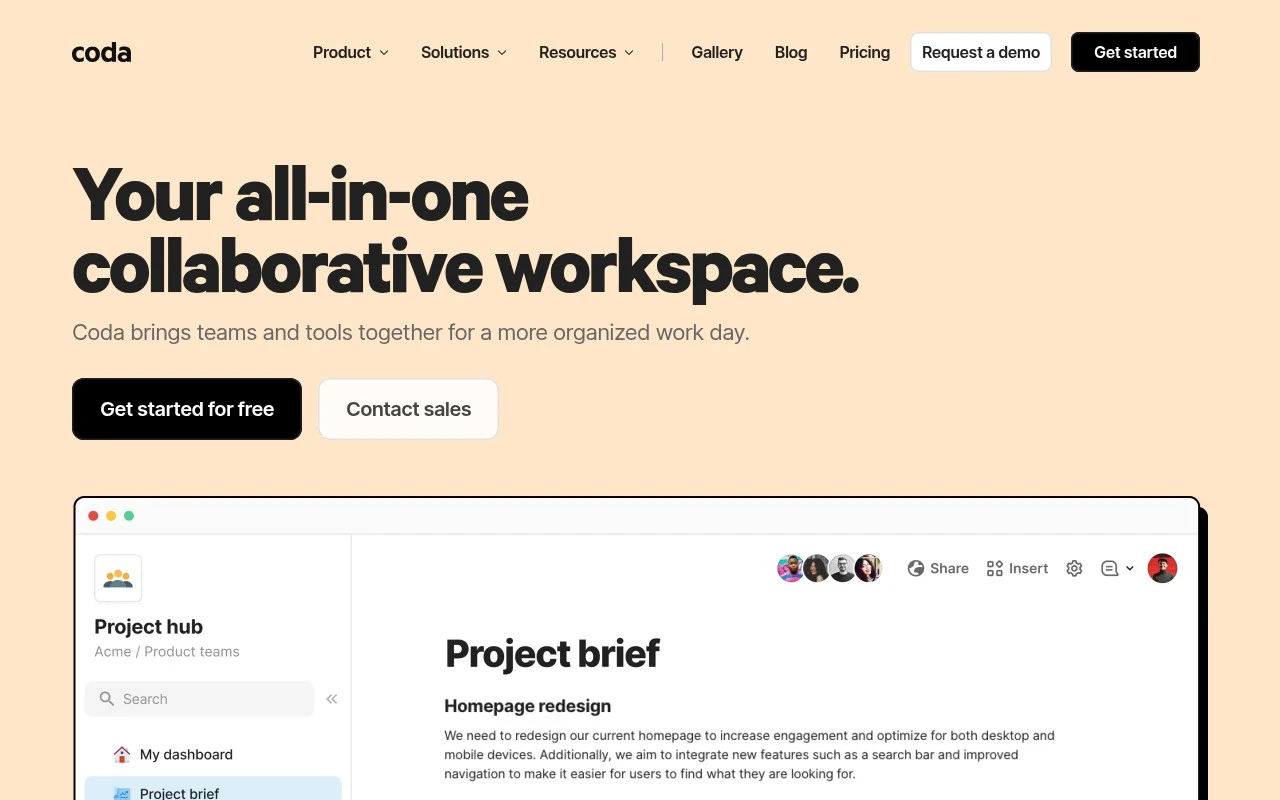
Coda is a collaborative document platform that combines documents, spreadsheets, and database-style tables so teams can organize projects, track data, and build custom workflows in one workspace.
Meeting NotesKnowledge Search

FYAI Score
8.5 / 10
Based on 493 reviews
Pricing:
Freemium
Best for:
Product and ops teams building shared workflows and trackers
Score Breakdown
- Ease of use8.3 / 10
- Features8.6 / 10
- Pricing8.4 / 10
- Integrations9.2 / 10
- Support7.9 / 10
 | Strengths |
-
 Best suited to cross-functional teams because docs, structured tables, automations, AI, and integrations can live in one shared workspace instead of being split across separate tools.
 -
Useful for operational workflows because teams can turn tables into trackers, dashboards, lightweight apps, and decision hubs without requiring full software development.
-
Strong fit for teams that want AI inside existing work because Coda AI can summarize docs, generate content, analyze table data, and apply prompts across rows through AI columns.
 | Limitations |
-
 Less suitable for teams that only need simple documents or spreadsheets because Coda’s flexible building blocks introduce extra setup and learning overhead.
 -
Less suitable for organizations with highly specialized project management, database, or spreadsheet requirements because Coda favors customizable general-purpose workspaces over deep single-purpose tooling.
-
The freemium model can become limiting for growing teams because broader collaboration, advanced usage, and scale typically require moving to a paid plan.
 | 7.9/ 10Based on 740 reviews |
Fyxer
Meeting NotesEmail Assistant
Triages email, drafts replies, and summarizes meeting actions
Best for: | Sales teams |
Pricing | Paid |
 | 7.4/ 10Based on 442 reviews |
Genspark
Productivity
Creates outputs and dashboards from plain-English data questions
Best for: | Knowledge workers |
Pricing | Paid |
 | 8.4/ 10FYAI score |
Granola
Meeting NotesEmail Assistant
Writes meeting notes, action items, and follow-up briefs
Best for: | Knowledge workers |
Pricing | Freemium |