Curated ToolThis tool is part of our curated AI directory. We only include tools that meet our standards for relevance, usability and real-world value.

Claude

Chat assistant for writing, summarizing, reasoning, and coding

Meeting NotesEmail Assistant
Claude is a general-purpose AI chat assistant from Anthropic available through claude.ai. It is used to converse with Claude models for writing, summarization, analysis, brainstorming, planning, and coding assistance. Its main distinction is its focus on helpful, conversational responses for complex text-based tasks rather than a narrow single-purpose workflow.

FYAI Score

8.5 / 10

Based on 2.026 reviews

Pricing:

Paid only

Best for:

Writers, analysts, and developers tackling complex text-heavy work

Score Breakdown

  • Ease of use8.8 / 10
  • Features9.1 / 10
  • Pricing8.4 / 10
  • Integrations8.5 / 10
  • Support7.1 / 10

PRODUCT PREVIEW

What this AI tool does

Claude is an AI assistant designed to help people work with text and ideas through natural language conversation. It can be used to draft and revise writing, summarize documents, answer questions, and support everyday research or planning tasks in a way that feels similar to collaborating with a helpful colleague. In practice, you provide a prompt or paste content, and the tool returns a response you can refine through follow-up questions. It’s often used for creating first drafts, improving clarity and tone, extracting key points from long material, and exploring options when you’re not sure where to start. Because outputs depend on the input and context, it works best when you give clear instructions and verify important details, especially for time-sensitive or high-stakes topics. Used thoughtfully, claude can save time on routine writing and analysis while keeping you in control of the final result.

Use cases

Best for

AI Assistant

Use Claude as an AI assistant to chat through questions, draft text, and refine plans with iterative prompts and feedback.

Analyze Data

Paste tables or CSV text and ask Claude to summarize trends, compare groups, and explain anomalies in plain language.

Email Writing

Provide your goal and key points and Claude will draft an email, adjust tone, and rewrite for clarity and brevity.

ANALYSIS

Strengths & limitations

Strengths
  • Handles a wide range of text, reasoning, writing, and coding tasks in one conversational interface.
  • Well suited to long-form drafting, summarization, explanation, and structured analysis workflows.
  • Can support both casual individual use and professional knowledge-work tasks.
Limitations
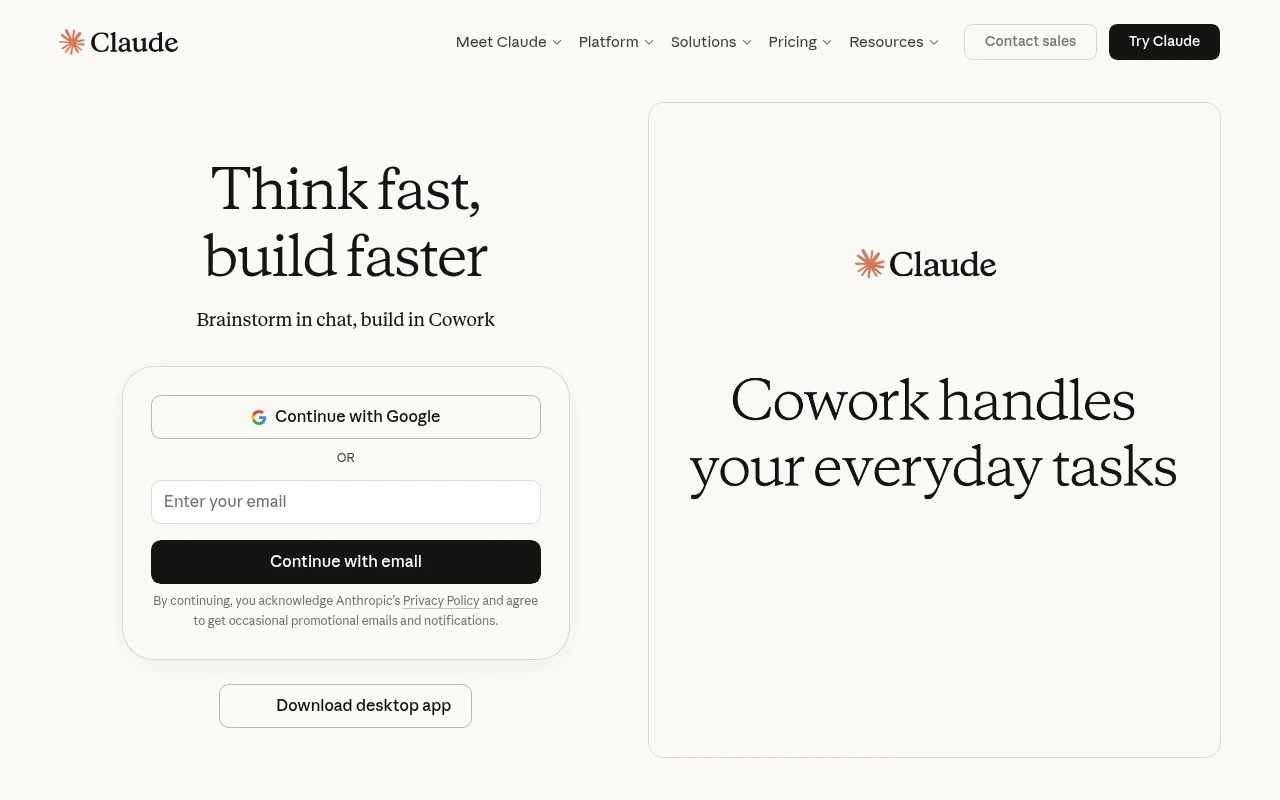
  • The official scraped login page did not provide functional detail, so this description relies on established knowledge rather than the provided page text.
  • As with other AI assistants, outputs can be inaccurate or incomplete and should be checked for important decisions.
  • It is a general-purpose assistant, so specialized tools may be better for dedicated workflows such as production design, data pipelines, or formal software deployment.

Evaluation

FYAI score breakdown

Our structured evaluation across five key criteria

8.5 / 10

Overall score

Based on 2.026 reviews

  • Ease of use8.8 / 10
  • Features9.1 / 10
  • Pricing8.4 / 10
  • Integrations8.5 / 10
  • Support7.1 / 10

What users say

Findings from public reviews, documentation and community sources.

  • Ease of use

    A Capterra reviewer says Claude “became part of my daily workflow” and that responses are “accurate, well structured.”

  • Features

    G2 says “Claude is exceptional at serving as your AI companion for web programming” and that the reviewer used it to “create full web apps for clients.” Reddit comparisons also frame Claude as feeling “stronger” than several major LLM competitors.

  • Pricing

    Claude’s pricing page lists 5 tiers, from Free to Enterprise, and states Pro is “$20 if billed monthly” or “$17 per month with annual subscription discount.” Claude’s pricing page also says Max tiers at higher monthly prices add more capacity.

  • Integrations

    Claude’s support article says Connectors let Claude “access your apps and services, retrieve your data, and take actions within connected services.” Third-party integration snippets also reference a broader connector ecosystem.

  • Support

    A Reddit post says “Claude has the worst customer service ever” and claims the site is designed around limited human support. Support documentation exists, but the user-voice support signal in the provided source is negative.

Who is this for?

Best for users who want a conversational AI for web programming, G2 says Claude is “exceptional at serving as your AI companion for web programming” and that a reviewer used it to “create full web apps for clients.” Less suited to users who need dependable human customer support, a Reddit post says “Claude has the worst customer service ever” and claims the site is designed around limited human support.

PRODUCT PREVIEW

Feature highlights

AI chatbot chats

Natural back-and-forth to refine ideas, drafts, and decisions.

Long-form writing

Draft, edit, summarize, and rewrite with consistent tone and detail.

AI assistant coding

Explain code, debug issues, and generate snippets from your prompts.

COMPARE

Discover curated alternatives worth comparing

Compare similar AI tools based on features, pricing and use cases

8.1/ 10FYAI score

Helply

Customer Support BotsKnowledge Base Bots
Answers support tickets, drafts replies, and flags churn risk
Best for:
Customer support teams
Pricing
Freemium

8.7/ 10Based on 7.757 reviews

Zoho Desk

Customer Support BotsKnowledge Base Bots
Uses Zia AI to triage tickets, draft replies, and flag issues
Best for:
Customer support teams
Pricing
Freemium

7.8/ 10Based on 31.824 reviews

Zoho

Customer Support Bots
Cloud suite for CRM, finance, HR, and business operations
Best for:
Operations teams
Pricing
Freemium

See why teams choose Claude to think faster, align decisions, and ship work with confidence. Start collaborating with an AI assistant today.

FAQ

Frequently asked
questions

Everything you need to know about this AI tool,
its features, pricing, use cases, and limitations.

When is Claude a better fit for team productivity than other AI assistants?
Claude tends to work well for drafting and refining internal communications, summarizing long documents or meeting notes, and supporting brainstorming with multiple options. It’s a practical choice when teams need consistent writing quality and quick synthesis across projects. If your workflows rely heavily on deep integrations or real-time web browsing, you may want to compare alternatives carefully.
What are the practical differences between Claude’s free and paid options?
Free access is typically best for light, occasional use and may come with tighter usage limits and fewer advanced features. Paid tiers generally increase capacity and may add higher-performing models and team/admin capabilities. If you expect daily, multi-user usage, evaluate whether the paid plan’s limits and controls match your volume and governance needs.
How does Claude compare with Gemini AI or Grok AI for workplace use?
Claude is often chosen for strong writing, summarization, and structured drafting in professional contexts. Gemini AI can be a better fit if you’re already standardized on Google Workspace and want tighter ecosystem alignment. Grok AI may appeal if your priority is its specific platform experience, but you should compare reliability, controls, and enterprise features side by side.
How quickly can a team get started with Claude, and what onboarding is usually required?
Claude can generate plausible suggestions that don’t fully reflect your company context, so human review remains important for decisions and sensitive messaging. Overuse can lead teams to accept AI outputs too readily, reducing critical thinking and originality. Integration and change management can also be non-trivial if you’re replacing established communication habits.
What should I check about Claude’s data handling, privacy, and compliance before adopting it?
Confirm what data is stored, how long it’s retained, and whether your inputs may be used to improve models under your chosen plan. Review available enterprise controls (admin settings, access management) and whether the offering supports your compliance requirements (e.g., contractual terms, audit needs). For regulated environments, involve security/legal early and test with non-sensitive data first.