Curated ToolThis tool is part of our curated AI directory. We only include tools that meet our standards for relevance, usability and real-world value.

Beautiful.ai

Generates presentation drafts from prompts and auto-formats slides

Productivity
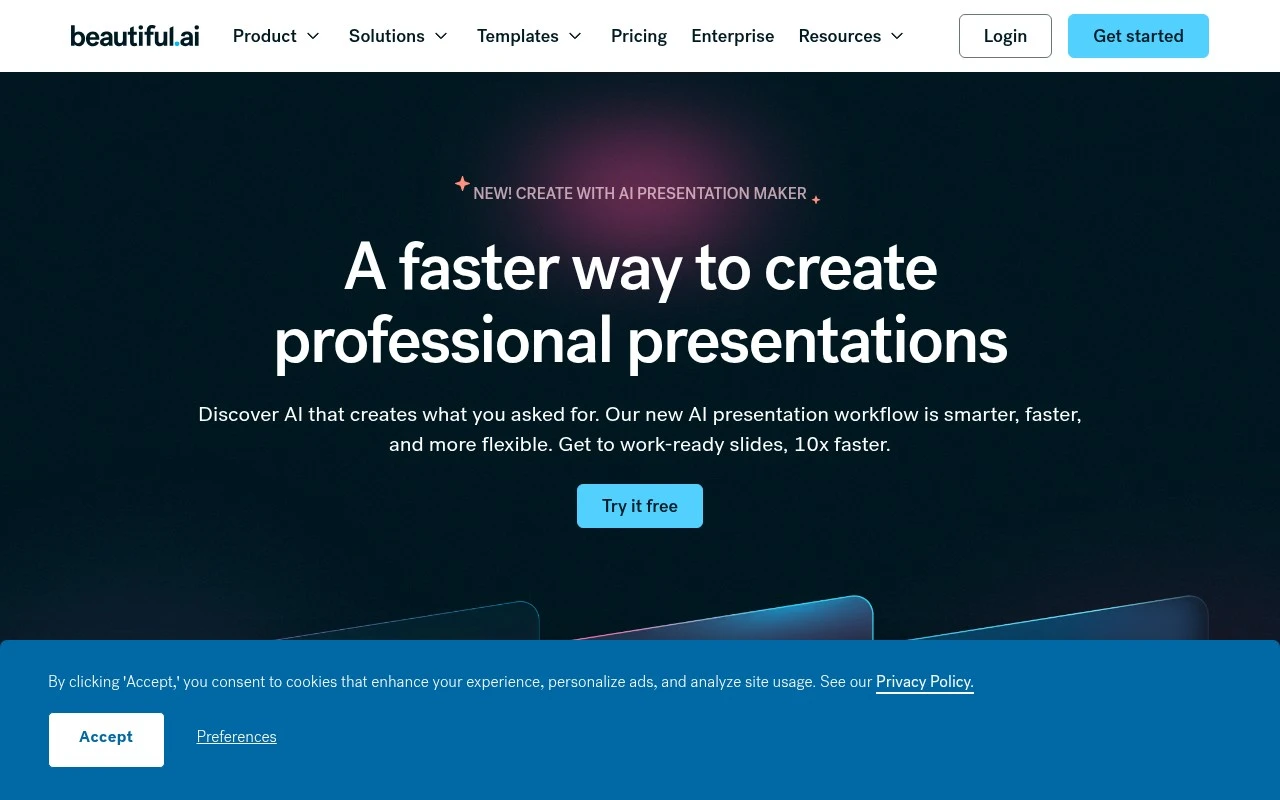
Beautiful.ai is an AI presentation maker for teams. It helps users create business slide decks using AI-assisted outlining and generation, more than 300 Smart Slide layouts, professionally designed templates, automatic slide formatting, data visualizations, stock media, animations, voice-over support, secure sharing, view tracking, and PDF or PowerPoint export. Its main distinction is the Smart Slide system: layouts automatically adjust spacing, alignment, hierarchy, and styling so teams can produce consistent, brand-aligned presentations without manually designing each slide.

FYAI Score

7.8 / 10

Based on 238 reviews

Pricing:

Paid

Best for:

Business teams building consistent, client-ready slide decks fast

Score Breakdown

  • Ease of use7.6 / 10
  • Features7.8 / 10
  • Pricing8.3 / 10
  • Integrations7.2 / 10
  • Support7.9 / 10

PRODUCT PREVIEW

What this AI tool does

Beautiful.ai is an AI-assisted presentation tool designed to help people create polished slide decks with less manual formatting. It focuses on turning text and basic structure into consistent layouts, so users can spend more time on the message and less on aligning elements or adjusting design details. It’s typically used by professionals and teams who need to produce presentations for meetings, proposals, reports, or internal updates. You add your content, choose a starting style, and the tool helps keep spacing, typography, and slide structure coherent as you build. For anyone researching beautifulai, it can be useful to think of it as a workflow aid for drafting and refining presentations rather than a replacement for planning or storytelling. The final quality still depends on the clarity of the content and the choices you make about what to include and how to present it.

Use cases

Best for

Prompt to Slide Outline

Beautiful.ai generates a slide outline from a prompt or source material so you can revise the structure slide by slide before building the deck.

Smart Slide Layouts

Use Smart Slides that auto-align, resize, and format content like charts, timelines, comparisons, quotes, and image grids as you edit.

Team Brand Standardization

Apply shared themes, brand colors, fonts, logos, and template libraries to keep team presentations consistent with brand controls.

ANALYSIS

Strengths & limitations

Strengths
  • Smart Slides automatically align and resize content, reducing manual slide formatting work.
  • Team brand controls, shared themes, and template libraries help keep decks visually consistent across an organization.
  • Supports several presentation workflows, including AI-generated decks, slide-by-slide building, reusable templates, animations, voice-overs, secure sharing, tracking, and export.
Limitations
  • The product is focused on presentations, so it is not a general-purpose design, document, or collaboration suite.
  • AI generation is positioned as a guided workflow that still expects users to review outlines, set design direction, and iterate.
  • Its strongest value appears tied to recurring business and team deck creation; occasional solo users may not need the brand and standardization features.

Evaluation

FYAI score breakdown

Our structured evaluation across five key criteria

7.8 / 10

Overall score

Based on 238 reviews

  • Ease of use7.6 / 10
  • Features7.8 / 10
  • Pricing8.3 / 10
  • Integrations7.2 / 10
  • Support7.9 / 10

What users say

Findings from public reviews, documentation and community sources.

  • Ease of use

    The G2 seller page says Beautiful.ai emphasizes low-friction deck creation with “auto-aligning Smart Slides” and claims teams can build “in minutes, not hours.” G2 user signals also note Beautiful.ai helps create “well-designed, balanced, good-looking presentations without too much effort,” while public-review snippets mention mixed experiences and desktop slowness.

  • Features

    The Beautiful.ai product page lists AI deck creation, 300+ Smart Slide layouts, auto-formatting, data-linked charts, and PowerPoint/PDF export. Public snippets include criticism of repetitive AI output.

  • Pricing

    The Beautiful.ai pricing page publishes Pro at $12/month billed annually, Team at $40/user/month annually or $50/user/month monthly, and Enterprise as custom. The Beautiful.ai pricing page also lists a 14-day free trial and a $45 one-time project option, while Trustpilot feedback mentions trial cancellation friction.

  • Integrations

    The Beautiful.ai pricing page references PowerPoint import, editable PowerPoint export, PDF export, live data linking to charts and tables, SAML SSO, and SCIM provisioning.

  • Support

    The Beautiful.ai pricing page says Pro includes a self-serve knowledge base and email support, Team adds priority support, and Enterprise includes dedicated onboarding and team training. Trustpilot shows a 2.9/5 consumer-review signal for Beautiful.ai.

Who is this for?

Best for teams that need fast presentation production, the Beautiful.ai product page lists “auto-aligning Smart Slides,” 300+ Smart Slide layouts, auto-formatting, and brand themes. Less suited to teams that need hands-on help on lower plans, the pricing page says Pro includes a self-serve knowledge base and email support, while dedicated onboarding and team training are included with Enterprise.

PRODUCT PREVIEW

Feature highlights

Smart Slide layouts

Auto-adjusts spacing and styling as you add content for clean slides.

AI deck generation

Turn an outline into a complete presentation with AI-assisted writing.

Team brand control

Keep decks consistent with shared templates, secure sharing, and tracking.

COMPARE

Discover curated alternatives worth comparing

Compare similar AI tools based on features, pricing and use cases

7.8/ 10Based on 31 reviews

Wudpecker

Meeting NotesSummarization
Turns meeting recordings into notes, summaries, and action items
Best for:
Knowledge workers
Pricing
Freemium

9.0/ 10Based on 1.589 reviews

Toggl Track

Time & Habit Tracking
Tracks time with automatic activity detection and reporting.
Best for:
Operations teams
Pricing
Freemium

8.5/ 10Based on 2.648 reviews

Todoist

Task & Project Management
Organize, schedule, and share tasks with AI-assisted planning
Best for:
Knowledge workers
Pricing
Freemium

Create polished, on-brand decks in minutes. See why teams choose Beautiful.ai to turn ideas into presentations that win buy-in—faster.

FAQ

Frequently asked
questions

Everything you need to know about this AI tool,
its features, pricing, use cases, and limitations.

Is Beautiful.ai a good fit for sales decks, investor pitches, and internal updates?
Beautiful.ai works best when you need polished, consistent slides fast—common for sales decks, pitch presentations, and recurring internal updates. It’s a strong choice for teams that want guardrails and don’t have dedicated design support. If your workflow depends on highly custom layouts or brand-heavy creative, you may feel constrained.
What’s the difference between Beautiful.ai’s free access and the paid plans?
Beautiful.ai typically limits key capabilities behind paid plans, such as advanced sharing/export options, brand controls, and team collaboration features. Free access is usually enough to test the editor and template system, but it may not be suitable for client-ready deliverables. Check current plan details if you need PowerPoint export, brand kits, or admin controls.
How does Beautiful.ai compare with Canva, PowerPoint, or Google Slides?
Compared with PowerPoint or Google Slides, Beautiful.ai emphasizes automated layout and design consistency over manual slide-by-slide control. Versus Canva, it’s more presentation-structure focused, but often offers fewer freeform design options. If you need maximum customization and broad asset design, Canva or PowerPoint may fit better; if speed and uniformity matter most, Beautiful.ai is competitive.
How quickly can a team get started with Beautiful.ai?
The biggest trade-off is reduced design freedom: the template-driven approach can limit unique layouts and detailed brand expression. Advanced users may miss granular control found in PowerPoint or dedicated design tools. Pricing can also be a factor if you only need occasional presentations.
What should I consider about data privacy and compliance when using Beautiful.ai?
If you’re handling sensitive content, review Beautiful.ai’s current security documentation for storage location, encryption, retention, and access controls. Confirm whether it supports your requirements for SSO, admin auditing, and contractual terms (e.g., DPA) before rolling it out broadly. For regulated industries, validate whether the plan you’re considering aligns with your compliance needs.