
Curated ToolThis tool is part of our curated AI directory. We only include tools that meet our standards for relevance, usability and real-world value.
Amie
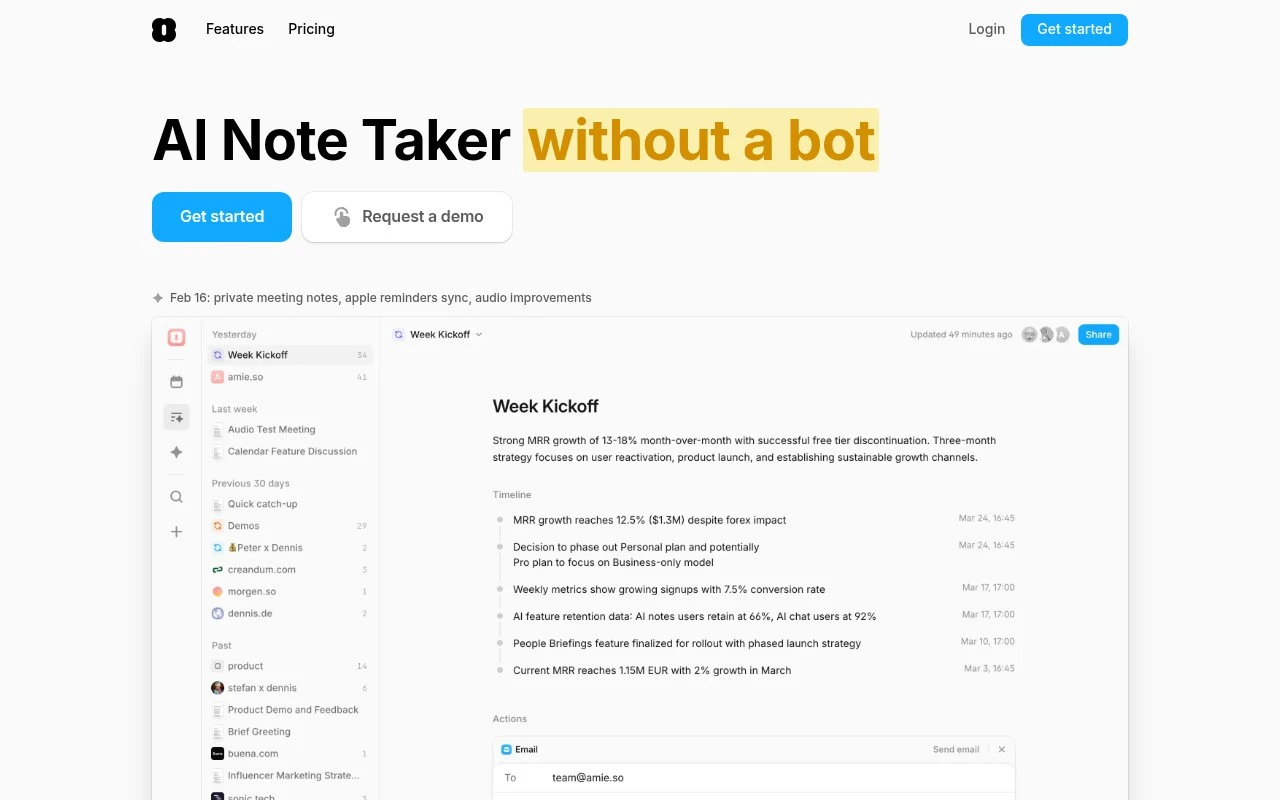
Amie is a productivity app that combines calendar scheduling and task management, letting users place to-dos directly on their calendar and organize meetings, tasks, and routines in one timeline.
Meeting NotesEmail Assistant
FYAI Score
7.6 / 10
FYAI rating based on features, pricing and integrations
Pricing:
Freemium
Best for:
Busy managers and operators who run lots of meetings and follow-ups
Score Breakdown
- Ease of use7.1 / 10
- Features7.4 / 10
- Pricing7.3 / 10
- Integrations8.2 / 10
- Support8.3 / 10
 | Strengths |
-
 Bot-free local recording keeps meetings free of an extra attendee, which suits customer-facing and sensitive conversations where a visible recording bot can be disruptive.
 -
Meeting summaries, action items, and private notes work together as context, which helps busy teams turn conversations into usable follow-up without rewriting notes manually.
-
Search and question answering across meeting history make past decisions easier to retrieve, which benefits teams with recurring customer, recruiting, sales, or project calls.
 | Limitations |
-
 Less suitable for teams that only need basic transcription because Amie is built around broader meeting workflows and follow-up automation.
 -
Follow-up automation depends on connected calendars, CRMs, task tools, or ticketing systems, so teams with fragmented or unsupported workflows will get less value from it.
-
The freemium model is less suitable for heavy team-wide use if free limits are exceeded, because broader usage and advanced workflow needs typically push teams toward paid access.
 | 7.9/ 10Based on 740 reviews |
Fyxer
Meeting NotesEmail Assistant
Triages email, drafts replies, and summarizes meeting actions
Best for: | Sales teams |
Pricing | Paid |
 | 7.4/ 10Based on 442 reviews |
Genspark
Productivity
Creates outputs and dashboards from plain-English data questions
Best for: | Knowledge workers |
Pricing | Paid |
 | 8.4/ 10FYAI score |
Granola
Meeting NotesEmail Assistant
Writes meeting notes, action items, and follow-up briefs
Best for: | Knowledge workers |
Pricing | Freemium |