Curated ToolThis tool is part of our curated AI directory. We only include tools that meet our standards for relevance, usability and real-world value.

Canva

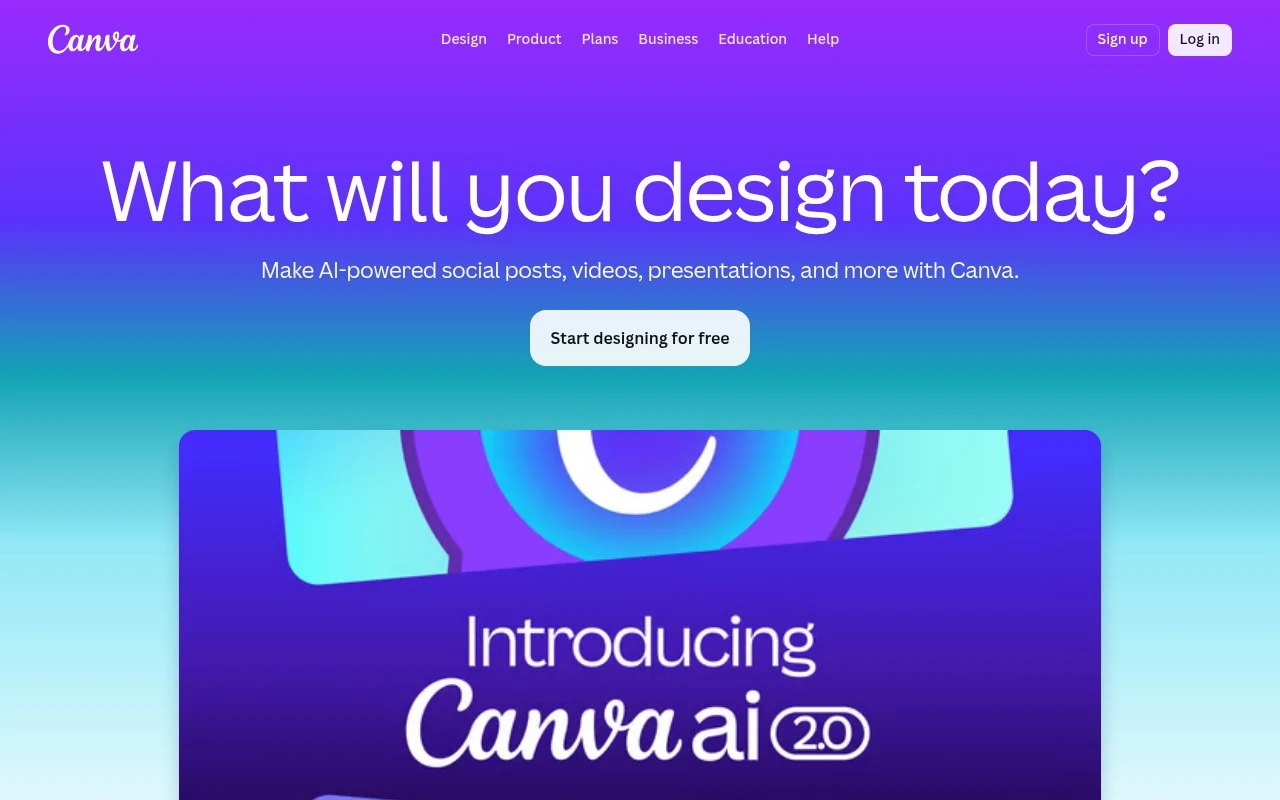
Canva is an online design platform for creating presentations, social media graphics, videos, documents, and other visual content using drag-and-drop editing and design templates. It supports collaboration, brand assets, stock media, and export options for digital or print use.
Marketing

FYAI Score

8.9 / 10

Based on 13,367 reviews

Pricing:

Freemium

Best for:

Non-designers creating polished marketing and social content fast

Score Breakdown

  • Ease of use9.4 / 10
  • Features9.1 / 10
  • Pricing8.9 / 10
  • Integrations9.2 / 10
  • Support7.7 / 10

PRODUCT PREVIEW

What this AI tool does

Canva is a visual design platform and design templates library for people who need polished graphics, documents, presentations, and marketing materials without starting from a blank page. Canva is built for non-designers, small businesses, educators, creators, and teams that want professional-looking design work through a simple drag-and-drop editor. For non-designers, the main value is speed and confidence. Instead of learning advanced design software, users can choose a professionally made layout for a presentation, Instagram post, flyer, resume, invitation, website, logo, poster, document, or business card, then adapt the text, colors, images, and branding to fit their needs. The templates library is central to the product story. Canva is best at turning common design tasks into guided starting points, where design templates act as editable frameworks rather than static examples. This makes the platform useful for everyday communication, from a classroom handout to a launch announcement or a client pitch deck. Teams and small businesses often use the platform to create brand assets that stay visually consistent across channels. A user might create a logo, adjust a flyer, build a presentation, and create social graphics in the same workspace, using shared colors, fonts, and visual elements to keep the brand recognizable. Content creators benefit from formats that match the places where visuals are published. The platform makes it practical to create thumbnails, social posts, short promotional visuals, and campaign graphics without moving between multiple specialist tools. Its strength is not only that it offers many formats, but that those formats are designed to be edited quickly by people with different levels of design experience. AI-assisted features add another layer to the template-first workflow. Presentation generation, copy suggestions, image tools, and layout assistance can help users move from an idea to a usable draft faster, while the template system keeps the result grounded in an editable design. The experience is still centered on visual composition, but AI helps reduce the friction of getting started. Compared with traditional design software, the platform is more approachable and collaborative. It favors browser-based editing, reusable templates, shared projects, and quick publishing over complex professional production controls. That positioning makes it especially useful for people who need finished-looking work regularly, but do not need the depth or learning curve of a full creative suite. Its main limitation is also part of its identity. Canva is designed for accessible, repeatable design creation, not for every advanced illustration, typography, or print-production workflow. For many users, that tradeoff is the point, because the platform helps them produce attractive, usable materials quickly. Overall, Canva is a broad creative workspace built around editable design templates, simple customization, and practical publishing needs. It is best understood as a bridge between professional design quality and everyday productivity, giving individuals and teams a faster way to make visual content that looks complete.

Use cases

Best for

Design Templates

Browse Canva templates by format and customize layouts, fonts, and colors with drag and drop editing.

Create Logo

Start from a logo template and edit icons, typography, and brand colors in Canva to export a logo file.

Create Thumbnails

Use thumbnail templates to place images, add bold text, and resize for platforms like YouTube before exporting.

ANALYSIS

Strengths & limitations

Strengths
  • Covers a wide range of design formats, from social posts and presentations to resumes, websites, logos, and printed materials.
  • Templates provide a fast starting point for users who do not want to design from a blank canvas.
  • The page clearly supports drag-and-drop customization and includes many free template options.
Limitations
  • Some listed templates are marked Pro, so not every visible option is free.
  • Template-based designs may look less original if many users choose similar layouts.
  • The provided page does not fully describe Canva’s export options, collaboration features, pricing details, or AI-specific capabilities.

Evaluation

FYAI score breakdown

Our structured evaluation across five key criteria

8.9 / 10

Overall score

Based on 13,367 reviews

  • Ease of use9.4 / 10
  • Features9.1 / 10
  • Pricing8.9 / 10
  • Integrations9.2 / 10
  • Support7.7 / 10

What users say

Findings from public reviews, documentation and community sources.

  • Ease of use

    Capterra lists Canva at 4.7/5 from 13,367 reviews, and the supplied Capterra excerpt calls Canva "user-friendly" and "efficient." Trustpilot’s excerpt describes Canva as "easy to use."

  • Features

    The Capterra excerpt cites Canva as offering "a wide range of templates and tools" for template-based image design. Reddit users describe Canva as strong for "social media content creation" but "not good for logo design."

  • Pricing

    Canva’s pricing page lists a "Free" plan with "No cost" plus paid "Pro" options. Canva’s Pro page cites premium templates and access to "over 100 million premium photos, graphics, videos, fonts, audio tracks, and more."

  • Integrations

    Canva states that its "Connect APIs and Apps SDK" let users "build custom integrations." Canva’s developer documentation says the Connect APIs integrate Canva capabilities into web apps and platforms.

  • Support

    Capterra lists Canva at 4.7/5 from 13,367 reviews. The supplied Capterra excerpt calls Canva "user-friendly" and cites templates/tools.

Who is this for?

Best for social media content creators and teams that want template-based image design, the Capterra excerpt cites "a wide range of templates and tools," and Reddit users describe Canva as strong for "social media content creation." The "Free" plan with "No cost" also makes Canva usable before choosing paid "Pro" options. Less suited to logo-design workflows, Reddit users describe Canva as "not good for logo design," so users focused on logo work may need another design workflow.

PRODUCT PREVIEW

Feature highlights

Template library

Browse thousands of templates for posts, decks, flyers, and more.

Drag-and-drop editor

Customize layouts, text, and images without design experience.

Brand Kit & styles

Apply logos, colors, and fonts to keep every design on-brand.

COMPARE

Discover curated alternatives worth comparing

Compare similar AI tools based on features, pricing and use cases

7.2/ 10Based on 2,027 reviews

Pixa

AI Image Generator
Edits and creates pixel-art images in a visual canvas editor
Best for:
Designers
Pricing
Freemium

8.2/ 10Based on 193 reviews

Uizard

UI/UX Design
Converts prompts, screenshots, and sketches into UI prototypes
Best for:
Product teams
Pricing
Freemium

8.2/ 10Based on 56,265 reviews

Topaz Labs

Image UpscalerPhoto Editing
Enhances photos and videos with upscaling, denoising, sharpening
Best for:
Designers
Pricing
Paid only

Join millions creating standout marketing designs in minutes. Start with Canva today and turn ideas into polished visuals you’re proud to share.

FAQ

Frequently asked
questions

Everything you need to know about this AI tool,
its features, pricing, use cases, and limitations.

Is Canva a good fit for creating logos, thumbnails, social graphics, presentations, and brand assets?
Canva is a strong fit for teams that need design templates across many everyday formats. It works well for social graphics, presentation decks, thumbnails, simple logos, resumes, websites, and print materials, especially when speed matters more than fully custom design.
What are the main differences between Canva Free and paid Canva plans?
Canva Free is useful if you can work with free templates, basic editing, and standard downloads. Paid plans unlock more premium templates, stock content, Brand Kit features, background removal, resizing, and other workflow tools, while some visible template elements may require Pro access or separate licensing.
How does Canva compare with Adobe Express, VistaCreate, or Figma for design templates?
Canva is often the better choice for non-designers who want a large template library and simple drag-and-drop editing. Adobe Express may suit teams already using Adobe assets, VistaCreate is similar for quick social content, and Figma is usually stronger for interface design and collaborative product workflows.
How quickly can a team start using Canva for template-based design work?
Canva can produce designs quickly, but template-based work may look less original if teams rely on popular layouts without customization. It is also less suited to advanced image editing, complex vector illustration, detailed print production controls, or highly bespoke brand systems than specialist design software.
What privacy and compliance checks are important before using Canva in a business?
Canva should be reviewed against your organization’s data handling, content ownership, and access control requirements before rollout. Buyers should check Canva’s current terms, privacy policy, enterprise controls, administrator settings, data processing terms, and any AI feature terms if they plan to use Canva’s AI tools.