Curated ToolThis tool is part of our curated AI directory. We only include tools that meet our standards for relevance, usability and real-world value.

Trengo

AI agents automate chat replies, lead qualification, and routing

Customer Support BotsChatbots
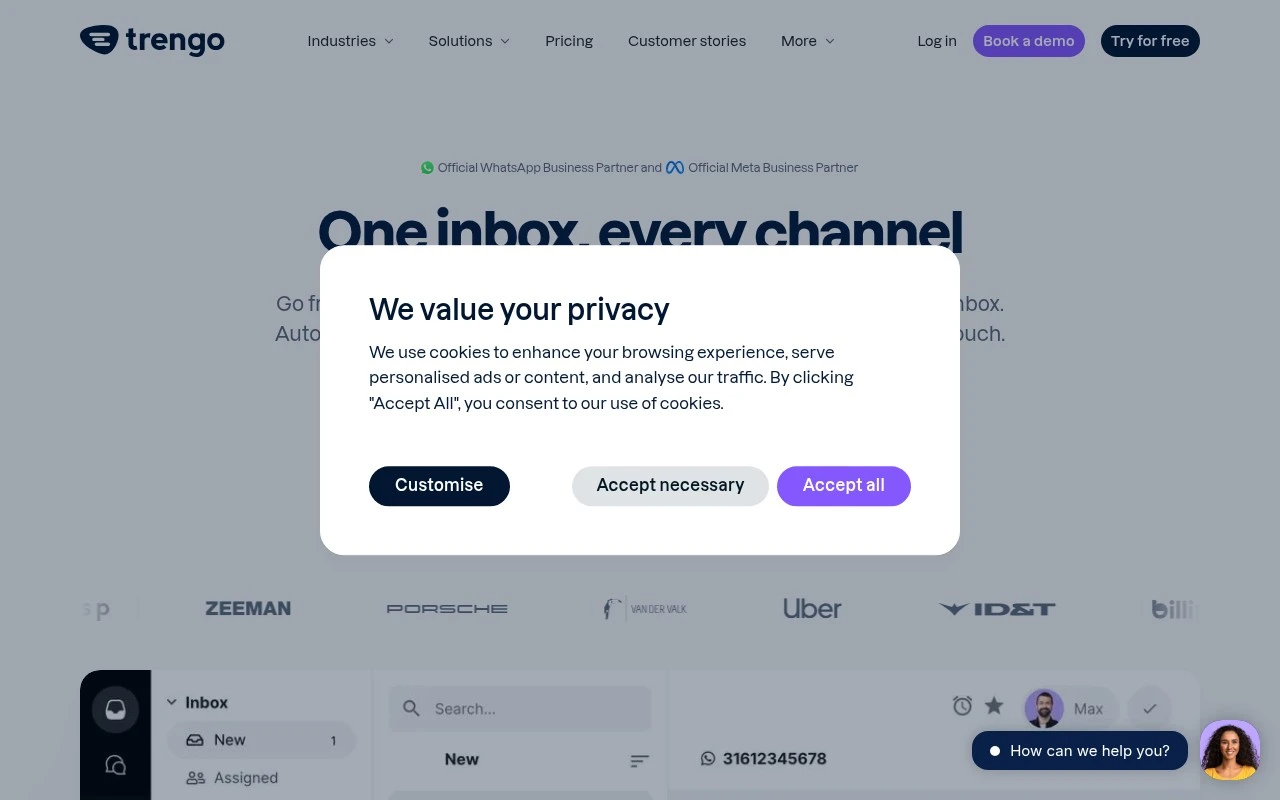
Trengo is an omnichannel customer communication platform for teams that need to manage customer conversations across WhatsApp Business, email, live chat, social media, and voice. It provides a shared inbox, AI agents, automation journeys, and integrations so teams can respond to support requests, sales enquiries, and commerce-related messages without switching between separate tools. The product is positioned especially around WhatsApp Business and AI-assisted customer conversations.

FYAI Score

8.2 / 10

Based on 246 reviews

Pricing:

Paid

Best for:

Support and sales teams handling high-volume WhatsApp and omnichannel queries

Score Breakdown

  • Ease of use8.4 / 10
  • Features8.1 / 10
  • Pricing7.8 / 10
  • Integrations8.2 / 10
  • Support8.5 / 10

PRODUCT PREVIEW

What this AI tool does

Trengo is a customer communication tool designed to help teams manage conversations from multiple channels in one place. It’s typically used by support, sales, or operations teams that need a shared view of incoming messages and a consistent way to respond. Instead of switching between separate inboxes, the platform brings messages together so they can be assigned, tracked, and handled collaboratively. This can be useful for keeping response workflows organized, maintaining context across conversations, and reducing missed requests. For organizations evaluating communication software, trengo is generally considered when the goal is to centralize customer interactions and coordinate team responses without relying on individual email accounts or scattered chat threads.

Use cases

Best for

Omnichannel Support

Manage WhatsApp, email, live chat, social, and voice conversations in a shared inbox so agents reply without switching tools.

Customer Support Automation

Trengo automates support with AI agents, routing rules, and journey workflows that tag, assign, and answer common requests.

Chatbot Deployment

Deploy chatbots on WhatsApp Business and web chat to collect details, answer FAQs, and hand off to agents in the same thread.

ANALYSIS

Strengths & limitations

Strengths
  • Brings multiple customer channels, including WhatsApp Business, email, live chat, social media, and voice, into one team inbox.
  • Includes AI agents and automation journeys for handling repetitive conversations, qualifying leads, and supporting customers outside business hours.
  • Offers commerce and customer-data integrations, including Shopify, WooCommerce, and Lightspeed, to give teams more context during conversations.
Limitations
  • Most relevant for teams with meaningful customer conversation volume across several channels; it may be unnecessary for businesses using only one simple support channel.
  • AI resolution and automation performance will depend on setup quality, available knowledge, and the complexity of customer queries.
  • The homepage emphasizes WhatsApp, commerce, and customer engagement use cases, so teams looking for a traditional ticketing-only help desk may need to evaluate fit carefully.

Evaluation

FYAI score breakdown

Our structured evaluation across five key criteria

8.2 / 10

Overall score

Based on 246 reviews

  • Ease of use8.4 / 10
  • Features8.1 / 10
  • Pricing7.8 / 10
  • Integrations8.2 / 10
  • Support8.5 / 10

What users say

Findings from public reviews, documentation and community sources.

  • Ease of use

    G2’s review summary says users “consistently praise Trengo for its ease of use and efficient communication capabilities,” and Trengo’s own page positions the product as “one easy-to-use inbox” with AI Agents that can be set up “in minutes” and require “No developer.”

  • Features

    Trengo’s product and pricing pages list omnichannel and AI features including WhatsApp, live chat, AI Agent, and AI Journeys. Trengo’s product and pricing pages also list collaboration tools, reporting, and security controls.

  • Pricing

    Trengo’s pricing page lists Boost at €299/month annually for 10 users and 6,000 conversations/year, Pro at €499/month annually for 20 users and 18,000 conversations/year, and Enterprise custom pricing. Trengo’s pricing page also references add-ons.

  • Integrations

    Trengo lists ecommerce/data integrations including Shopify, Lightspeed, and WooCommerce. Trengo’s pricing page references API actions, custom integrations “Via APIs,” and custom-built integrations on Enterprise.

  • Support

    Trengo’s pricing page lists support via email, messaging, phone support, personalised onboarding, and success-manager options. Capterra notes Trengo provides “email/help desk, FAQ/forum, knowledge base, phone support, and chat” with mixed user feedback.

Who is this for?

Best for teams that need customer conversations across multiple channels in one inbox, Trengo’s product and pricing pages list WhatsApp, email, Instagram, Facebook, voice, live chat, AI Agent, and AI Journeys. Less suited to teams looking for a low-cost entry point, Trengo’s pricing page lists Boost at €299/month annually for 10 users and 6,000 conversations/year, with add-ons also referenced.

PRODUCT PREVIEW

Feature highlights

Omnichannel inbox

Manage WhatsApp, email, chat, socials, and voice in one shared view.

AI agents

Automate replies and triage so agents focus on complex conversations.

Automation journeys

Route, tag, and follow up automatically with rules and integrations.

COMPARE

Discover curated alternatives worth comparing

Compare similar AI tools based on features, pricing and use cases

8.1/ 10FYAI score

Helply

Customer Support BotsKnowledge Base Bots
Answers support tickets, drafts replies, and flags churn risk
Best for:
Customer support teams
Pricing
Freemium

8.7/ 10Based on 7.757 reviews

Zoho Desk

Customer Support BotsKnowledge Base Bots
Uses Zia AI to triage tickets, draft replies, and flag issues
Best for:
Customer support teams
Pricing
Freemium

7.8/ 10Based on 31.824 reviews

Zoho

Customer Support Bots
Cloud suite for CRM, finance, HR, and business operations
Best for:
Operations teams
Pricing
Freemium

Bring every customer conversation into one place and respond faster with confidence. See why growing teams choose Trengo to deliver support customers love.

FAQ

Frequently asked
questions

Everything you need to know about this AI tool,
its features, pricing, use cases, and limitations.

What types of teams and workflows is Trengo a good fit for?
Trengo fits support and sales teams that handle high volumes across email, live chat, WhatsApp, Instagram, and other messaging channels and want one shared inbox. It’s especially useful when multiple agents need to collaborate on the same conversation with assignments, internal notes, and SLAs. If your priority is deep BI-style reporting or complex case management, you may want to compare it with more analytics-heavy help desks.
Does Trengo have a free plan, and what are the practical limitations of paid tiers?
Trengo is typically sold as a paid product, and any trial offering is time-limited rather than a long-term free plan. Plan differences commonly show up in channel availability, automation features, and admin controls, and costs can rise as you add users or advanced modules. Before choosing a tier, map which channels (e.g., WhatsApp) and automations you need on day one to avoid upgrading mid-rollout.
How does Trengo compare with Intercom, Zendesk, or Freshdesk for omnichannel support?
Compared with Intercom, Trengo is often positioned more around a unified inbox and team collaboration than a full customer engagement suite with extensive product-led messaging. Versus Zendesk or Freshdesk, Trengo can be simpler for managing multiple messaging channels in one place, but those platforms may offer stronger ticketing depth and reporting. The best choice depends on whether you need robust help-desk workflows and analytics or faster omnichannel handling.
How quickly can a team get Trengo running, and what onboarding effort should you expect?
Trengo’s analytics can feel limited if you rely on advanced dashboards, custom reporting, or deep performance attribution. Pricing can also scale with additional users, channels, or add-ons, which matters for fast-growing support teams. If your operation requires complex ticket hierarchies or highly customized workflows, compare alternatives that specialize in enterprise help-desk features.
What should I check about Trengo’s data handling, privacy, and compliance before buying?
Confirm where Trengo stores and processes customer conversation data, and whether it supports your required region and retention policies. Review its GDPR/DPA terms, access controls (roles, auditability), and how it handles data shared via connected channels like WhatsApp or Instagram. If you’re in a regulated industry, ask about encryption, SSO options, and procedures for data export/deletion requests.