Curated ToolThis tool is part of our curated AI directory. We only include tools that meet our standards for relevance, usability and real-world value.

Helply

Answers support tickets, drafts replies, and flags churn risk

Customer Support BotsKnowledge Base Bots
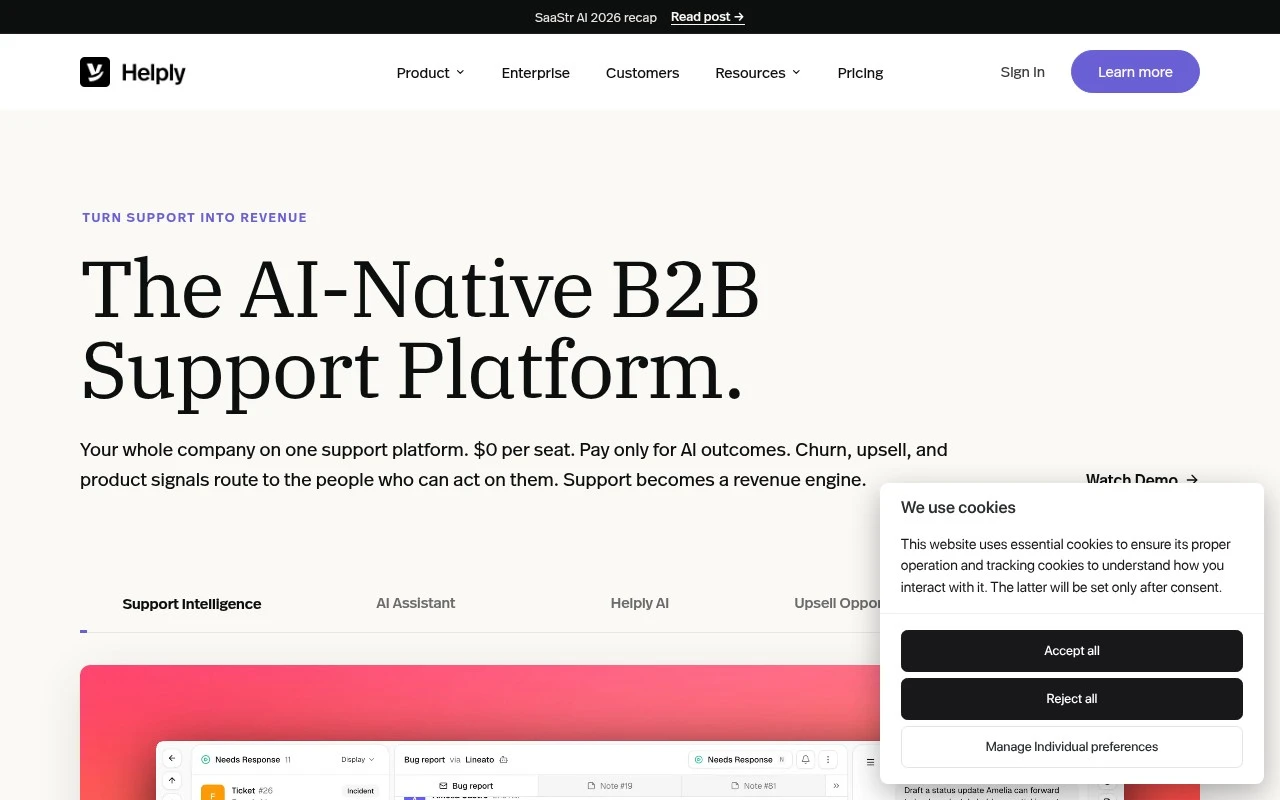
Helply is positioned as a B2B support platform built around AI and account context rather than traditional per-seat ticketing. It routes customer conversations into one inbox, connects support data with sources such as knowledge bases, ticket history, CRM, billing, product usage, Slack, Gong, HubSpot, Stripe, PostHog, and Attio, and uses that context to power AI resolutions, reply drafts, and revenue intelligence. Its pricing claim is distinct: the support platform is described as free with payment tied to AI outcomes such as resolved tickets, churn alerts, or surfaced upsell opportunities.

FYAI Score

8.1 / 10

FYAI rating based on features, pricing and integrations

Pricing:

Freemium

Best for:

B2B support teams handling complex, account-based customers

Score Breakdown

  • Ease of use7.7 / 10
  • Features8.4 / 10
  • Pricing8.5 / 10
  • Integrations8.2 / 10
  • Support7.8 / 10

PRODUCT PREVIEW

What this AI tool does

Helply is a B2B support platform designed around AI and account context rather than traditional per-seat ticketing. It consolidates customer conversations into a single inbox and emphasizes understanding who the customer is, what they have done in the product, and what has happened in prior support interactions. Instead of treating each message as an isolated ticket, it aims to attach relevant account signals to every thread so support teams can respond with more complete context and fewer back-and-forth questions. This approach is particularly suited to SaaS and recurring-revenue businesses where support, retention, and expansion are closely linked. A core capability is its ability to connect support data with external systems and internal knowledge. It can pull in information from knowledge bases and historical tickets, and enrich conversations with CRM and revenue context from tools such as HubSpot and Attio, billing data from Stripe, product usage analytics from PostHog, and collaboration and call intelligence from Slack and Gong. By centralizing these sources, the platform can surface relevant account details at the moment an agent is working a conversation, reducing time spent switching tabs or requesting information from other teams. This unified context can also improve triage and routing by ensuring the right conversation reaches the right owner with the necessary background. On top of the connected data layer, the AI features focus on operational outcomes: generating reply drafts, suggesting resolutions based on prior cases and documentation, and highlighting revenue intelligence signals such as churn risk or potential upsell opportunities. The pricing model is positioned differently from conventional support software, with the core platform described as free and charges tied to AI outcomes like resolved tickets, churn alerts, or surfaced expansion signals. For teams evaluating support tooling, this structure can be assessed alongside accuracy, governance, and workflow fit, including how well the AI uses account context, how integrations are maintained, and how insights are tracked from detection through action.

Use cases

Best for

Customer Support Automation

Helply routes customer messages into one inbox and uses CRM, billing, and usage context to draft replies and resolve tickets with AI.

Churn Prediction

Helply flags churn risk by combining ticket history, product usage, and billing signals to generate churn alerts tied to account context.

Knowledge Base Search

Helply searches connected knowledge bases and past tickets to surface relevant answers while you write support replies in the inbox.

ANALYSIS

Strengths & limitations

Strengths
  • Combines support inbox, AI agent, AI copilot, knowledge-base context, and account intelligence in one B2B-focused platform.
  • Designed to use broader customer context, including CRM, billing, product usage, calls, Slack, and past tickets, before answering or drafting support replies.
  • Outcome-based pricing and no-seat-fee positioning may appeal to teams that want to bring multiple departments into support workflows.
Limitations
  • The product is explicitly focused on B2B companies, so it may not fit consumer support, marketplaces, or broad B2C service teams as well.
  • AI performance appears dependent on the quality and availability of connected knowledge bases, ticket history, CRM data, product usage, and other context sources.
  • Outcome-based pricing may be harder to forecast than a simple fixed seat-based support tool, depending on ticket volume and AI usage.

Evaluation

FYAI score breakdown

Our structured evaluation across five key criteria

8.1 / 10

Overall score

FYAI rating based on features, pricing and integrations

  • Ease of use7.7 / 10
  • Features8.4 / 10
  • Pricing8.5 / 10
  • Integrations8.2 / 10
  • Support7.8 / 10

What users say

Findings from public reviews, documentation and community sources.

  • Ease of use

    Helply describes relatively low setup friction: integrations use “Two-click OAuth” with “No migration, no rip-and-replace,” and its pricing FAQ says “Most customers are live within two weeks.” A customer quote also says setup was “effortless thanks to the hands-on, one-to-one onboarding,” supporting an above-average but not near-zero-learning-curve score.

  • Features

    Helply covers a broad B2B conversational-support feature set: “Email, chat widget, in-app, Slack Connect, WhatsApp” in one inbox, AI agent resolution, AI draft replies, churn detection, upsell flags, competitor mentions, feature requests, routing, account context, and knowledge-base/article creation. This is richer than a typical conversational-AI support tool because it combines support automation with revenue intelligence and B2B account context.

  • Pricing

    Pricing is unusually transparent for B2B support AI: “$1 / ticket,” “Minimum 250 tickets / month,” “Minimum annual contract $3,000,” with “Unlimited agents, unlimited seats” and “AI usage Unlimited.” The value proposition is strong for teams with enough volume, though the annual contract and 250-ticket monthly minimum make it less flexible for very small users.

  • Integrations

    Helply lists native support-platform connections for “Help Scout, Front, Freshdesk, Zoho Desk, and Salesforce Service Cloud,” plus the main page mentions connecting “Slack, Stripe, Gong, PostHog, HubSpot, Attio,” and pricing includes “API access.” That is a broad B2B support ecosystem, though the evidence points to named integrations rather than a full marketplace-scale ecosystem.

  • Support

    Helply includes “Onboarding” and “Premium support” in every contract, and states that “Most customers are live within two weeks.” The clearest support signal is hands-on onboarding rather than a separately detailed public documentation/support center.

PRODUCT PREVIEW

Feature highlights

Unified support inbox

Route all customer conversations into one shared, searchable inbox.

Account context sync

Connect CRM, billing, usage, and history for full customer context.

AI resolutions & drafts

Auto-resolve tickets and generate reply drafts grounded in account data.

COMPARE

Discover curated alternatives worth comparing

Compare similar AI tools based on features, pricing and use cases

8.7/ 10Based on 7.757 reviews

Zoho Desk

Customer Support BotsKnowledge Base Bots
Uses Zia AI to triage tickets, draft replies, and flag issues
Best for:
Customer support teams
Pricing
Freemium

7.8/ 10Based on 31.824 reviews

Zoho

Customer Support Bots
Cloud suite for CRM, finance, HR, and business operations
Best for:
Operations teams
Pricing
Freemium

8.3/ 10Based on 2 reviews

Zendesk

Customer Support BotsChatbots
AI for ticket routing, agent assist, intent detection, and QA scoring
Best for:
Customer support teams
Pricing
Freemium

Start resolving more customer issues with AI that understands every account. See faster replies, fewer escalations, and clearer revenue signals with Helply.

FAQ

Frequently asked
questions

Everything you need to know about this AI tool,
its features, pricing, use cases, and limitations.

What types of support teams is Helply a good fit for?
Helply tends to fit B2B support orgs that want one place for an inbox, AI agent/coprocessor, knowledge context, and account-level signals like churn risk or upsell. It’s most useful when you can connect CRM, billing, product usage, and past tickets so replies reflect the full customer relationship. If you run primarily B2C, marketplace, or high-variance consumer support, the B2B orientation may be less aligned.
Does Helply have a free plan, and what are the typical limitations?
Helply is positioned around paid, outcome-based pricing rather than a simple free tier with unlimited usage. If a trial is offered, expect limits tied to ticket volume, AI actions (auto-responses vs drafts), or connected data sources. For budgeting, clarify what counts as a billable “outcome” and how partial automation is measured.
How does Helply compare to a traditional helpdesk with AI add-ons?
Compared with a standard helpdesk plus an AI plugin, Helply is built to use broader customer context (CRM, billing, usage, calls, Slack, ticket history) before answering or drafting. That can improve relevance for account-based B2B support, but it also increases dependency on integrations and data quality. If you mainly need basic ticketing and macros, a simpler helpdesk may be easier to operate and forecast.
How fast can you get Helply running, and what onboarding work should you expect?
Helply’s AI quality is closely tied to the completeness and freshness of connected context, so weak docs or missing integrations can reduce automation rates. Outcome-based pricing can be harder to predict than seat-based tools if ticket volume or AI usage fluctuates. Its B2B focus is a plus for account-centric workflows but may be a mismatch for consumer-scale support.
What should we verify about Helply’s data handling, privacy, and compliance?
Because Helply can pull from CRM, billing, product usage, calls, Slack, and tickets, confirm exactly which data is ingested, how it’s stored, and whether it’s used to train models. Ask about retention controls, encryption, access permissions, and audit logs, especially if multiple departments will use the platform. If you have regulatory requirements, request documentation on certifications and data residency options before connecting sensitive systems.