
Curated ToolThis tool is part of our curated AI directory. We only include tools that meet our standards for relevance, usability and real-world value.
Microsoft Copilot
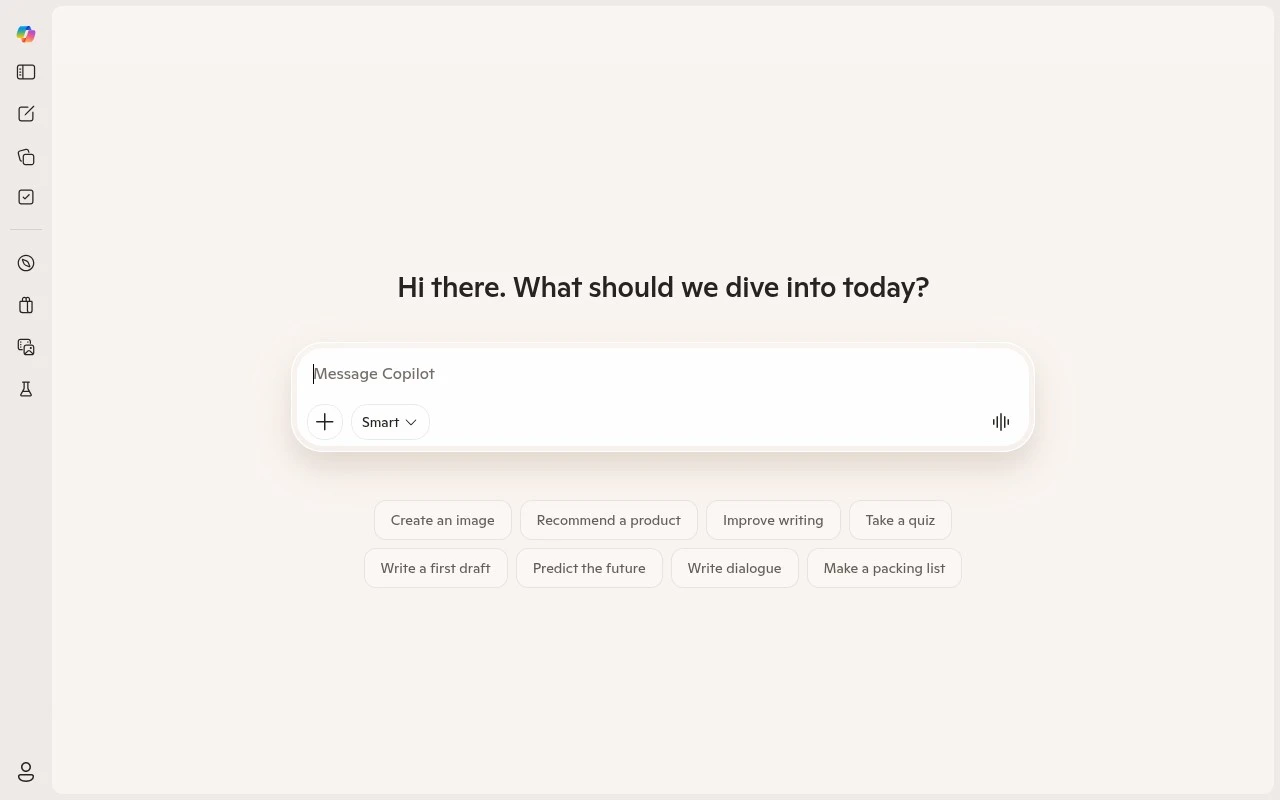
Microsoft Copilot is Microsoft’s AI assistant that uses large language models to help users draft documents and emails, summarize meetings, create presentations, analyze spreadsheets, and answer questions across Microsoft 365 and Windows.
AI Assistants
FYAI Score
7.6 / 10
Based on 388 reviews
Pricing:
Freemium
Best for:
Everyday web users who want quick answers, ideas, and help
Score Breakdown
- Ease of use7.0 / 10
- Features7.0 / 10
- Pricing7.6 / 10
- Integrations9.3 / 10
- Support7.6 / 10
 | Strengths |
-
 Best suited to everyday questions and light productivity because it combines conversational answers, writing help, feedback, and idea generation in one web chat.
 -
Easy for casual users to try because the freemium model provides a low-friction entry point before committing to paid features.
-
Useful for non-specialists because it does not require a profession-specific setup or technical workflow to start asking for help.
 | Limitations |
-
 Less suitable for teams looking for the separate Microsoft 365 Copilot experience because the consumer web chat is not the same as an embedded Office app assistant.
 -
Less suitable for specialized business processes because it is a broad conversational assistant rather than a dedicated legal, analytics, coding, or project management platform.
-
Less suitable for heavy daily use on a fixed zero-cost budget because a freemium model can place higher usage or advanced capabilities behind paid access.
 | 8.1/ 10FYAI score |
Helply
Customer Support BotsKnowledge Base Bots
Answers tickets, drafts replies, flags gaps and churn risks
Best for: | Customer support teams |
Pricing | Freemium |
 | 8.7/ 10Based on 7,757 reviews |
Zoho Desk
Customer Support BotsKnowledge Base Bots
Handles routine tickets, flags issues, and drafts replies
Best for: | Customer support teams |
Pricing | Freemium |
| 7.8/ 10Based on 31,824 reviews |
Zoho
Customer Support Bots
Runs business apps for sales, finance, HR, and support teams
Best for: | Operations teams |
Pricing | Freemium |