Curated ToolThis tool is part of our curated AI directory. We only include tools that meet our standards for relevance, usability and real-world value.

Kustomer

AI platform for intent detection, routing, and agent guidance

Customer Support BotsAgent Builders
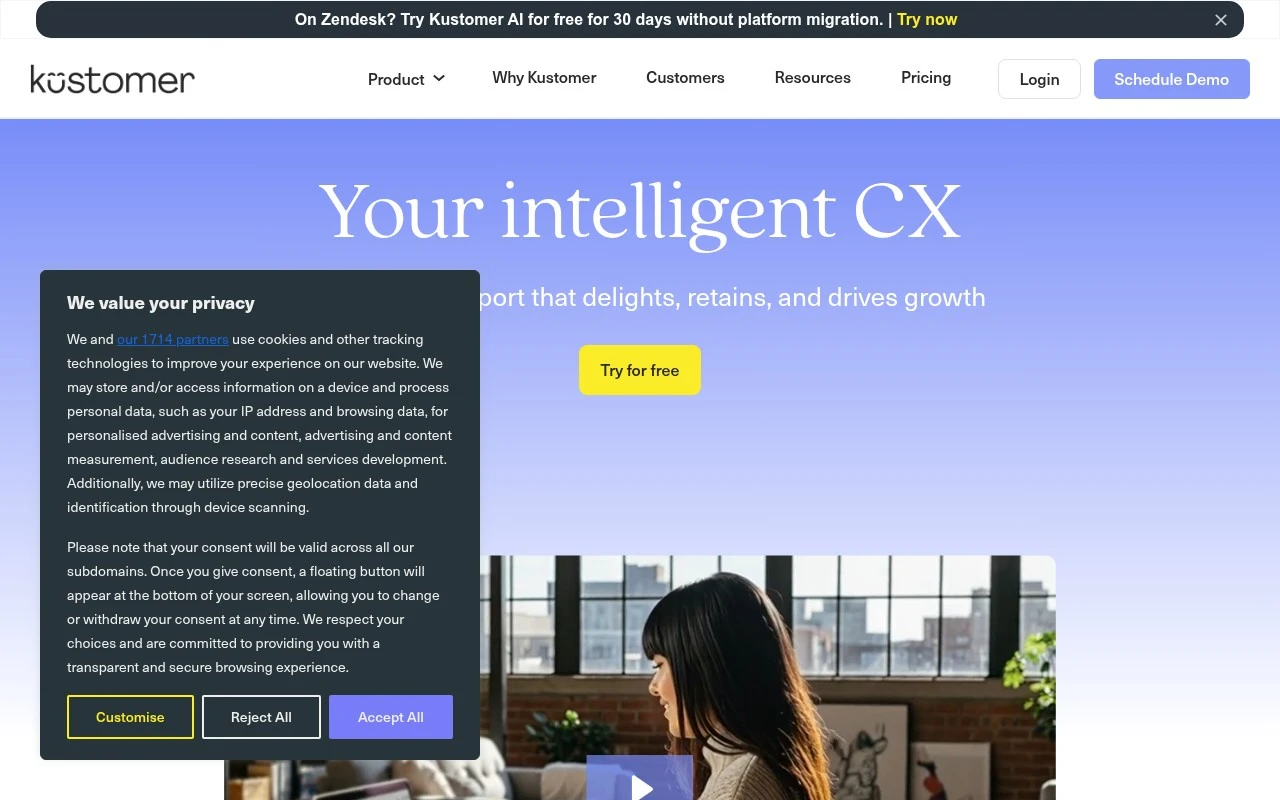
Kustomer is a customer service CRM and AI-native CX platform for teams that want support automation tied to a complete customer record. It combines omnichannel conversations, customer timelines, workflow orchestration, AI agents, agent guidance, and operational controls so AI and human reps can work from the same context.

FYAI Score

8.3 / 10

Based on 558 reviews

Pricing:

Paid

Best for:

Support and CX teams managing high-volume omnichannel service

Score Breakdown

  • Ease of use8.5 / 10
  • Features8.8 / 10
  • Pricing7.5 / 10
  • Integrations8.2 / 10
  • Support8.1 / 10

PRODUCT PREVIEW

What this AI tool does

Kustomer is a customer service platform designed to help support teams manage conversations across multiple channels in one place. It focuses on giving agents a unified view of the customer and the context behind each request, so responses can be handled more consistently. Teams typically use it to organize inbound support, route messages to the right people, and keep a record of past interactions. This can be useful for companies that want clearer workflows for customer support and a more structured way to track issues over time. For someone researching tools in this category, kustomer is relevant if you need a system that centralizes communication and customer history without relying on separate inboxes or disconnected tools. It’s generally evaluated alongside other help desk and CRM-style solutions, depending on how much automation and reporting a team requires.

Use cases

Best for

Customer Support Automation

Kustomer uses AI agents and agent guidance to resolve and route omnichannel tickets using the full customer timeline.

Workflow Automation

Kustomer triggers workflow rules to assign, escalate, and update cases based on intent, priority, and SLA timers.

Crm Automation

Kustomer auto-populates CRM records from conversations and links every interaction to a unified customer profile.

ANALYSIS

Strengths & limitations

Strengths
  • Centers support around a unified customer record rather than isolated tickets or scripts.
  • Includes native AI agents, real-time agent assistance, intent detection, and workflow automation in the CX platform.
  • Supports oversight and iteration of AI workflows with features such as monitoring, testing environments, version control, and human-in-the-loop controls.
Limitations
  • The public page is sales-oriented and does not provide enough detail on pricing, deployment effort, or exact channel coverage.
  • It is positioned mainly for customer support and CX operations, not as a general-purpose sales CRM or marketing automation suite.
  • Claims around autonomous optimization and AI performance should be validated against a buyer’s own workflows, data quality, and compliance needs.

Evaluation

FYAI score breakdown

Our structured evaluation across five key criteria

8.3 / 10

Overall score

Based on 558 reviews

  • Ease of use8.5 / 10
  • Features8.8 / 10
  • Pricing7.5 / 10
  • Integrations8.2 / 10
  • Support8.1 / 10

What users say

Findings from public reviews, documentation and community sources.

  • Ease of use

    G2 summarizes users saying Kustomer is “simple and organized” and “easy to find conversations,” while Capterra highlights Kustomer as “Easy-to-use” for streamlining communication channels. Kustomer product page describes “Guided, no-code configuration.”

  • Features

    Kustomer pricing page lists “Native AI + human agents unified,” a “Customer-centric data model,” “real-time intent detection,” and AI summaries. Kustomer pricing page also references omnichannel messaging, routing, workflows, reporting, permissions, SSO, SCIM, and AI safeguards.

  • Pricing

    Kustomer pricing page presents “Flexible pricing” with “seat-based or usage-based plans.” Kustomer pricing page lists “500 API Rate Limit,” “200 Outbound Webhooks,” “20 Workflows,” plus add-ons and pay-as-you-go Voice/WhatsApp.

  • Integrations

    Kustomer pricing page lists “Integrations Yes,” Facebook, Instagram, WhatsApp Business Accounts, and Google & Microsoft Authentication. Kustomer features page says teams can ingest data from third-party systems through “plug-and-play apps, turnkey integrations, and webhooks.”

  • Support

    Kustomer pricing page includes “99.9% Uptime SLA Credits,” “Customer Success Manager” add-ons, and “Implementation” add-ons.

Who is this for?

Best for customer support teams that want AI and human agents in the same CX workflow. Kustomer lists “Native AI + human agents unified,” a “Customer-centric data model,” omnichannel messaging, routing, workflows, and reporting. Less suited to teams that need fully public dollar tiers for procurement planning, Kustomer presents “Flexible pricing” with “seat-based or usage-based plans,” while commercial details are demo-led rather than fully expressed as public dollar tiers.

PRODUCT PREVIEW

Feature highlights

Unified customer view

See orders, history, and conversations in one customer timeline.

AI agents & automation

Automate resolutions and routing with AI that uses customer context.

Workflow orchestration

Trigger rules, tasks, and approvals to keep service ops on track.

COMPARE

Discover curated alternatives worth comparing

Compare similar AI tools based on features, pricing and use cases

8.1/ 10FYAI score

Helply

Customer Support BotsKnowledge Base Bots
Answers support tickets, drafts replies, and flags churn risk
Best for:
Customer support teams
Pricing
Freemium

8.7/ 10Based on 7.757 reviews

Zoho Desk

Customer Support BotsKnowledge Base Bots
Uses Zia AI to triage tickets, draft replies, and flag issues
Best for:
Customer support teams
Pricing
Freemium

7.8/ 10Based on 31.824 reviews

Zoho

Customer Support Bots
Cloud suite for CRM, finance, HR, and business operations
Best for:
Operations teams
Pricing
Freemium

See why support teams choose Kustomer to resolve more conversations faster and keep customers happier. Start delivering standout service at scale today.

FAQ

Frequently asked
questions

Everything you need to know about this AI tool,
its features, pricing, use cases, and limitations.

What types of support teams is Kustomer a good fit for?
Kustomer tends to fit mid-to-large support organizations that need a unified customer timeline across channels (email, chat, social, messaging) and want automation tied to customer context. It’s especially useful when workflows, routing, and permissions need to be customized by team, brand, or region. If you mainly need a lightweight ticketing inbox with minimal configuration, simpler tools may be faster to adopt.
Does Kustomer have a free plan, and what are the limitations of paid tiers?
Kustomer is generally positioned as a paid, enterprise-oriented platform rather than a freemium helpdesk, so a permanent free plan is not typically the norm. Costs and feature access often depend on seat count and add-ons (for example, advanced automation, analytics, or channels). When comparing, confirm what’s included for AI/automation, reporting, and each messaging channel in the specific quote.
How does Kustomer compare with Zendesk, Intercom, or Salesforce Service Cloud?
Compared with Zendesk, Kustomer often emphasizes a customer-centric timeline and deeper workflow customization, but can require more setup to get right. Versus Intercom, Kustomer is usually stronger for complex, multi-team support operations, while Intercom can be simpler for chat-first use cases. Against Salesforce Service Cloud, Kustomer can be lighter to deploy than a full Salesforce build, but Salesforce may win if you’re already standardized on Salesforce data and admin tooling.
How long does it take to implement Kustomer, and what resources are typically needed?
Kustomer’s flexibility can come with a steeper learning curve for admins and agents compared with simpler helpdesks. The platform is typically priced for larger teams, so smaller organizations may find the cost-to-value ratio less favorable. If you need minimal customization and fast “out-of-the-box” workflows, alternatives may be more straightforward.
What should I check about data handling, privacy, and compliance with Kustomer?
Verify where Kustomer hosts and processes customer data, what data is stored in conversation timelines, and how long it’s retained. Ask about access controls (roles/permissions), audit logs, encryption, and how integrations (CRM, messaging channels) affect data sharing. If you have regulatory requirements, confirm the specific compliance commitments and contractual terms (for example, DPA availability and subprocessors) during procurement.