
Curated ToolThis tool is part of our curated AI directory. We only include tools that meet our standards for relevance, usability and real-world value.
Kommunicate
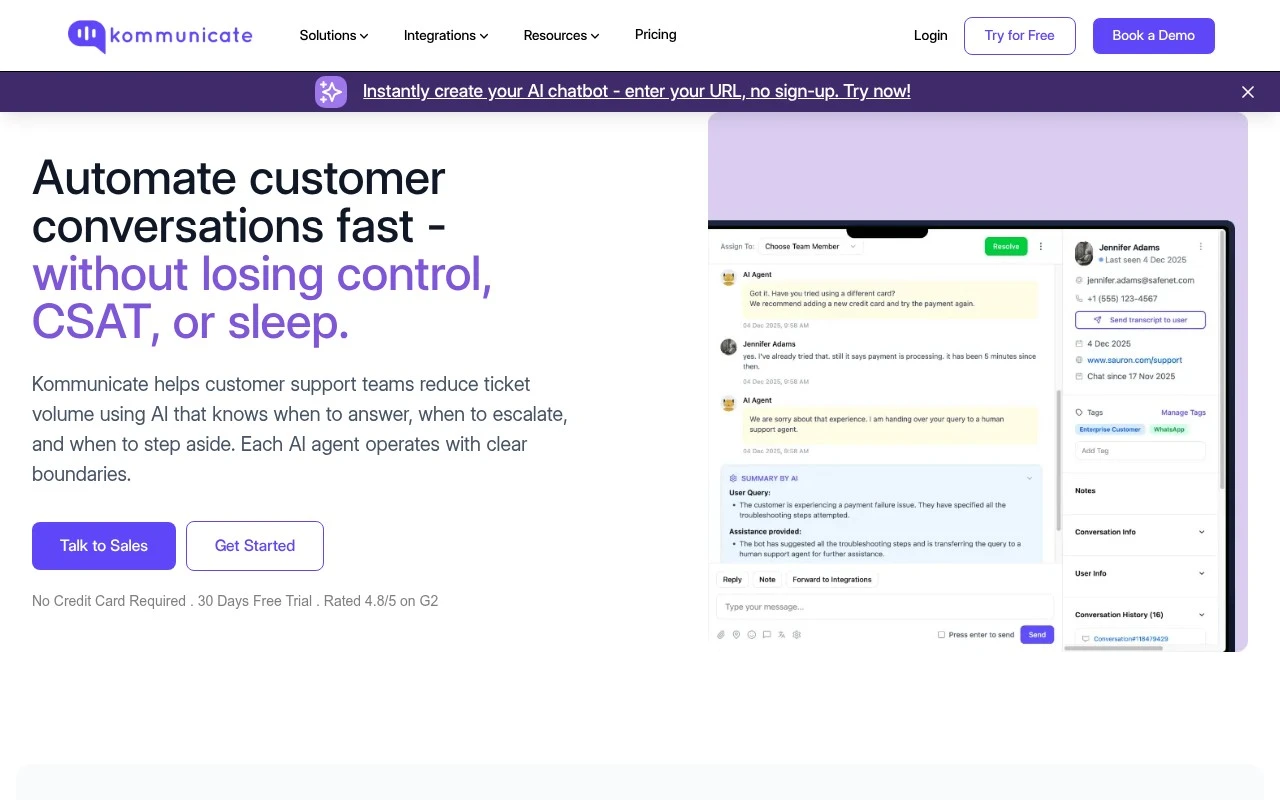
Kommunicate is a customer support automation platform that combines AI chatbots and live chat to help businesses handle customer conversations across websites, mobile apps, and messaging channels. It supports bot-to-human handoff, team inbox workflows, and integrations with helpdesk and CRM systems.
Customer Support BotsAgent Builders
FYAI Score
9.0 / 10
Based on 43 reviews
Pricing:
Freemium
Best for:
Customer support teams scaling chat support with controlled automation
Score Breakdown
- Ease of use9.3 / 10
- Features8.8 / 10
- Pricing8.7 / 10
- Integrations8.8 / 10
- Support9.3 / 10
 | Strengths |
-
 Best suited to support teams that want controllable automation because AI agents, live chat, routing, escalation, and human handoff are part of the same support flow.
 -
Flexible for teams with existing AI preferences because it supports multiple model options, including OpenAI, Anthropic, and Gemini.
-
Useful for reducing routine ticket volume because teams can automate common questions while still monitoring AI behaviour and intervening when needed.
 | Limitations |
-
 Less suitable for teams seeking a fully autonomous support replacement because the platform is designed around monitored automation and human escalation.
 -
The freemium model is best for initial testing because teams with higher support volume or broader automation needs should expect to move to a paid subscription.
-
Less suitable for teams without time to configure knowledge, routing rules, escalation paths, and QA processes because controlled AI support requires ongoing setup and monitoring.
 | 8.1/ 10FYAI score |
Helply
Customer Support BotsKnowledge Base Bots
Answers tickets, drafts replies, flags gaps and churn risks
Best for: | Customer support teams |
Pricing | Freemium |
 | 8.7/ 10Based on 7,757 reviews |
Zoho Desk
Customer Support BotsKnowledge Base Bots
Handles routine tickets, flags issues, and drafts replies
Best for: | Customer support teams |
Pricing | Freemium |
| 7.8/ 10Based on 31,824 reviews |
Zoho
Customer Support Bots
Runs business apps for sales, finance, HR, and support teams
Best for: | Operations teams |
Pricing | Freemium |