Curated ToolThis tool is part of our curated AI directory. We only include tools that meet our standards for relevance, usability and real-world value.

Kayako

AI classifies and routes tickets, drafts replies, and escalates

Customer Support Bots
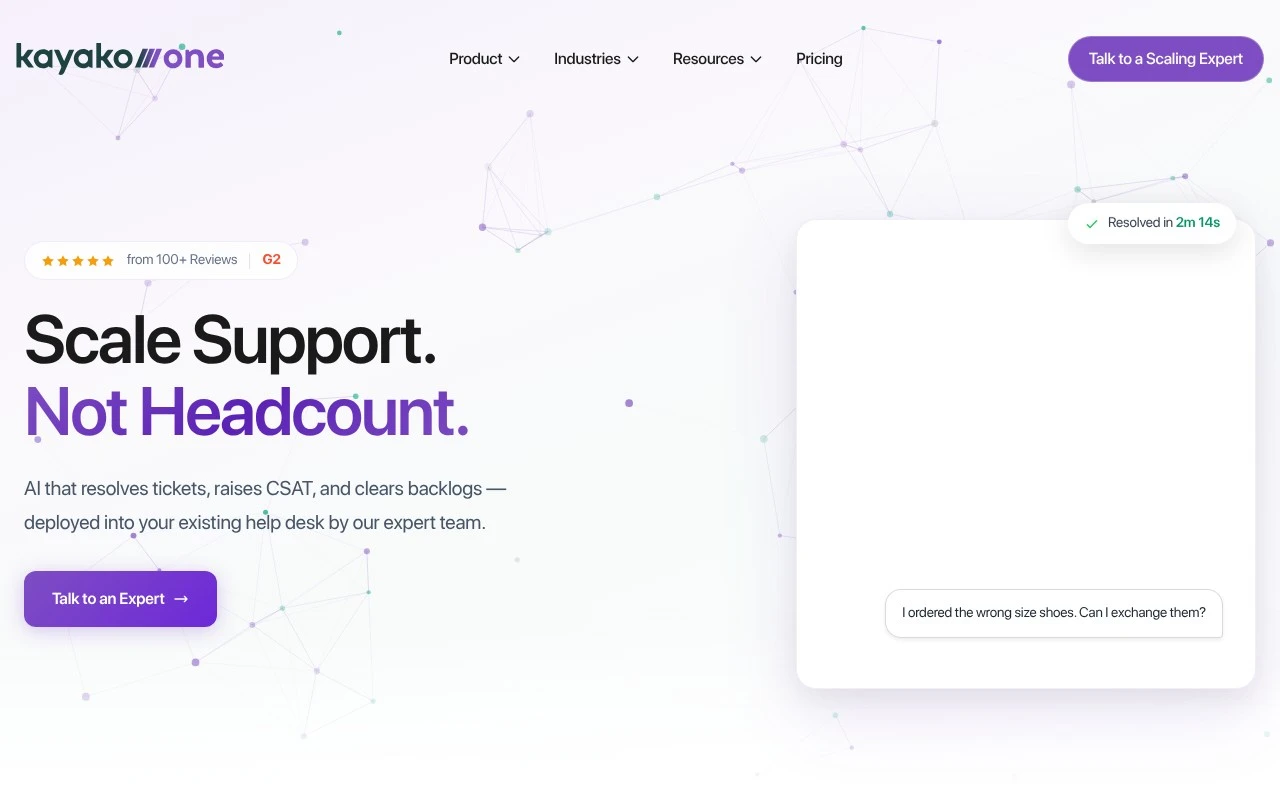
Kayako is a customer support platform built around AI-assisted and AI-automated ticket handling. Its product includes a modern help desk with shared inbox, customer context, no-code workflows, knowledge base, analytics, SLA management, and security controls, plus Kay, an AI support agent that can plug into Kayako or other help desk systems. The company emphasizes expert-led, phased deployment: AI triage first, AI-drafted answers next, and autonomous resolution after the system is trained on the company’s tickets, products, and tone.

FYAI Score

8.5 / 10

Based on 227 reviews

Pricing:

Paid

Best for:

Support teams scaling ticket volume without adding headcount

Score Breakdown

  • Ease of use8.0 / 10
  • Features8.3 / 10
  • Pricing8.6 / 10
  • Integrations9.0 / 10
  • Support9.2 / 10

PRODUCT PREVIEW

What this AI tool does

Kayako is a customer support tool designed to help teams manage and respond to customer questions across common support channels. It brings conversations into a shared workspace so support agents can track requests, collaborate internally, and keep responses consistent. In practice, it’s used by support and service teams that need a structured way to handle incoming inquiries, follow up on open issues, and maintain context over time. If you’re comparing help desk software or evaluating options for organizing customer communication, kayako is typically considered for its focus on ticket-based workflows and team coordination.

Use cases

Best for

Customer Support Automation

Kayako uses AI triage and AI-drafted replies to route, prioritize, and answer support tickets in a shared inbox.

Workflow Automation

Kayako runs no-code workflows that assign tickets, trigger SLA timers, and escalate cases based on rules and customer context.

Omnichannel Support

Kayako centralizes email, chat, and help center requests so agents see full customer history and respond from one place.

ANALYSIS

Strengths & limitations

Strengths
  • Can be used either as a complete help desk or as an AI layer on top of existing help desk tools.
  • Focuses on practical support workflows such as routing, reply drafting, escalation, knowledge-base search, and routine case resolution.
  • Vendor-led implementation and phased rollout may help teams that do not want to configure AI support automation entirely on their own.
Limitations
  • The official site emphasizes booking a strategy session rather than showing transparent public pricing or a simple self-serve setup path.
  • The strongest performance numbers and savings claims on the page are vendor-provided and should be validated during evaluation.
  • Teams looking for a lightweight DIY help desk may find the expert-led deployment model and AI automation focus more involved than necessary.

Evaluation

FYAI score breakdown

Our structured evaluation across five key criteria

8.5 / 10

Overall score

Based on 227 reviews

  • Ease of use8.0 / 10
  • Features8.3 / 10
  • Pricing8.6 / 10
  • Integrations9.0 / 10
  • Support9.2 / 10

What users say

Findings from public reviews, documentation and community sources.

  • Ease of use

    G2’s product-review signal says users “consistently praise the ease of use and intuitive interface” and that Kayako “simplifies ticket management and enhances team collaboration.” Kayako’s website positions deployment as expert-led rather than a purely self-serve setup.

  • Features

    Kayako’s website describes a broad AI support/helpdesk platform with “AI Triage,” “AI Answers,” “Continuous Learning,” and an “omnichannel inbox.” Kayako’s website also references “no-code workflow automation,” “knowledge base with semantic search,” “analytics & SLA management,” and enterprise security.

  • Pricing

    Kayako’s pricing page states “$1 Per Resolved Ticket,” with “No seat fees. No setup fees,” and “No charge for escalations or partial resolutions.” Kayako’s pricing page positions the full Kayako One platform through “Talk to an Expert.”

  • Integrations

    Kayako’s integrations page lists “hundreds of apps through Zapier,” “APIs and webhooks,” and pre-built connectors including “Salesforce,” “Slack, Teams, WhatsApp,” and “Shopify, Stripe, Chargebee.” Kayako’s integrations page states, “If your system has an API, Kay can use it.”

  • Support

    Kayako’s website says, “We don’t hand you the keys and walk away,” and describes a “Full white-glove team.” Kayako’s website lists “implementation engineers, prompt experts, and a dedicated success manager.”

Who is this for?

Best for customer support teams that want AI helpdesk deployment with hands-on guidance, Kayako’s website lists “implementation engineers, prompt experts, and a dedicated success manager.” Best for teams with connected support stacks, Kayako’s integrations page lists “hundreds of apps through Zapier,” “APIs and webhooks,” and connectors including “Salesforce,” “Slack, Teams, WhatsApp,” and “Shopify, Stripe, Chargebee.” Less suited to buyers who need a fully self-serve purchase path for the entire platform, Kayako’s pricing page positions the full Kayako One platform through “Talk to an Expert.”

PRODUCT PREVIEW

Feature highlights

AI ticket triage

Auto-categorize, prioritize, and route tickets to the right team.

AI-drafted replies

Generate on-brand answers from your history, products, and tone.

No-code workflows

Automate SLAs, escalations, and approvals without engineering help.

COMPARE

Discover curated alternatives worth comparing

Compare similar AI tools based on features, pricing and use cases

8.1/ 10FYAI score

Helply

Customer Support BotsKnowledge Base Bots
Answers support tickets, drafts replies, and flags churn risk
Best for:
Customer support teams
Pricing
Freemium

8.7/ 10Based on 7.757 reviews

Zoho Desk

Customer Support BotsKnowledge Base Bots
Uses Zia AI to triage tickets, draft replies, and flag issues
Best for:
Customer support teams
Pricing
Freemium

7.8/ 10Based on 31.824 reviews

Zoho

Customer Support Bots
Cloud suite for CRM, finance, HR, and business operations
Best for:
Operations teams
Pricing
Freemium

Deliver faster, more personal support at scale. See why teams choose Kayako to keep customers happy and agents focused.

FAQ

Frequently asked
questions

Everything you need to know about this AI tool,
its features, pricing, use cases, and limitations.

What types of support teams is Kayako a good fit for?
Kayako tends to fit teams that want a single place to manage customer conversations across channels and reduce manual ticket handling. It’s commonly evaluated by SMB-to-midmarket support orgs that need shared inbox workflows, SLAs, and reporting without heavy engineering. If you need deep, custom conversational flows or highly bespoke automation, you may find it less flexible than more bot-first platforms.
Does Kayako offer a free plan, and what are the typical limitations?
Kayako is generally positioned as a paid product, and any trials are usually time-limited rather than a permanent free tier. The main constraints you’ll want to verify are agent seats, channel access, automation features, and reporting depth at each tier. For smaller teams, cost can rise quickly as you add users or advanced capabilities.
How does Kayako compare with Zendesk, Freshdesk, or Intercom for customer support automation?
Compared with Zendesk and Freshdesk, Kayako is often assessed on how its unified conversation view and workflow tools match your team’s day-to-day support process. Intercom typically leans more toward proactive messaging and product-led engagement, while Kayako is more support-desk oriented. If your priority is complex chatbot building and experimentation, you may find more specialized conversational platforms stronger than Kayako.
How quickly can a team get Kayako running, and what onboarding work is involved?
Kayako can involve a learning curve for teams that haven’t used structured ticketing and automation before. Customization for automated responses and brand-specific conversational tone may be more limited than tools built primarily for bot design. Pricing is also a common decision factor when scaling to more agents or adding advanced features.
What should I check about Kayako’s data handling, privacy, and compliance before buying?
Confirm where Kayako hosts and processes customer conversation data, and whether it supports your required data residency and retention policies. Review available security controls (e.g., access roles, audit logs, SSO) and the vendor’s standard agreements for privacy and subprocessors. If you operate in regulated environments, validate whether Kayako’s compliance posture matches your needs before migrating sensitive support content.