Curated ToolThis tool is part of our curated AI directory. We only include tools that meet our standards for relevance, usability and real-world value.

Hiver

AI agents triage tickets, route requests, and update records

Customer Support Bots
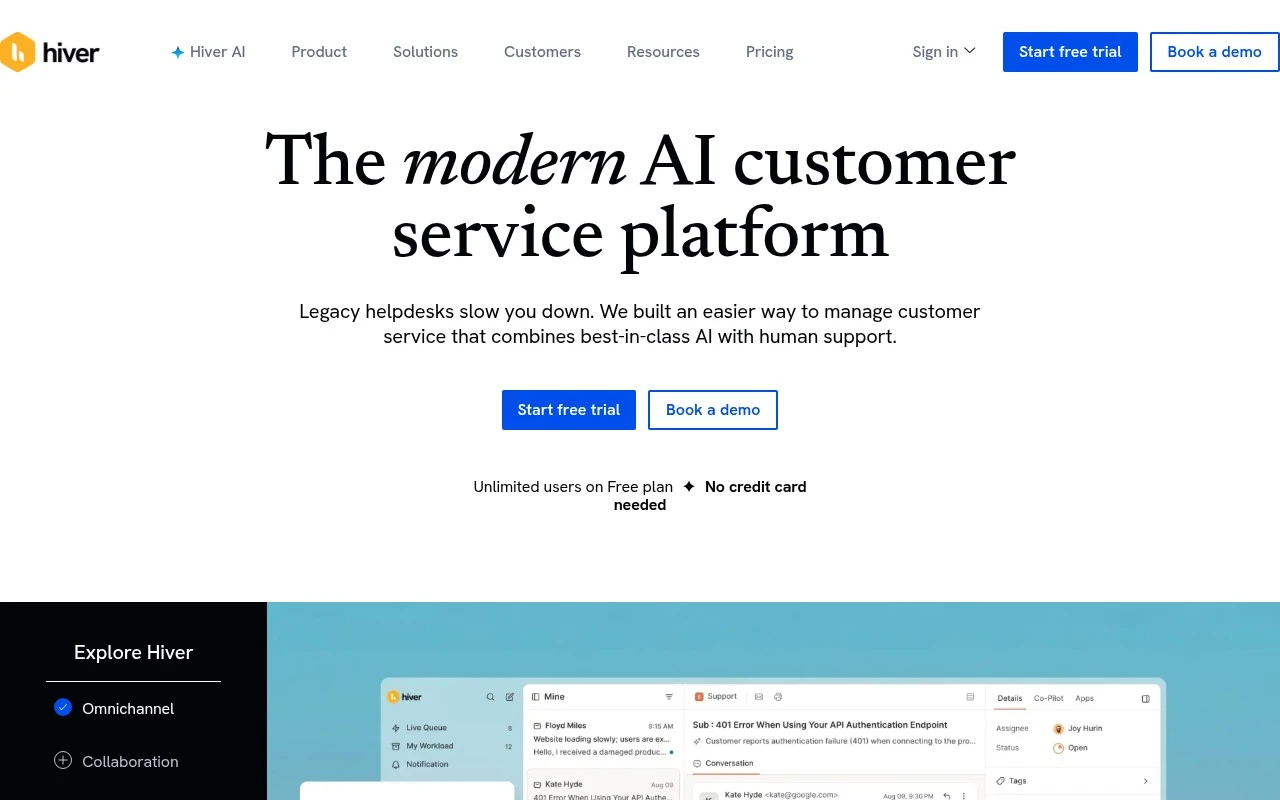
Hiver is a customer service platform with two main offerings: Hiver Omni for omnichannel support and Hiver in Gmail for turning Gmail into a shared inbox helpdesk. It is built around complex support workflows, combining ticket management, cross-team collaboration, customer context, AI copilots, AI agents, workflow automation, knowledge management, and quality/insight features. The official site emphasizes agentic AI that can follow defined procedures, use context from tickets and connected tools, and take actions across external systems through APIs, webhooks, and integrations.

FYAI Score

8.8 / 10

Based on 1.283 reviews

Pricing:

Paid

Best for:

Customer support teams running complex workflows across channels

Score Breakdown

  • Ease of use9.1 / 10
  • Features8.3 / 10
  • Pricing8.9 / 10
  • Integrations8.9 / 10
  • Support9.2 / 10

PRODUCT PREVIEW

What this AI tool does

Hiver is an AI-enabled tool designed to help teams manage shared email workflows more efficiently, especially when multiple people need to collaborate on customer or internal requests. It typically fits organizations that rely on group inboxes and want clearer ownership, faster responses, and better visibility into what is being handled. In practice, it supports day-to-day operations by organizing incoming messages, routing them to the right person, and tracking progress so conversations don’t get missed or duplicated. This makes it useful for support, operations, or account teams that work inside email and need a more structured way to coordinate. For readers looking for informational context, hiver is generally positioned as a way to bring lightweight workflow management into email-based collaboration, helping teams standardize how they respond and follow up without changing how they communicate.

Use cases

Best for

Customer Support Automation

Automate support workflows by routing tickets, triggering approvals, and letting AI agents take actions via integrations and webhooks.

Inbox Triage

Hiver turns Gmail into a shared inbox that tags, assigns, and prioritizes incoming emails with ticket status and customer context.

Omnichannel Support

Provide omnichannel support by managing email, chat, and other channels in one queue with shared notes, SLAs, and knowledge base links.

ANALYSIS

Strengths & limitations

Strengths
  • Offers both a Gmail-native helpdesk experience and an omnichannel support product, which can fit teams that prefer to work from their inbox or from a dedicated support platform.
  • Focuses on collaboration and context for complex customer issues rather than only basic ticket intake and assignment.
  • Includes AI capabilities for triage, copilot assistance, knowledge maintenance, workflow automation, and AI agents that can act across connected systems when configured.
Limitations
  • Hiver in Gmail depends on the Gmail/Chrome extension workflow, which may not suit teams that do not use Google Workspace or prefer a standalone helpdesk only.
  • The more advanced AI automation described on the site appears to require defined procedures, connected systems, and workflow configuration rather than working automatically out of the box.
  • The official page is broad and marketing-oriented, so exact limits, channel coverage, pricing details, and implementation requirements are not fully established from the provided content alone.

Evaluation

FYAI score breakdown

Our structured evaluation across five key criteria

8.8 / 10

Overall score

Based on 1.283 reviews

  • Ease of use9.1 / 10
  • Features8.3 / 10
  • Pricing8.9 / 10
  • Integrations8.9 / 10
  • Support9.2 / 10

What users say

Findings from public reviews, documentation and community sources.

  • Ease of use

    G2 lists 1,283 reviews for Hiver in Gmail, and G2's summary says users “consistently praise Hiver for its ease of use and seamless integration with Gmail.”

  • Features

    Hiver's website says Hiver covers “email, chat, Slack, voice, socials, and WhatsApp” in one workspace, and lists AI Agents, AI Copilot, AI Knowledge Hub, and AI Insights. Hiver's pricing page marks some advanced AI items as “COMING SOON.”

  • Pricing

    Hiver's pricing page lists a “Free forever” tier, paid annual tiers Growth “$25 /user/month,” Pro “$55 /user/month,” and Elite “$85 /user/month,” and a 7-day Elite trial with no credit card required. Hiver's pricing page places advanced capabilities in higher tiers, and some are marked “COMING SOON.”

  • Integrations

    Hiver's website states Hiver can connect “Salesforce, Shopify, NetSuite, and 1,000+ tools,” and names Jira, Linear, Slack, Confluence, Notion, and Google Sheets. Hiver's website says Pro includes “API access.”

  • Support

    Hiver's pricing page says the Free tier includes “24*7 support” with “round-the-clock access to Hiver's support team over email and chat.” Hiver's pricing page includes a customer quote describing Hiver's support as “responsive and genuinely proactive.”

Who is this for?

Best for support teams that work from Gmail and need multiple customer channels in one workspace, Hiver's website says it covers “email, chat, Slack, voice, socials, and WhatsApp.” Less suited to teams that need every advanced AI capability available immediately, Hiver's pricing page marks some advanced AI items as “COMING SOON,” and advanced capabilities sit in higher tiers.

PRODUCT PREVIEW

Feature highlights

Omnichannel Inbox

Manage email, chat, and more in one queue with full customer context.

Agentic AI Actions

AI follows procedures and triggers actions via APIs, webhooks, and tools.

Workflow Automation

Auto-route, assign, and escalate tickets with SLAs and rules.

COMPARE

Discover curated alternatives worth comparing

Compare similar AI tools based on features, pricing and use cases

8.1/ 10FYAI score

Helply

Customer Support BotsKnowledge Base Bots
Answers support tickets, drafts replies, and flags churn risk
Best for:
Customer support teams
Pricing
Freemium

8.7/ 10Based on 7.757 reviews

Zoho Desk

Customer Support BotsKnowledge Base Bots
Uses Zia AI to triage tickets, draft replies, and flag issues
Best for:
Customer support teams
Pricing
Freemium

7.8/ 10Based on 31.824 reviews

Zoho

Customer Support Bots
Cloud suite for CRM, finance, HR, and business operations
Best for:
Operations teams
Pricing
Freemium

Bring order to your team inbox and respond faster, together. See why support teams choose Hiver to stay accountable and never miss a customer message.

FAQ

Frequently asked
questions

Everything you need to know about this AI tool,
its features, pricing, use cases, and limitations.

What types of support teams is Hiver a good fit for?
Hiver works best for teams that handle customer support directly from Gmail/Google Workspace and want shared inbox workflows without moving to a separate helpdesk. It’s a strong fit for small-to-mid teams managing email-heavy queues like support@, sales@, or billing@ with clear ownership and internal notes. If you need omnichannel support (chat, social, voice) or complex ticket automation, a dedicated helpdesk may fit better.
Does Hiver have a free plan, and what do you miss on paid tiers?
Hiver is typically sold as a paid product with per-user pricing, and any trial/free access is usually time-limited rather than a full free tier. On lower tiers, you may find limits around analytics/reporting depth, automation, and advanced admin controls. If budget is tight, compare the total cost as you add agents and shared inboxes.
How does Hiver compare with Zendesk, Freshdesk, or Front?
Compared with Zendesk or Freshdesk, Hiver is more email-native and lighter-weight, but usually offers less advanced reporting and broader channel support. Versus Front, Hiver is often simpler for Gmail-centric teams, while Front can be stronger for multi-channel workflows and more complex routing. If your priority is staying inside Gmail with shared inbox accountability, Hiver tends to align well.
How quickly can a team get Hiver running, and what onboarding is involved?
Hiver can feel limiting if you need deep analytics, custom dashboards, or highly granular performance reporting. It’s also less suited to complex support operations that require extensive automation, custom objects, or multi-brand/multi-channel routing. Finally, teams new to shared inbox discipline may need time to avoid confusion around assignments and closures.
What should I check about Hiver’s data handling, privacy, and compliance?
Confirm where Hiver stores and processes message data, how it accesses your mailbox (permissions/scopes), and whether it supports your required standards (e.g., SOC 2, GDPR, HIPAA if applicable). Review retention controls, audit logs, and admin features like SSO and role-based access to match your security posture. If you operate in regulated environments, involve your security team to validate contractual terms and subprocessors.