Curated ToolThis tool is part of our curated AI directory. We only include tools that meet our standards for relevance, usability and real-world value.

Heyy

Configurable AI agents manage chat and social message workflows

Customer Support BotsChatbots
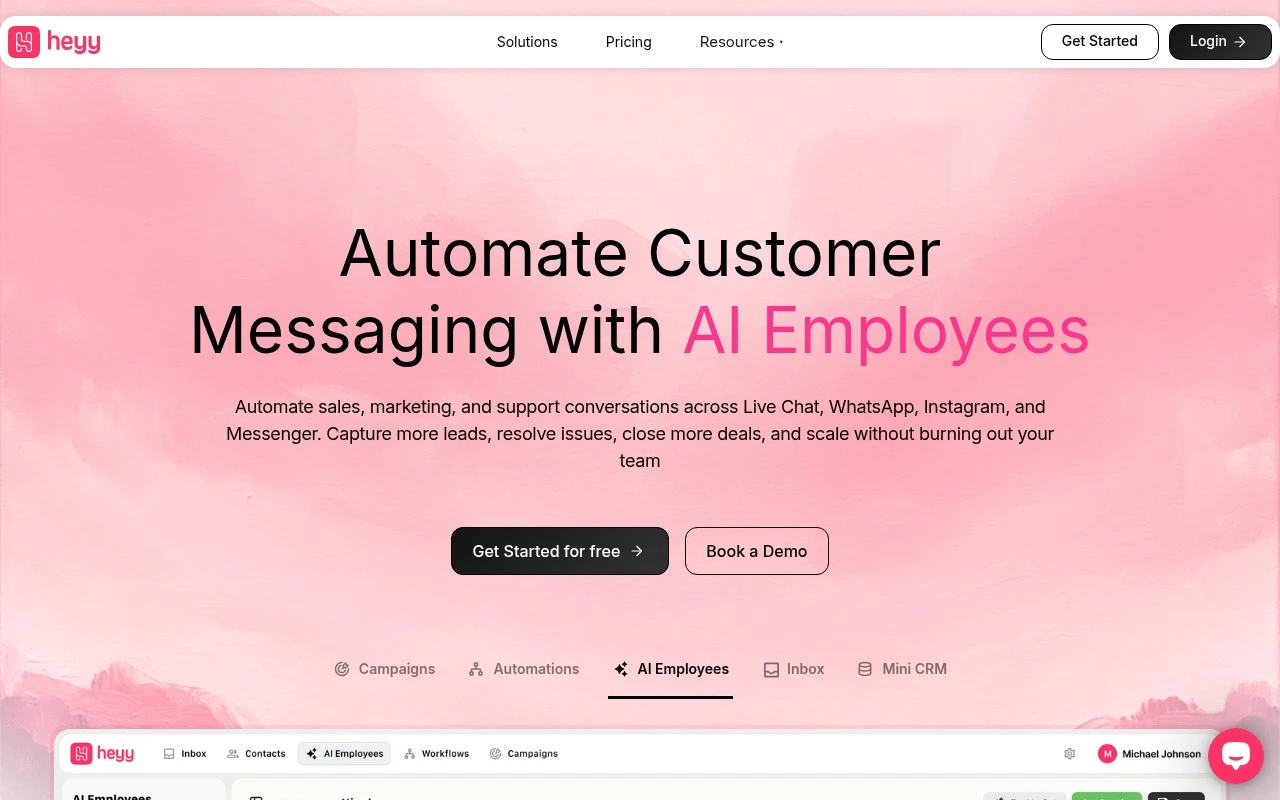
Heyy.io provides AI “Employees” that businesses can configure to manage customer conversations across live chat, WhatsApp, Instagram, and Messenger. The platform is positioned around automating sales, marketing, and support messaging, with related tools such as campaigns, automations, a shared inbox, integrations, and a mini CRM. It is meant to complement human teams by handling repetitive tasks like FAQs, intake, lead qualification, follow-ups, scheduling, and request routing.

FYAI Score

7.8 / 10

Based on 15 reviews + FYAI product analysis

Pricing:

Paid

Best for:

Sales and support teams handling high volumes of customer messages

Score Breakdown

  • Ease of use7.4 / 10
  • Features7.4 / 10
  • Pricing8.1 / 10
  • Integrations8.0 / 10
  • Support8.3 / 10

PRODUCT PREVIEW

What this AI tool does

Heyy is an AI tool page designed to help you understand what the tool does and how it can fit into your workflow. It provides a straightforward overview of the tool’s purpose, typical ways people use it, and what to expect when getting started. Because the available details are limited, this description focuses on setting clear expectations rather than making assumptions. If you share the intended audience, key tasks it supports, and a brief example of how someone would use it, the page can be refined to better match your informational needs.

Use cases

Best for

Omnichannel Support

Heyy routes and answers customer messages across live chat, WhatsApp, Instagram, and Messenger using AI Employees and a shared inbox.

Marketing Automation

It runs messaging campaigns and rule based automations to send follow ups, reminders, and updates across connected chat channels.

Lead Capture

It collects lead details in chat, qualifies prospects with scripted questions, and saves them to the mini CRM or integrations for follow up.

ANALYSIS

Strengths & limitations

Strengths
  • Supports multiple customer messaging channels, including website live chat, WhatsApp, Instagram, and Messenger.
  • Designed for non-technical setup, while still offering integrations or APIs for extended workflows.
  • Covers several customer-facing workflows in one place, including support automation, lead generation, campaigns, inbox management, and lightweight CRM functions.
Limitations
  • The public site provides limited detail on exact pricing, plan limits, and implementation requirements.
  • Specific supported CRM, e-commerce, ticketing, and business-system integrations are described generally rather than listed in detail.
  • Security is described at a high level, but the provided site text does not specify certifications, compliance standards, or data residency options.

Evaluation

FYAI score breakdown

Our structured evaluation across five key criteria

7.8 / 10

Overall score

Based on 15 reviews + FYAI product analysis

  • Ease of use7.4 / 10
  • Features7.4 / 10
  • Pricing8.1 / 10
  • Integrations8.0 / 10
  • Support8.3 / 10

What users say

Findings from public reviews, documentation and community sources.

  • Ease of use

    Heyy.io states no-code setup with “no technical skills required” and “Just create your employee, customize settings, set up your workflows and go live.”

  • Features

    Heyy.io lists AI employees, campaigns, automations, and a mini CRM, with customer messaging across live chat, WhatsApp, Instagram, and Messenger.

  • Pricing

    Heyy pricing page lists Hobby at $49/month, Pro at $149/month, and Ultra at $499/month, with annual discounts and a 14-day free trial. Heyy pricing page says limits vary for users, credits, AI employees, automations, and support levels, and notes “Additional charges apply for Credits & WhatsApp messages.”

  • Integrations

    Make states users can “Connect Heyy to sync data between apps” and “Integrate over 3000 apps on Make.” Heyy pricing page lists public API access.

  • Support

    Heyy pricing page lists “Basic support” for Hobby, “Advanced support” for Pro, and “Priority support” for Ultra. Heyy pricing page says Enterprise adds “SLAs,” a “Success manager,” plus “Migration and onboarding support.”

Who is this for?

Best for teams that want to launch conversational AI without technical setup, Heyy says “no technical skills required” and supports AI employees, automations, and messaging across live chat, WhatsApp, Instagram, and Messenger. Less suited to teams with unpredictable credit or WhatsApp-message volume, the pricing page notes “Additional charges apply for Credits & WhatsApp messages,” so usage beyond included limits can add charges.

PRODUCT PREVIEW

Feature highlights

AI Employees

Handle FAQs, intake, qualification, and follow-ups automatically.

Omnichannel Inbox

Manage chat, WhatsApp, Instagram, and Messenger in one place.

Automations & Routing

Route requests, book meetings, and trigger campaigns from chats.

COMPARE

Discover curated alternatives worth comparing

Compare similar AI tools based on features, pricing and use cases

8.1/ 10FYAI score

Helply

Customer Support BotsKnowledge Base Bots
Answers support tickets, drafts replies, and flags churn risk
Best for:
Customer support teams
Pricing
Freemium

8.7/ 10Based on 7.757 reviews

Zoho Desk

Customer Support BotsKnowledge Base Bots
Uses Zia AI to triage tickets, draft replies, and flag issues
Best for:
Customer support teams
Pricing
Freemium

7.8/ 10Based on 31.824 reviews

Zoho

Customer Support Bots
Cloud suite for CRM, finance, HR, and business operations
Best for:
Operations teams
Pricing
Freemium

Turn more chats into sales with heyy. Start delivering fast, personal support that keeps shoppers moving from questions to checkout.

FAQ

Frequently asked
questions

Everything you need to know about this AI tool,
its features, pricing, use cases, and limitations.

Is heyy a good fit for my e-commerce support and sales use cases?
heyy is best suited for e-commerce teams that want automated pre-purchase Q&A, order status help, returns/exchanges guidance, and product recommendations in a consistent brand voice. It’s a stronger fit when you need tight integration with your store platform and want to use conversation data to improve conversion and support workflows. If your primary use case is internal knowledge management or non-commerce lead gen, you may find broader tools more flexible.
Does heyy have a free plan, and what are the typical limitations compared to paid tiers?
heyy’s free availability and limits depend on the current pricing model, so you’ll want to confirm on heyy.io before committing. In practice, lower tiers in this category usually cap conversation volume, channels, and advanced customization (brand voice, routing, analytics depth). Paid plans are typically where you get richer integrations, more detailed reporting, and higher usage allowances.
How does heyy compare to other e-commerce chatbots and conversational AI tools?
Compared with general-purpose chat platforms, heyy is more focused on e-commerce workflows like product discovery, order-related automation, and store integrations. If you’re comparing it to broader customer service suites, check whether heyy matches your needs for ticketing, human handoff, and multi-channel coverage. The deciding factors are usually integration depth with your commerce stack and how much control you need over bot behavior and tone.
How fast can I get heyy running, and what onboarding effort should I expect?
heyy can require ongoing maintenance to keep responses accurate as your catalog, policies, and promotions change. It’s also less versatile if your business isn’t e-commerce-centric, since many features are optimized for store journeys. If you need complex non-commerce workflows or deep CRM/service-desk orchestration, you may need additional tooling.
What should I check about data handling, privacy, and compliance when using heyy?
Review what customer data heyy stores from chats (e.g., order details, contact info) and whether you can control retention, deletion, and access permissions. Confirm where data is processed/hosted and what subprocessors are involved, especially if you operate under GDPR/CCPA or have regional data residency needs. Also verify how transcripts are used for analytics or model improvement and whether opt-out controls are available.