
Curated ToolThis tool is part of our curated AI directory. We only include tools that meet our standards for relevance, usability and real-world value.
Help Scout
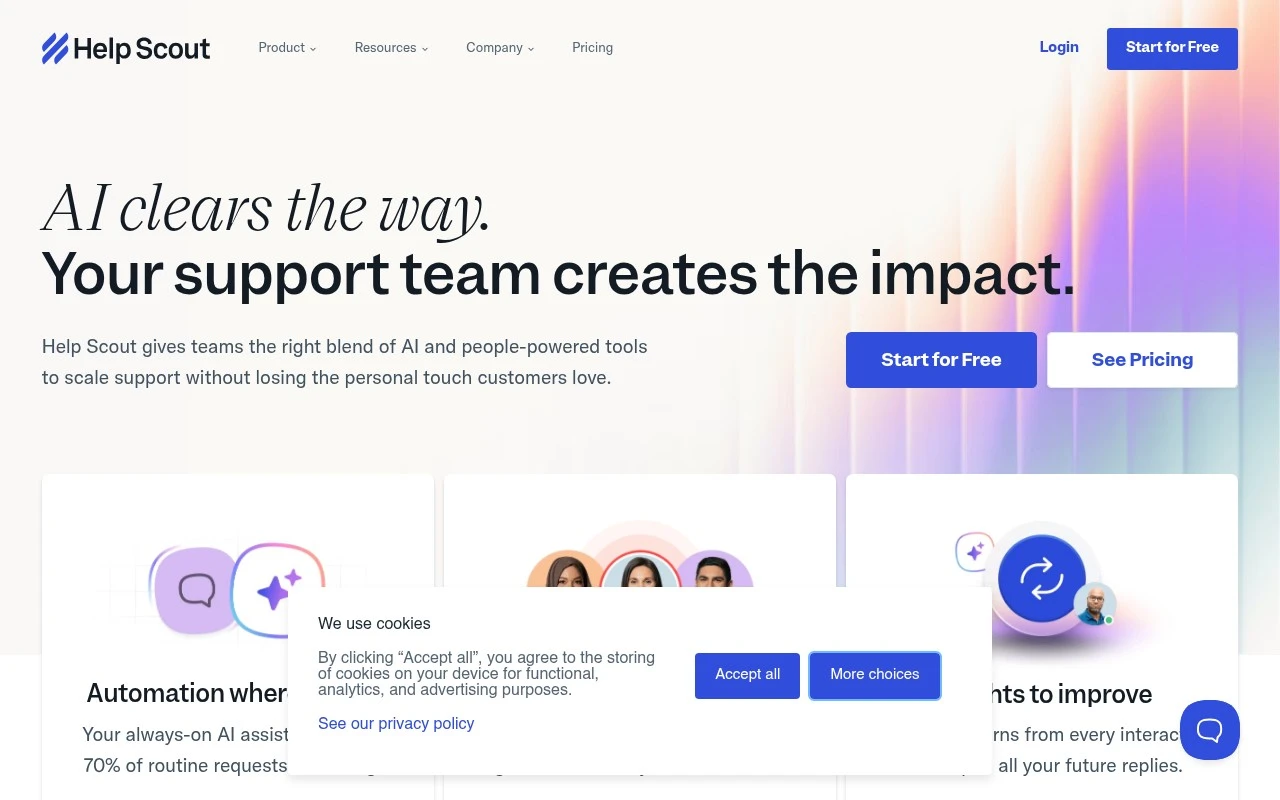
Help Scout is a customer support platform that provides shared inboxes, a knowledge base, live chat, and customer management tools for handling support conversations across teams.
Customer Support BotsKnowledge Base Bots

FYAI Score
8.3 / 10
Based on 428 reviews
Pricing:
Paid
Best for:
Customer support teams managing high-volume email and chat
Score Breakdown
- Ease of use8.5 / 10
- Features7.7 / 10
- Pricing8.2 / 10
- Integrations8.0 / 10
- Support9.2 / 10
 | Strengths |
-
 Easy fit for email-led support teams because the shared inbox, customer context, saved replies, and internal collaboration keep conversations organized without a heavy ticketing feel.
 -
Useful for scaling self-service because Beacon can surface help content and AI-powered answers inside the customer experience.
-
Good for support managers because workflows, reporting, and AI features like drafting, editing, translation, and recaps reduce repetitive work and make performance easier to track.
 | Limitations |
-
 Less suitable for voice-first or contact-center operations because its core workflow is built around inbox, chat, help-center, and embedded support rather than native telephony.
 -
Less suitable for teams that want a free help desk because Help Scout is a paid platform and budget needs to scale with adoption.
-
AI customer answers are most effective for teams with well-maintained help content because poor or thin documentation limits what Beacon can resolve on its own.
 | 8.1/ 10FYAI score |
Helply
Customer Support BotsKnowledge Base Bots
Answers tickets, drafts replies, flags gaps and churn risks
Best for: | Customer support teams |
Pricing | Freemium |
 | 8.7/ 10Based on 7,757 reviews |
Zoho Desk
Customer Support BotsKnowledge Base Bots
Handles routine tickets, flags issues, and drafts replies
Best for: | Customer support teams |
Pricing | Freemium |
| 7.8/ 10Based on 31,824 reviews |
Zoho
Customer Support Bots
Runs business apps for sales, finance, HR, and support teams
Best for: | Operations teams |
Pricing | Freemium |