Curated ToolThis tool is part of our curated AI directory. We only include tools that meet our standards for relevance, usability and real-world value.

Grok

Chat assistant with web and X context; writes, codes, images

AI Assistants
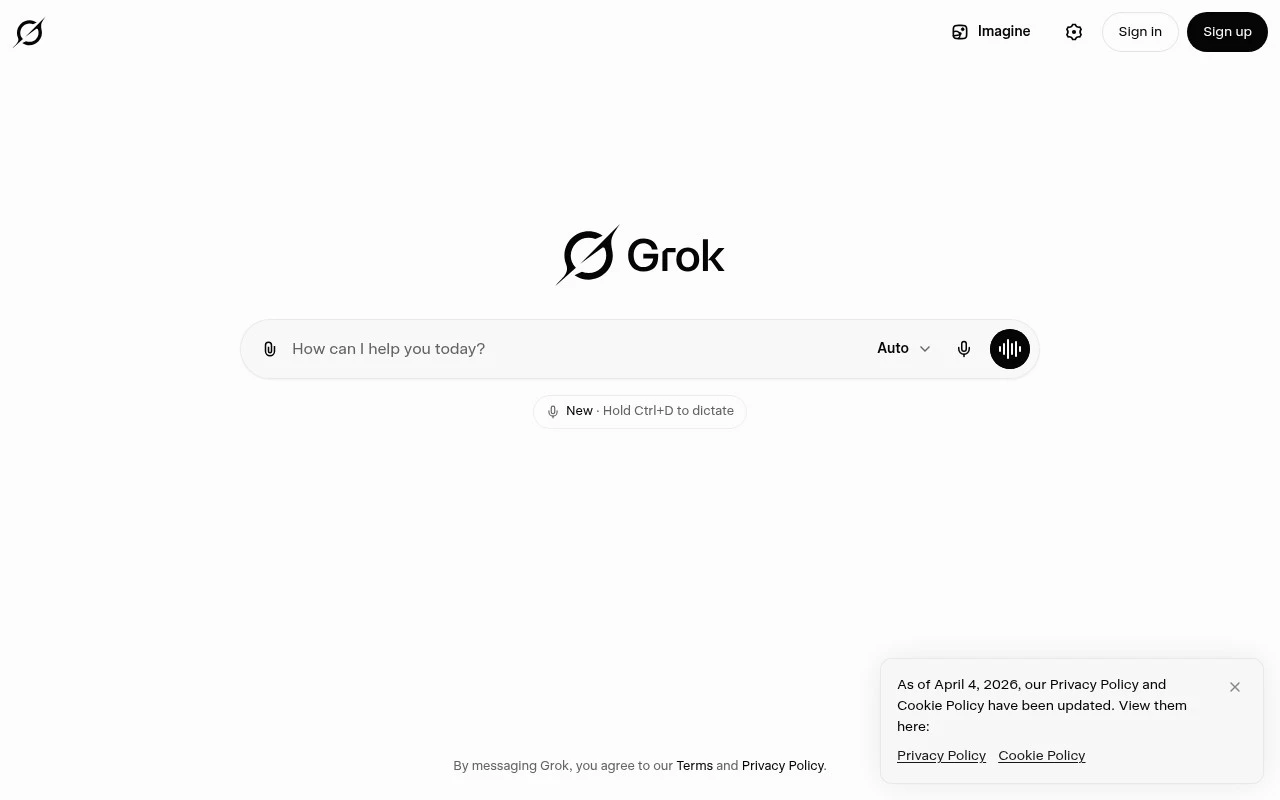
Grok is an AI assistant built by xAI. It supports chat-based assistance, image creation, coding help, and real-time answers using information from the web and X, making it a general-purpose assistant for users who need both creative and current-information workflows.

FYAI Score

7.2 / 10

Based on 406 reviews

Pricing:

Freemium

Best for:

People who want real-time answers plus creative and coding help

Score Breakdown

  • Ease of use7.0 / 10
  • Features7.4 / 10
  • Pricing7.3 / 10
  • Integrations7.4 / 10
  • Support7.0 / 10

PRODUCT PREVIEW

What this AI tool does

Grok is an AI tool designed to help people interact with information through natural language. It can be used to ask questions, explore topics, and get written responses that summarize or explain what you’re trying to understand, making it useful when you want a quick starting point or a clearer overview. In practice, it fits informational needs such as learning about a subject, clarifying concepts, or drafting and refining text. The quality of the output depends on how specific your prompt is, so it helps to provide context, constraints, and examples when you have them. As with any AI system, it’s best to treat responses as guidance rather than a final authority. If accuracy matters, verify important details with reliable sources, especially for time-sensitive, technical, or high-stakes topics.

Use cases

Best for

AI Assistant

Grok answers questions in chat and can pull current context from the web and X to draft responses or explain topics.

Generate Images

Generate images by prompting Grok with a scene, style, and constraints, then iterate with follow-up edits in chat.

Email Writing

Use chat prompts to have Grok draft, rewrite, and tailor emails for tone, length, and audience based on your notes.

ANALYSIS

Strengths & limitations

Strengths
  • Combines chat, image creation, coding help, and real-time information access in one assistant.
  • Officially positioned around access to current answers from the web and X.
  • Useful for a broad range of everyday, creative, research, and developer-adjacent tasks.
Limitations
  • The provided official site text gives limited detail about specific features, pricing, model options, or usage limits.
  • Its real-time answer quality depends on the available web and X information it can access and interpret.
  • The official description does not specify enterprise controls, workflow integrations, or specialized professional tooling.

Evaluation

FYAI score breakdown

Our structured evaluation across five key criteria

7.2 / 10

Overall score

Based on 406 reviews

  • Ease of use7.0 / 10
  • Features7.4 / 10
  • Pricing7.3 / 10
  • Integrations7.4 / 10
  • Support7.0 / 10

What users say

Findings from public reviews, documentation and community sources.

  • Ease of use

    Reddit’s r/grok community is the public source referenced for Grok usability discussion.

  • Features

    Product Hunt user feedback describes Grok as “capable but uneven” and says Grok handles “data analysis, writing, coding, and problem-solving well.”

  • Pricing

    Suprmind.ai says “Grok costs from $0 to $300 per month” across 5 named tiers, with SuperGrok Heavy at the high end.

  • Integrations

    xAI describes “Connectors” that let Grok “work with your tools end-to-end,” including summarizing emails and updating workflows.

  • Support

    A Reddit user in r/xAI_community says they “have not been able to speak to a real human” and only receive “automatic excuses from Grok.”

Who is this for?

Best for users who want conversational AI for mixed work such as analysis, writing, coding, and problem-solving, Product Hunt user feedback says Grok handles “data analysis, writing, coding, and problem-solving well.” Less suited to users who need human support when something goes wrong, a Reddit user says they “have not been able to speak to a real human” and only receive “automatic excuses from Grok.”

PRODUCT PREVIEW

Feature highlights

Real-time answers

Pulls current info from the web and X for up-to-date context.

Image generation

Create visuals from prompts for concepts, posts, and mockups.

Real-Time Answers

Pulls current info from the web and X to keep your work up to date.

COMPARE

Discover curated alternatives worth comparing

Compare similar AI tools based on features, pricing and use cases

8.1/ 10FYAI score

Helply

Customer Support BotsKnowledge Base Bots
Answers support tickets, drafts replies, and flags churn risk
Best for:
Customer support teams
Pricing
Freemium

8.7/ 10Based on 7.757 reviews

Zoho Desk

Customer Support BotsKnowledge Base Bots
Uses Zia AI to triage tickets, draft replies, and flag issues
Best for:
Customer support teams
Pricing
Freemium

7.8/ 10Based on 31.824 reviews

Zoho

Customer Support Bots
Cloud suite for CRM, finance, HR, and business operations
Best for:
Operations teams
Pricing
Freemium

Turn every conversation into clearer answers and faster decisions. Start using Grok today to explore ideas, solve problems, and move work forward with confidence.

FAQ

Frequently asked
questions

Everything you need to know about this AI tool,
its features, pricing, use cases, and limitations.

What types of customer-facing use cases is Grok a good fit for?
Grok is best suited for customer support and engagement flows where you want tailored conversations, such as FAQ deflection, order/status updates, appointment scheduling, and lead qualification. It’s a stronger choice when you need multilingual coverage and non-technical teams to manage dialog changes. If your use case depends heavily on deep legacy-system actions, validate integration feasibility early.
Does Grok have a free plan, and what are the typical limitations compared to paid tiers?
Plan availability and limits can vary, so confirm current pricing on grok.com for your region and volume. In general, free or entry tiers tend to cap usage (messages/seats), restrict advanced customization, and offer fewer admin controls or support options. Paid plans are usually where you’ll find higher limits, team features, and more robust deployment options.
How does Grok compare with other conversational AI tools like Intercom, Zendesk bots, or Dialogflow?
Compared with helpdesk-native bots (e.g., Intercom/Zendesk), Grok may offer more flexibility in conversational design but can require more setup work to reach high accuracy. Versus developer-centric platforms like Dialogflow, Grok is typically easier for non-technical teams to iterate on flows, though it may have fewer integration paths for complex back-end orchestration. Your choice often comes down to whether you prioritize rapid helpdesk integration or deeper custom workflows.
How long does it usually take to get Grok live, and what onboarding effort should I expect?
Grok can be time-intensive to set up well, especially if you need many intents, languages, or nuanced routing. It may also require regular maintenance to keep responses aligned with product changes and new customer questions. If you rely on older systems, limited integration options can become a blocker without custom workarounds.
What should I check about Grok’s data handling, privacy, and compliance before deploying it?
Review where Grok stores conversation logs, how long data is retained, and whether you can control deletion/export for customer requests. Confirm encryption, access controls, and whether data is used to improve models or shared with subprocessors, especially if you handle sensitive information. If you need GDPR/CCPA, SOC 2, or industry-specific requirements, verify current certifications and available data processing agreements on grok.com.