
Curated ToolThis tool is part of our curated AI directory. We only include tools that meet our standards for relevance, usability and real-world value.
Front
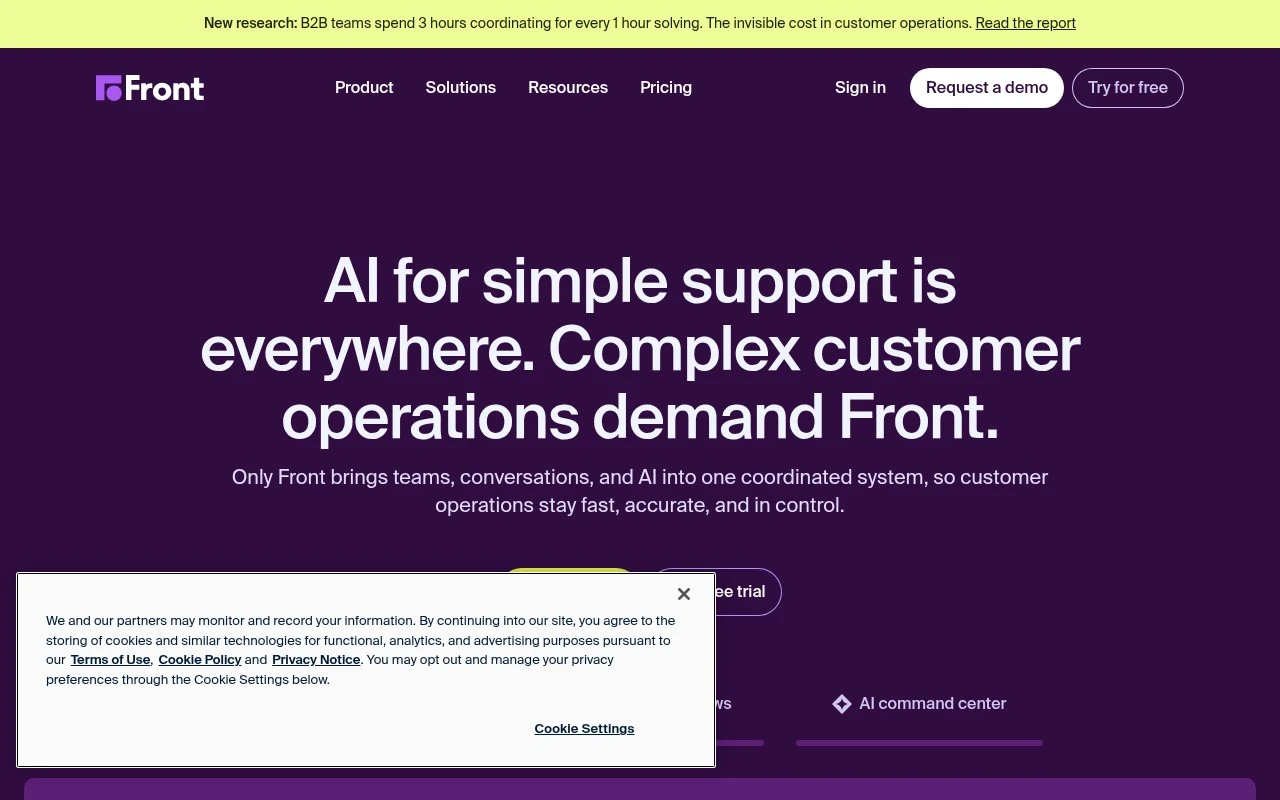
Front is a customer communication platform that centralizes shared inboxes for email, chat, SMS, and social messages. It helps teams collaborate on customer conversations, assign ownership, automate routing, and track response performance.
Customer Support Bots

FYAI Score
8.6 / 10
Based on 2,499 reviews
Pricing:
Paid
Best for:
Customer-facing teams managing high-volume, multi-channel conversations
Score Breakdown
- Ease of use8.7 / 10
- Features9.0 / 10
- Pricing8.2 / 10
- Integrations8.9 / 10
- Support8.3 / 10
 | Strengths |
-
 Best suited to customer-facing teams managing multi-step conversations because shared ownership, internal collaboration, and customer context stay connected across channels.
 -
Strong fit for support and operations teams that want AI assistance inside human workflows because agents can automate responses, routing, and repetitive service tasks without separating collaboration from the inbox.
-
Useful for managers overseeing service quality because reporting and conversation analysis help track workload, performance, and customer experience across teams.
 | Limitations |
-
 Less suitable for teams that only need a simple ticket queue because Front’s shared inbox, collaboration, automation, and reporting model can add more structure than basic support workflows require.
 -
Less suitable for very small or budget-constrained teams because Front is a paid platform and costs typically scale as more customer-facing staff need access.
-
Requires thoughtful setup for teams with complex operations because inbox rules, ownership models, automations, and cross-team workflows need configuration to avoid confusion.
 | 8.1/ 10FYAI score |
Helply
Customer Support BotsKnowledge Base Bots
Answers tickets, drafts replies, flags gaps and churn risks
Best for: | Customer support teams |
Pricing | Freemium |
 | 8.7/ 10Based on 7,757 reviews |
Zoho Desk
Customer Support BotsKnowledge Base Bots
Handles routine tickets, flags issues, and drafts replies
Best for: | Customer support teams |
Pricing | Freemium |
| 7.8/ 10Based on 31,824 reviews |
Zoho
Customer Support Bots
Runs business apps for sales, finance, HR, and support teams
Best for: | Operations teams |
Pricing | Freemium |