Curated ToolThis tool is part of our curated AI directory. We only include tools that meet our standards for relevance, usability and real-world value.

Engati

Builds chatbots for support and lead engagement with agent handoff

Customer Support BotsChatbots
Engati is used by businesses to create conversational AI chatbots and manage customer interactions across multiple digital channels. Its practical role is customer engagement automation: answering routine questions, collecting leads or service details, and routing conversations to human agents when automation is not enough.

FYAI Score

7.9 / 10

Based on 28 reviews

Pricing:

Freemium

Best for:

Support and CX teams automating chat and escalating to agents

Score Breakdown

  • Ease of use8.0 / 10
  • Features7.7 / 10
  • Pricing7.7 / 10
  • Integrations7.6 / 10
  • Support8.5 / 10

PRODUCT PREVIEW

What this AI tool does

Engati is an AI chatbot and conversational automation platform designed to help organizations build and manage chat-based experiences for customers or internal teams. It’s typically used to answer common questions, guide users through simple workflows, and route conversations to the right place when a human agent is needed. The tool is aimed at teams that want a centralized way to create, deploy, and monitor chat interactions across digital channels. In practice, it can support customer support and lead capture scenarios by providing consistent responses, collecting basic information, and reducing the time spent on repetitive requests. For informational research, it’s useful to evaluate how engati fits into your existing support or communication stack, what channels it can connect to, and how it handles handoffs, analytics, and ongoing updates. As with any conversational system, results depend on how well the conversation flows are designed and maintained over time.

Use cases

Best for

Chatbot Deployment

Deploy an Engati chatbot on your website or app to answer FAQs, capture details, and hand off chats to agents when needed.

Customer Support Automation

Automate customer support by using Engati to handle routine queries, collect ticket information, and route complex cases to humans.

Omnichannel Support

Provide omnichannel support by managing chatbot conversations across multiple digital channels from a single inbox and agent handoff flow.

ANALYSIS

Strengths & limitations

Strengths
  • Supports omnichannel customer conversations rather than limiting bots to a single website widget.
  • Combines chatbot automation with live-agent escalation for support workflows.
  • Suitable for non-technical teams that need to create and manage customer-facing conversation flows.
Limitations
  • The provided official-site scrape returned only an error, so this description relies on prior product knowledge rather than the live page text.
  • Teams still need to design, maintain, and monitor conversation flows for accuracy and customer experience.
  • Best fit depends on whether the organization needs Engati’s supported channels and customer-service workflow model.

Evaluation

FYAI score breakdown

Our structured evaluation across five key criteria

7.9 / 10

Overall score

Based on 28 reviews

  • Ease of use8.0 / 10
  • Features7.7 / 10
  • Pricing7.7 / 10
  • Integrations7.6 / 10
  • Support8.5 / 10

What users say

Findings from public reviews, documentation and community sources.

  • Ease of use

    Capterra reviewers describe Engati as having a "Good GUI" where users can implement chatbot ideas easily, with "No need for any programming knowledge to create a basic chatbot." Engati's site references a "No-code flow builder" for conversational AI deployment.

  • Features

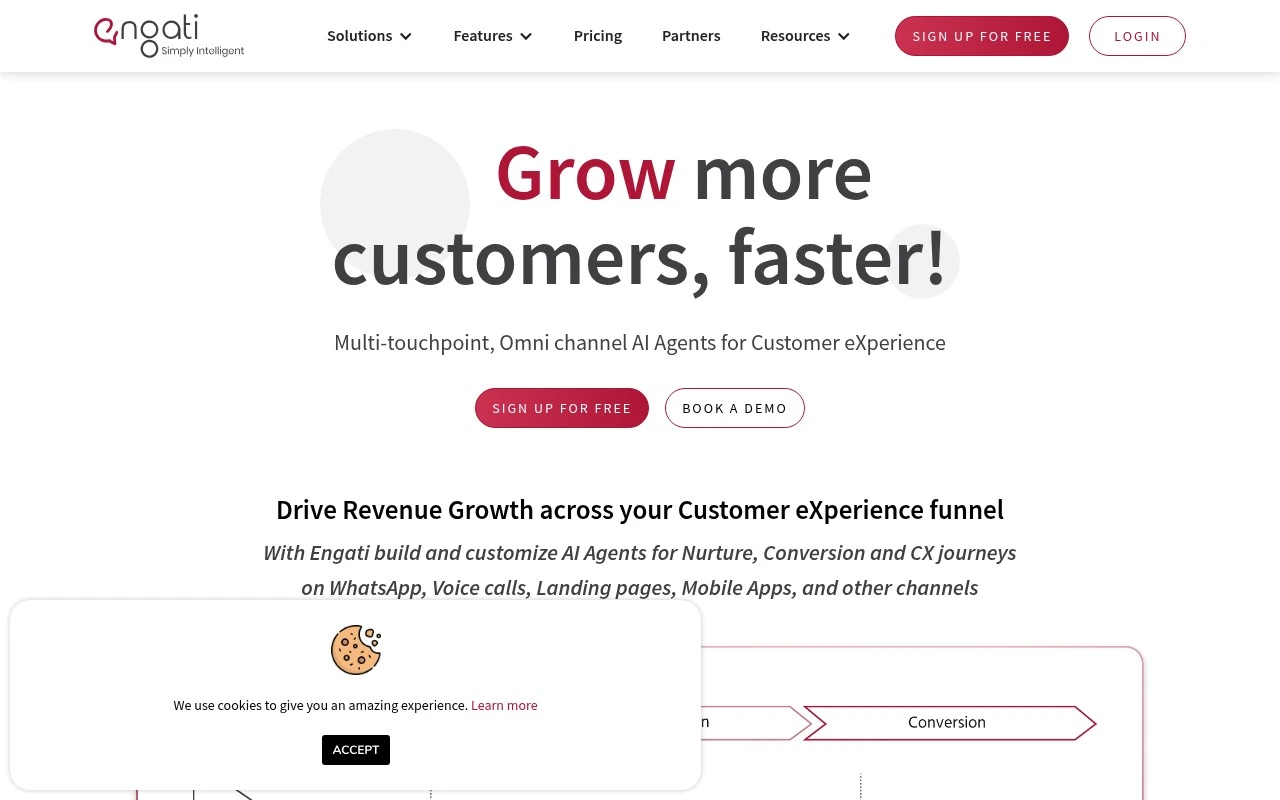
    Engati's product site presents a conversational-AI platform with Gen-AI chatbots, live chat, DocuSense, and no-code flow assistants. Engati's product site also references omnichannel deployment across WhatsApp, voice, websites, and mobile apps.

  • Pricing

    Engati's pricing page states that pricing "Starts at less than $1 per day" and includes a "7 day free trial" with "No credit card required."

  • Integrations

    Engati's integration documentation says users can connect bots to "Salesforce, Google Workspace, messaging apps, helpdesk software, databases." Engati's product page references CRMs, marketing, ticketing, analytics, and growth tools, while the supplied Zapier signal indicates Engati has not built a Zapier integration.

  • Support

    SoftwareAdvice reviewers rate Engati 4/5 across 25 reviews, and one SoftwareAdvice excerpt says "Customer support is exceptional" and issues can be solved "within a single business day." Trustpilot shows negative sales/billing sentiment for Engati.

Who is this for?

Best for teams that want to launch basic chatbots without developers, Capterra reviewers say there is "No need for any programming knowledge to create a basic chatbot," and Engati references a "No-code flow builder." Best for teams needing customer conversations across channels such as WhatsApp, voice, websites, and mobile apps. Less suited to teams that depend on Zapier-based automation, the supplied Zapier signal indicates Engati has not built a Zapier integration.

PRODUCT PREVIEW

Feature highlights

Bot Builder

Design chatbots to answer FAQs, capture details, and guide users.

Omnichannel Inbox

Manage conversations across web and messaging channels in one place.

Agent Handoff

Route complex chats to humans with context for faster resolution.

COMPARE

Discover curated alternatives worth comparing

Compare similar AI tools based on features, pricing and use cases

8.1/ 10FYAI score

Helply

Customer Support BotsKnowledge Base Bots
Answers support tickets, drafts replies, and flags churn risk
Best for:
Customer support teams
Pricing
Freemium

8.7/ 10Based on 7.757 reviews

Zoho Desk

Customer Support BotsKnowledge Base Bots
Uses Zia AI to triage tickets, draft replies, and flag issues
Best for:
Customer support teams
Pricing
Freemium

7.8/ 10Based on 31.824 reviews

Zoho

Customer Support Bots
Cloud suite for CRM, finance, HR, and business operations
Best for:
Operations teams
Pricing
Freemium

Start resolving customer questions faster with Engati. Automate support at scale and deliver consistent, always-on experiences across channels.

FAQ

Frequently asked
questions

Everything you need to know about this AI tool,
its features, pricing, use cases, and limitations.

What types of customer support use cases is Engati a good fit for?
Engati is typically a good fit for high-volume, repeatable support workflows like FAQs, order status, appointment booking, lead capture, and basic ticket triage. It’s also useful when you need one bot experience across multiple channels (web, messaging, and social). If your support requires deep troubleshooting or highly specialized domain logic, you may need heavier customization than Engati comfortably provides.
Does Engati have a free plan, and what are the practical limitations compared to paid tiers?
Engati commonly offers a free or trial option, but it’s usually constrained by limits on features, channels, usage, or branding compared to paid plans. Paid tiers tend to unlock more integrations, higher conversation volumes, advanced analytics, and broader deployment options. If you’re evaluating cost, check how pricing scales with channels, agents, and monthly interactions.
How does Engati compare with other conversational AI platforms like Intercom, Zendesk bots, or Drift?
Engati is often chosen for multi-channel chatbot deployment and a builder that non-technical teams can manage, while tools like Intercom or Drift may be stronger for sales-led chat and in-product messaging. Zendesk’s bot options can be attractive if you’re already standardized on Zendesk for ticketing and want tighter native workflows. When comparing, focus on your required channels, integration depth with your helpdesk/CRM, and how well each tool handles intent understanding for your typical queries.
How quickly can a team get Engati running, and what onboarding effort should you expect?
Engati can be less flexible for highly bespoke experiences where you need fine-grained control over NLP behavior, UI, or complex backend logic. Some users find it can miss nuanced or ambiguous customer questions, which can increase handoffs to agents. Costs may also rise as you add channels, features, or higher conversation volumes, so model your expected usage early.
What should I check about Engati’s data handling, privacy, and compliance before deploying it?
Confirm where Engati stores conversation data, how long logs are retained, and whether you can control deletion and export for audits. Review encryption practices, role-based access controls, and whether the platform supports your compliance needs (for example, GDPR or industry-specific requirements). If you handle sensitive data, verify how third-party channel providers and integrations affect end-to-end data exposure.