
Curated ToolThis tool is part of our curated AI directory. We only include tools that meet our standards for relevance, usability and real-world value.
Collectchat
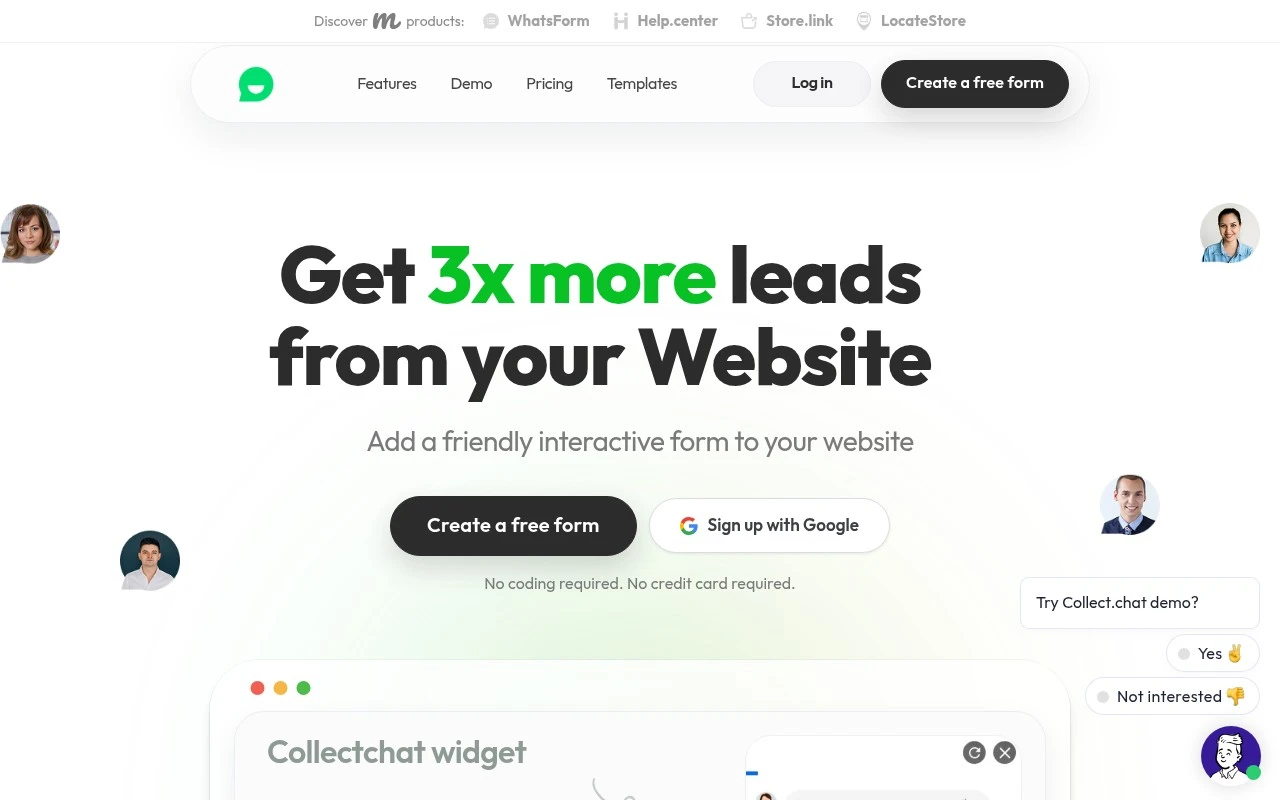
Collectchat is a no-code chatbot builder for websites that helps businesses create interactive chat forms for lead capture, surveys, feedback, and appointment booking. It lets teams collect visitor responses through conversational widgets and send the data to connected apps or email.
Customer Support Bots
FYAI Score
8.2 / 10
Based on 43 reviews
Pricing:
Freemium
Best for:
Marketing and sales teams replacing website forms with chat-style lead capture
Score Breakdown
- Ease of use9.0 / 10
- Features7.2 / 10
- Pricing9.1 / 10
- Integrations8.0 / 10
- Support7.6 / 10
 | Strengths |
-
 Fast to launch for non-technical teams because the AI-assisted builder and drag-and-drop editor reduce the need for custom form or chatbot development.
 -
Flexible for different website and campaign contexts because forms can be deployed as a corner chat widget, embedded on a page, or shared through a full-page link.
-
Useful for lead capture and qualification because guided question flows can collect structured visitor details before routing responses into existing workflows.
 | Limitations |
-
 Less suitable for teams that need a full customer support chatbot because Collectchat is focused on conversational forms rather than open-ended service automation.
 -
Less suitable for very simple data collection because a guided conversation can add more setup and maintenance than a basic static form.
-
Growing teams should expect freemium limits to matter because higher usage, more advanced features, or production workflows typically require moving to a paid plan.
 | 8.1/ 10FYAI score |
Helply
Customer Support BotsKnowledge Base Bots
Answers tickets, drafts replies, flags gaps and churn risks
Best for: | Customer support teams |
Pricing | Freemium |
 | 8.7/ 10Based on 7,757 reviews |
Zoho Desk
Customer Support BotsKnowledge Base Bots
Handles routine tickets, flags issues, and drafts replies
Best for: | Customer support teams |
Pricing | Freemium |
| 7.8/ 10Based on 31,824 reviews |
Zoho
Customer Support Bots
Runs business apps for sales, finance, HR, and support teams
Best for: | Operations teams |
Pricing | Freemium |