Curated ToolThis tool is part of our curated AI directory. We only include tools that meet our standards for relevance, usability and real-world value.

Chatling

Build AI chat agents for web and messaging, with human handoff

Customer Support BotsChatbots
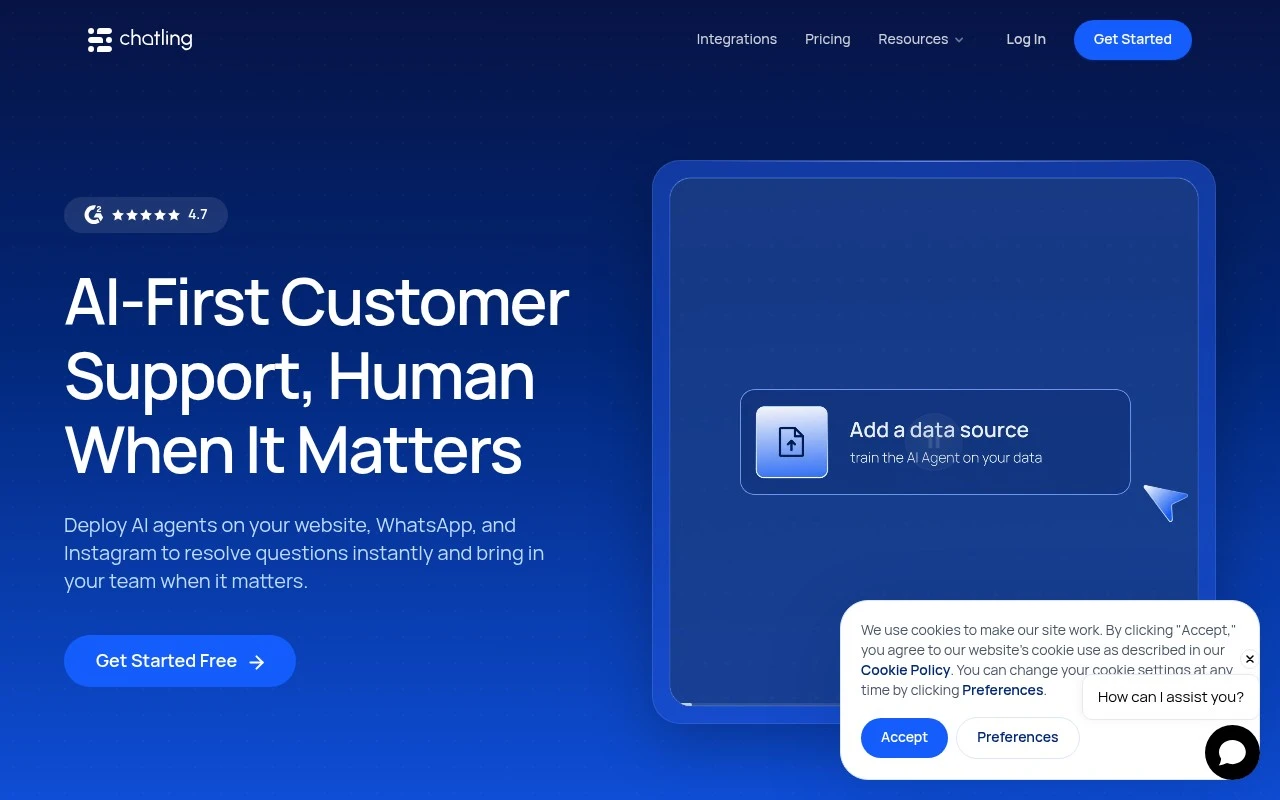
Chatling provides AI customer service agents that can be deployed on websites and messaging channels including WhatsApp, Instagram, Telegram, and Messenger. It is built for support resolution rather than simple deflection, combining AI answers, synced knowledge sources, live chat, team handoff, conversation summaries, analytics, CSAT surveys, and multilingual support.

FYAI Score

8.3 / 10

Based on 76 reviews

Pricing:

Freemium

Best for:

Support teams scaling resolution across web chat and messaging

Score Breakdown

  • Ease of use8.5 / 10
  • Features8.1 / 10
  • Pricing8.9 / 10
  • Integrations7.6 / 10
  • Support8.1 / 10

PRODUCT PREVIEW

What this AI tool does

Chatling is an AI tool designed to help teams add conversational support to their websites or apps. It’s typically used to answer common questions, guide visitors to the right information, and reduce the amount of repetitive work handled by human support. In practice, you connect it to your existing content or knowledge base so the assistant can respond in a way that matches your documentation and policies. This can be useful for customer support, lead qualification, and internal help desks where users need quick, consistent answers. Because the setup and data sources vary by organization, it’s best to review how chatling handles training data, updates, and handoff to a human agent when needed. That helps ensure the tool fits your workflow and provides responses that are accurate and appropriate for your audience.

Use cases

Best for

Customer Support Automation

Chatling resolves support chats using synced knowledge sources, then hands off to live agents with summaries, CSAT, and analytics.

Lead Capture

Capture leads by collecting contact details in chat and routing conversations to your team via live handoff on web and messaging channels.

Chatbot Deployment

Deploy Chatling chatbots on your website and channels like WhatsApp, Instagram, Telegram, and Messenger with multilingual support.

ANALYSIS

Strengths & limitations

Strengths
  • Supports multiple customer channels, including website chat and major messaging apps, from one support platform.
  • Includes human handoff with conversation context when the AI cannot resolve an issue.
  • Can sync support knowledge from sources such as websites, docs, and help centers so answers stay up to date.
Limitations
  • The official page does not provide detailed pricing beyond mentioning a free plan.
  • The scope of AI actions and third-party integrations is not fully described in the provided site text.
  • Answer quality will depend on the accuracy and completeness of the connected knowledge sources.

Evaluation

FYAI score breakdown

Our structured evaluation across five key criteria

8.3 / 10

Overall score

Based on 76 reviews

  • Ease of use8.5 / 10
  • Features8.1 / 10
  • Pricing8.9 / 10
  • Integrations7.6 / 10
  • Support8.1 / 10

What users say

Findings from public reviews, documentation and community sources.

  • Ease of use

    G2 review signals describe Chatling as "intuitive" and "easy to create an AI chatbot without needing technical expertise," and Chatling’s own page says Chatling is "no code" and can be set up in minutes.

  • Features

    Chatling’s website lists AI agents across web, WhatsApp, Instagram, Telegram, and Messenger, plus live chat and human handoff, AI knowledge-base sync, and 80+ languages.

  • Pricing

    Chatling’s pricing page lists a Free plan, Standard at $40/month, and Plus at $140/month, with annual discounts. Chatling’s pricing page publishes AI-credit limits, knowledge-base limits, seats, agents, and add-on prices.

  • Integrations

    Chatling’s pricing page lists deployment/connectivity across website, WhatsApp, Instagram, Telegram, and Messenger, and the Standard plan includes API access.

  • Support

    Chatling’s website includes a customer testimonial saying Chatling is "incredibly intuitive, easy to navigate, and backed by great support." Chatling’s website also cites G2 review-site sentiment at 4.7/5.

Who is this for?

Best for teams that want a no-code AI chatbot across website and messaging channels, Chatling’s page says Chatling is "no code," and Chatling lists AI agents across web, WhatsApp, Instagram, Telegram, and Messenger. Less suited to teams prioritizing a broad app marketplace or deep CRM/helpdesk ecosystem, the available integration facts emphasize website and messaging-channel deployment plus API access on the Standard plan.

PRODUCT PREVIEW

Feature highlights

AI Support Resolution

Answers and resolves issues using your synced knowledge sources.

Live Handoff & Team

Seamlessly hand chats to agents with context and summaries.

Analytics & CSAT

Track performance and collect CSAT to improve support quality.

COMPARE

Discover curated alternatives worth comparing

Compare similar AI tools based on features, pricing and use cases

8.1/ 10FYAI score

Helply

Customer Support BotsKnowledge Base Bots
Answers support tickets, drafts replies, and flags churn risk
Best for:
Customer support teams
Pricing
Freemium

8.7/ 10Based on 7.757 reviews

Zoho Desk

Customer Support BotsKnowledge Base Bots
Uses Zia AI to triage tickets, draft replies, and flag issues
Best for:
Customer support teams
Pricing
Freemium

7.8/ 10Based on 31.824 reviews

Zoho

Customer Support Bots
Cloud suite for CRM, finance, HR, and business operations
Best for:
Operations teams
Pricing
Freemium

Turn more visitors into buyers with instant, personal chat support. Start using Chatling today to boost satisfaction and drive more sales.

FAQ

Frequently asked
questions

Everything you need to know about this AI tool,
its features, pricing, use cases, and limitations.

Is Chatling a good fit for e-commerce support and sales, or is it better for general customer service?
Chatling is strongest for e-commerce scenarios like order-status questions, returns/exchanges, product recommendations, and cart-abandonment nudges. If your main need is complex ticket routing, IT helpdesk workflows, or deep CRM case management, you may find more purpose-built options elsewhere. It tends to work best when you can define clear chat flows and connect them to your store data.
Does Chatling have a free plan, and what are the typical limitations compared with paid tiers?
Chatling generally offers a free or trial option to test the widget and basic bot behavior, but it’s usually constrained by usage limits and fewer customization or integration features. Paid plans are typically where you get higher conversation volumes, more advanced customization, and stronger analytics. Before choosing, confirm whether key needs (e.g., integrations, branding controls, and support) are gated behind higher tiers.
How does Chatling compare with other e-commerce chatbots like Tidio, Intercom, or Zendesk bots?
Chatling is often evaluated as a lighter-weight option focused on customizable chat flows and e-commerce integrations, while Intercom and Zendesk tend to be broader customer support suites with deeper ticketing and agent tooling. Tidio is a common comparison for SMB e-commerce, especially if you want a combined live chat + automation package. If you need enterprise-grade workflows and omnichannel case management, the larger suites may be a better fit than Chatling.
How long does it take to set up Chatling, and what onboarding effort should I expect?
The biggest trade-off is the time investment: building and maintaining effective chat flows can be more hands-on than tools that rely heavily on out-of-the-box automation. Limited multilingual support can be a blocker for stores serving multiple languages. You may also need regular monitoring to keep answers aligned with changing policies, inventory, and promotions.
What should I check about Chatling’s data handling, privacy, and compliance before deploying it?
Review what customer data Chatling stores from chat transcripts, how long it’s retained, and whether you can delete or export it for compliance workflows. Confirm where data is processed/hosted and whether it supports requirements like GDPR (e.g., DPA availability) and role-based access for your team. If you plan to pass order or customer identifiers into the chat, validate how that data is secured and who can access conversation logs.