Curated ToolThis tool is part of our curated AI directory. We only include tools that meet our standards for relevance, usability and real-world value.

Chatbot

Builds AI chatbots from business content for web and messaging

Customer Support BotsChatbots
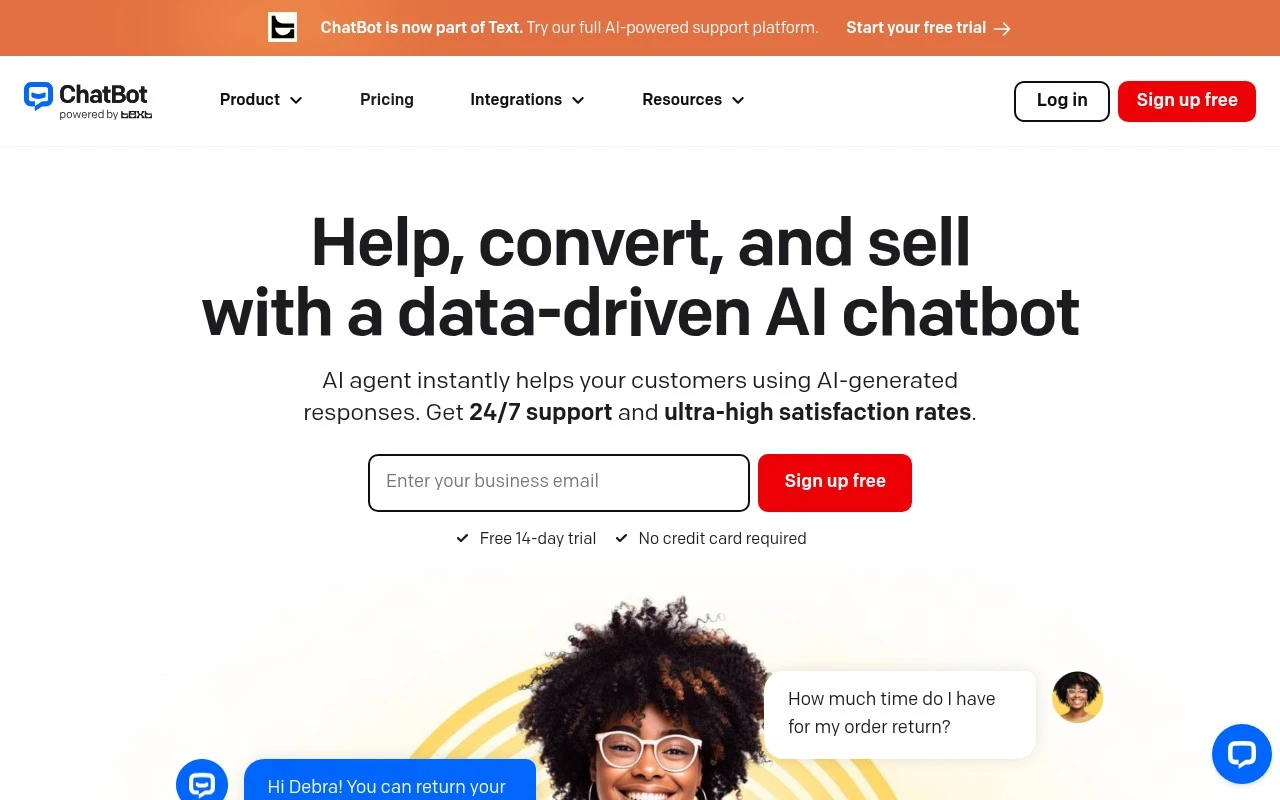
Chatbot by Text is an AI chatbot platform for customer service and sales automation. Businesses can train an AI agent on their website, help center, product documentation, catalog, and policies, then deploy it to answer questions, recommend products, handle routine chats, and route higher-value or complex conversations to a human team.

FYAI Score

7.9 / 10

Based on 804 reviews

Pricing:

Freemium

Best for:

Support and ecommerce teams automating customer chats

Score Breakdown

  • Ease of use8.4 / 10
  • Features7.4 / 10
  • Pricing7.6 / 10
  • Integrations7.4 / 10
  • Support8.5 / 10

PRODUCT PREVIEW

What this AI tool does

This tool provides a simple way to create and run a chatbot for conversational interactions. It is designed for people who want to explore how automated dialogue can answer questions, guide users through common tasks, or provide basic assistance without requiring a live agent for every request. You can use it to draft responses, test conversation flows, and refine how the assistant handles different types of prompts. It’s suitable for informational use cases where clarity and consistency matter, such as internal help resources, customer support triage, or general Q&A. The tool is intended to help you understand what works in a conversational interface by letting you iterate on prompts and responses over time. As with any AI-based system, results depend on the inputs you provide, so it’s best used with review and adjustments to match your preferred tone and accuracy requirements.

Use cases

Best for

Customer Support Automation

Chatbot answers routine customer questions by training on your help center, policies, and docs, and escalates complex chats to agents.

Product Recommendations

It recommends products in chat by using your catalog and product documentation to match user questions with relevant items.

Chatbot Deployment

You deploy the chatbot on your website by embedding it as a chat widget and connecting it to your knowledge sources for responses.

ANALYSIS

Strengths & limitations

Strengths
  • Can be trained from existing business knowledge sources such as a website, help center, and product documents.
  • Supports customer conversations across multiple channels, including website, Messenger, and SMS.
  • Combines support automation with sales-oriented features such as product recommendations, offers, and checkout assistance.
Limitations
  • The official page emphasizes customer support and ecommerce sales, so it is not positioned as a general-purpose chatbot builder for every internal workflow.
  • Answer quality is likely dependent on the completeness and accuracy of the company knowledge sources used for training.
  • The provided page mentions a free 14-day trial but does not give full pricing details.

Evaluation

FYAI score breakdown

Our structured evaluation across five key criteria

7.9 / 10

Overall score

Based on 804 reviews

  • Ease of use8.4 / 10
  • Features7.4 / 10
  • Pricing7.6 / 10
  • Integrations7.4 / 10
  • Support8.5 / 10

What users say

Findings from public reviews, documentation and community sources.

  • Ease of use

    ChatBot's website emphasizes fast no-code setup with “Train it on your website. Deploy it in minutes,” plus a “Free 14-day trial” and “No credit card required.” ChatBot's website includes customer quotes describing the product as “much easier to use than I expected” and saying “the onboarding process was easy.”

  • Features

    ChatBot's website describes AI Agents that answer questions, recommend products, close sales, and learn from a “website, help center, and product docs.” ChatBot's website also lists support handover to humans, proactive sales offers, workflow automation, and inbox/ticketing.

  • Pricing

    ChatBot's pricing page lists Essential at “$19 per user / mo” yearly and Growth at “$79 per user / mo,” with monthly prices of $25 and $99 and a custom Enterprise tier. ChatBot's pricing page lists usage limits including Essential with “10 AI resolutions” per month and Growth with “200 AI resolutions.”

  • Integrations

    ChatBot's pricing page states that one AI can support customers across “website, Messenger, SMS, and more.” ChatBot's pricing page includes “10,000 API calls” on Essential, “20,000 API calls” on Growth, and “Selling through Shopify.”

  • Support

    ChatBot's pricing page says Enterprise includes “Support from Product Expert,” “Personalized onboarding,” “Product training for your team,” “Direct engineering support,” and “SLAs.” ChatBot's website includes customer quotes saying “the chat support is brilliant” and “the team at chatbot resolves everything.”

Who is this for?

Best for customer support or sales teams that want a no-code chatbot trained on existing content, ChatBot's website says “Train it on your website. Deploy it in minutes.” Best for teams that need human fallback and sales actions, because ChatBot's website lists support handover to humans, proactive sales offers, workflow automation, and inbox/ticketing. Less suited to teams expecting many included AI resolutions on standard plans, ChatBot's pricing page lists Essential with “10 AI resolutions” per month and Growth with “200 AI resolutions.”

PRODUCT PREVIEW

Feature highlights

Train on your content

Learn from your site, docs, FAQs, catalog, and policies.

AI chat automation

Answer FAQs, recommend products, and handle routine requests 24/7.

Human handoff

Route complex or high-value chats to your team with context.

COMPARE

Discover curated alternatives worth comparing

Compare similar AI tools based on features, pricing and use cases

8.1/ 10FYAI score

Helply

Customer Support BotsKnowledge Base Bots
Answers support tickets, drafts replies, and flags churn risk
Best for:
Customer support teams
Pricing
Freemium

8.7/ 10Based on 7.757 reviews

Zoho Desk

Customer Support BotsKnowledge Base Bots
Uses Zia AI to triage tickets, draft replies, and flag issues
Best for:
Customer support teams
Pricing
Freemium

7.8/ 10Based on 31.824 reviews

Zoho

Customer Support Bots
Cloud suite for CRM, finance, HR, and business operations
Best for:
Operations teams
Pricing
Freemium

Turn more visitors into buyers with faster answers and smoother shopping journeys. Start using chatbot today to boost conversions and customer satisfaction.

FAQ

Frequently asked
questions

Everything you need to know about this AI tool,
its features, pricing, use cases, and limitations.

Is chatbot a good fit for e-commerce support, lead capture, or product recommendations?
chatbot is typically a strong fit for e-commerce teams that want 24/7 customer support, basic order/shipping FAQs, and automated lead capture on product or landing pages. It’s also useful when you want rule-based or guided flows that can recommend products based on user choices. If your support volume includes many edge cases (returns exceptions, billing disputes, complex troubleshooting), you’ll want a clear handoff to human agents.
Does chatbot have a free plan, and what are the common limitations compared to paid tiers?
chatbot often offers a free or trial option, but it’s usually constrained by factors like the number of chats, agents, channels, or available integrations. Paid plans typically unlock higher usage limits, more advanced automation features, and broader integration options. When comparing tools, check whether key needs (e.g., live chat handoff, analytics, or multi-channel deployment) sit behind higher tiers.
How does chatbot compare with Intercom, Drift, or Zendesk chat for e-commerce teams?
chatbot is commonly evaluated as a more focused automation tool for chat flows and sales/support conversations, while Intercom and Zendesk often emphasize full customer messaging and support suite capabilities. Drift is frequently positioned around B2B pipeline and meeting booking, which may be less central for many online stores. If you already run a help desk, compare how well chatbot integrates and whether it duplicates features you’re paying for elsewhere.
How quickly can you get chatbot live, and what onboarding effort should you expect?
chatbot can struggle with nuanced or multi-step issues, so poorly designed flows may create loops or dead ends that frustrate customers. It also requires ongoing tuning as products, policies, and promotions change, which adds operational overhead. Compared with more advanced AI assistants, you may get less flexibility for open-ended queries unless you invest in careful design and escalation rules.
What should you check about chatbot’s data handling, privacy, and compliance before choosing it?
Review where chatbot stores conversation data, how long it’s retained, and whether you can delete or export it for audits and customer requests. Confirm what data is shared with integrations (CRM, help desk, analytics) and who has access via roles/permissions. If you operate in regulated regions, verify available compliance documentation and whether you can configure consent notices and data processing terms to match your requirements.