Curated ToolThis tool is part of our curated AI directory. We only include tools that meet our standards for relevance, usability and real-world value.

Chatbase

Build AI agents that answer questions from your connected data

Customer Support BotsAgent Builders
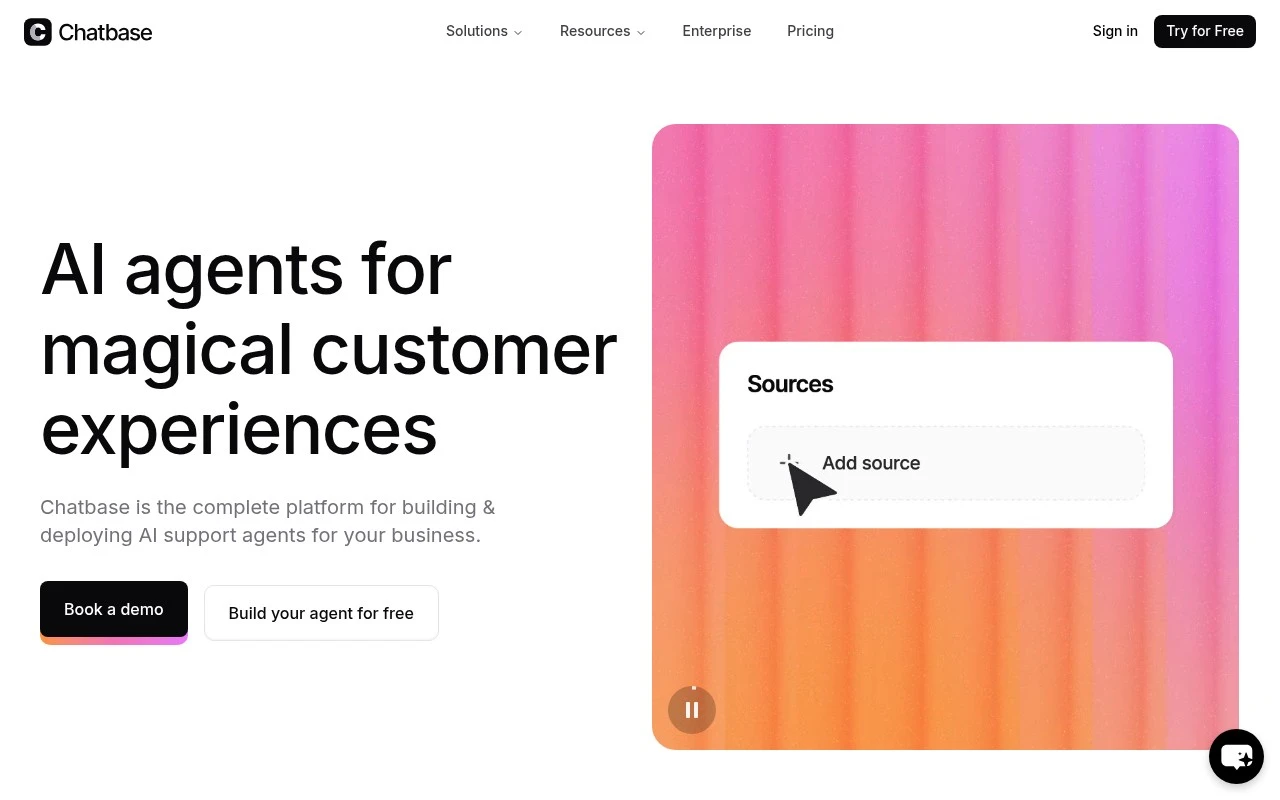
Chatbase is an AI customer service platform for creating support agents that can answer questions, access connected business systems, automate support workflows, and escalate to human agents when needed. It is aimed at companies that want to handle customer conversations at scale without relying only on human support staff. The product emphasizes training agents on business data, omnichannel deployment, integrations, analytics, guardrails, multilingual support, and enterprise security controls.

FYAI Score

7.9 / 10

Based on 73 reviews

Pricing:

Freemium

Best for:

Support teams scaling customer conversations with AI agents

Score Breakdown

  • Ease of use7.8 / 10
  • Features8.1 / 10
  • Pricing7.6 / 10
  • Integrations8.8 / 10
  • Support7.3 / 10

PRODUCT PREVIEW

What this AI tool does

Chatbase is an AI tool designed to help teams create and manage chat experiences around their own content. It’s typically used when you want a conversational interface that can answer questions based on specific sources, such as documentation, help articles, or internal knowledge. In practice, you provide the material you want the assistant to reference, and the tool supports building a chatbot that can respond in natural language. This can be useful for customer support, onboarding, or making information easier to find without requiring users to search through multiple pages. For anyone researching chatbase, the key idea is that it focuses on turning existing written resources into an interactive Q&A experience. As with most AI tools, results depend on the quality and coverage of the underlying content, so it’s best suited to situations where the source information is well maintained and clearly written.

Use cases

Best for

Customer Support Automation

Chatbase automates customer support by answering chats, triggering workflows via integrations, and escalating to human agents when needed.

Agent Building

Build and deploy AI support agents by training them on your business data, setting guardrails, and connecting them to internal systems.

Knowledge Base Search

Use a Chatbase agent to search your docs and knowledge base and return cited answers inside chat across supported channels.

ANALYSIS

Strengths & limitations

Strengths
  • Purpose-built for AI customer support rather than general chatbot experimentation.
  • Supports connected data sources, external systems, workflow actions, and human escalation.
  • Includes operational features such as analytics, guardrails, omnichannel deployment, API access, and white-labeling.
Limitations
  • The official page does not provide enough detail to verify limits, pricing, or implementation effort for complex enterprise deployments.
  • Quality and reliability will likely depend on the accuracy of the connected business data, configured actions, and escalation rules.
  • Some claims, such as resolving complex support issues and enterprise-grade security, are stated by the vendor but are not independently evidenced in the provided source.

Evaluation

FYAI score breakdown

Our structured evaluation across five key criteria

7.9 / 10

Overall score

Based on 73 reviews

  • Ease of use7.8 / 10
  • Features8.1 / 10
  • Pricing7.6 / 10
  • Integrations8.8 / 10
  • Support7.3 / 10

What users say

Findings from public reviews, documentation and community sources.

  • Ease of use

    G2 user-facing review evidence describes Chatbase's interface as “very clean and user-friendly,” making it “easy to understand and perform tasks quickly.” G2 lists 19 reviews for Chatbase.

  • Features

    Chatbase presents itself on its website as a “complete platform for building AI customer support agents,” with training on business data, workflow actions, smart escalation, and multilingual support in “80+ languages.” Chatbase also references analytics, guardrails, voice/omnichannel capabilities, and white-labeling on its website.

  • Pricing

    The Chatbase pricing page lists Free with 50 message credits/month, Hobby at $32/month for 500 credits, Standard at $120/month for 4,000 credits, and Pro at $400/month for 15,000 credits. The Chatbase pricing page lists add-ons including $40 per 1,000 extra message credits.

  • Integrations

    The Chatbase pricing page lists “Integrations & API,” including API access plus Stripe, Zendesk, Salesforce, Intercom, HubSpot, Zapier, Twilio, Shopify, Slack, WhatsApp, Messenger, Instagram, Calendly, and WordPress.

  • Support

    The Chatbase pricing page says Enterprise includes “Priority support,” a “Success manager (CSM),” and “SLAs.” The Chatbase pricing page also includes an FAQ section for common billing and usage questions.

Who is this for?

Best for teams building AI customer support agents. Chatbase supports training on business data, workflow actions, smart escalation, and multilingual support in “80+ languages.” It is also a fit for teams that need broad connectivity because the Chatbase pricing page lists API access plus integrations such as Zendesk, Salesforce, Intercom, HubSpot, Zapier, Slack, WhatsApp, and WordPress. Less suited to teams with high message volume on lower plans. Free includes 50 message credits/month, Hobby includes 500 credits, and extra message credits are listed at $40 per 1,000.

PRODUCT PREVIEW

Feature highlights

Train on your data

Ground answers in your docs, FAQs, and knowledge base for accuracy.

Workflows & actions

Automate support tasks and connect to business systems to get work done.

Analytics & guardrails

Track performance and control responses with safety and policy rules.

COMPARE

Discover curated alternatives worth comparing

Compare similar AI tools based on features, pricing and use cases

8.1/ 10FYAI score

Helply

Customer Support BotsKnowledge Base Bots
Answers support tickets, drafts replies, and flags churn risk
Best for:
Customer support teams
Pricing
Freemium

8.7/ 10Based on 7.757 reviews

Zoho Desk

Customer Support BotsKnowledge Base Bots
Uses Zia AI to triage tickets, draft replies, and flag issues
Best for:
Customer support teams
Pricing
Freemium

7.8/ 10Based on 31.824 reviews

Zoho

Customer Support Bots
Cloud suite for CRM, finance, HR, and business operations
Best for:
Operations teams
Pricing
Freemium

Turn your support content into instant answers. Start with chatbase today and resolve more customer questions automatically, with a better experience for every user.

FAQ

Frequently asked
questions

Everything you need to know about this AI tool,
its features, pricing, use cases, and limitations.

When is chatbase a good fit, and when should I consider another tool?
chatbase fits best for customer support teams that want to deploy a website or help-center chatbot and then improve it using conversation analytics. It’s especially useful if you need templated flows plus performance reporting to reduce ticket volume. If you need complex multi-step workflows across many internal systems or heavy custom UI/logic, a more developer-centric platform may be a better match.
How do chatbase free and paid plans differ in practice?
The free tier is typically suitable for basic testing, but it usually comes with tighter limits on message volume, data sources, and advanced analytics. Paid plans generally unlock higher usage caps, more customization, and deeper reporting that matters once the bot is customer-facing. If you expect steady support traffic, compare total monthly cost at your projected message volume rather than plan names.
How does chatbase compare to tools like Intercom, Zendesk bots, or Botpress?
Compared with Intercom or Zendesk bots, chatbase is often evaluated for faster chatbot iteration and analytics, while the suite tools may win on native ticketing/CRM workflows. Versus Botpress, chatbase tends to require less engineering but may offer fewer options for fully custom logic and self-hosting. If your priority is tight helpdesk integration, check whether chatbase covers your specific triggers, handoff, and reporting needs.
How quickly can a team get a chatbot live with chatbase, and what onboarding effort should I expect?
chatbase can feel feature-dense, and smaller teams may find the customization and tuning options time-consuming to manage. Advanced capabilities can increase costs as usage grows, so budgeting matters if you have high chat volume. If you need highly bespoke conversation logic or strict control over deployment architecture, you may hit constraints compared with more programmable platforms.
What should I check about data handling, privacy, and compliance before choosing chatbase?
Confirm what customer data is stored from conversations, how long it’s retained, and whether you can delete/export it for audits. Review whether chatbase supports your required controls (e.g., access roles, SSO, DPA availability) and whether data is used to improve models by default or can be opted out. If you handle regulated data, verify where data is processed and whether the platform aligns with your compliance requirements.