Curated ToolThis tool is part of our curated AI directory. We only include tools that meet our standards for relevance, usability and real-world value.
BotStar
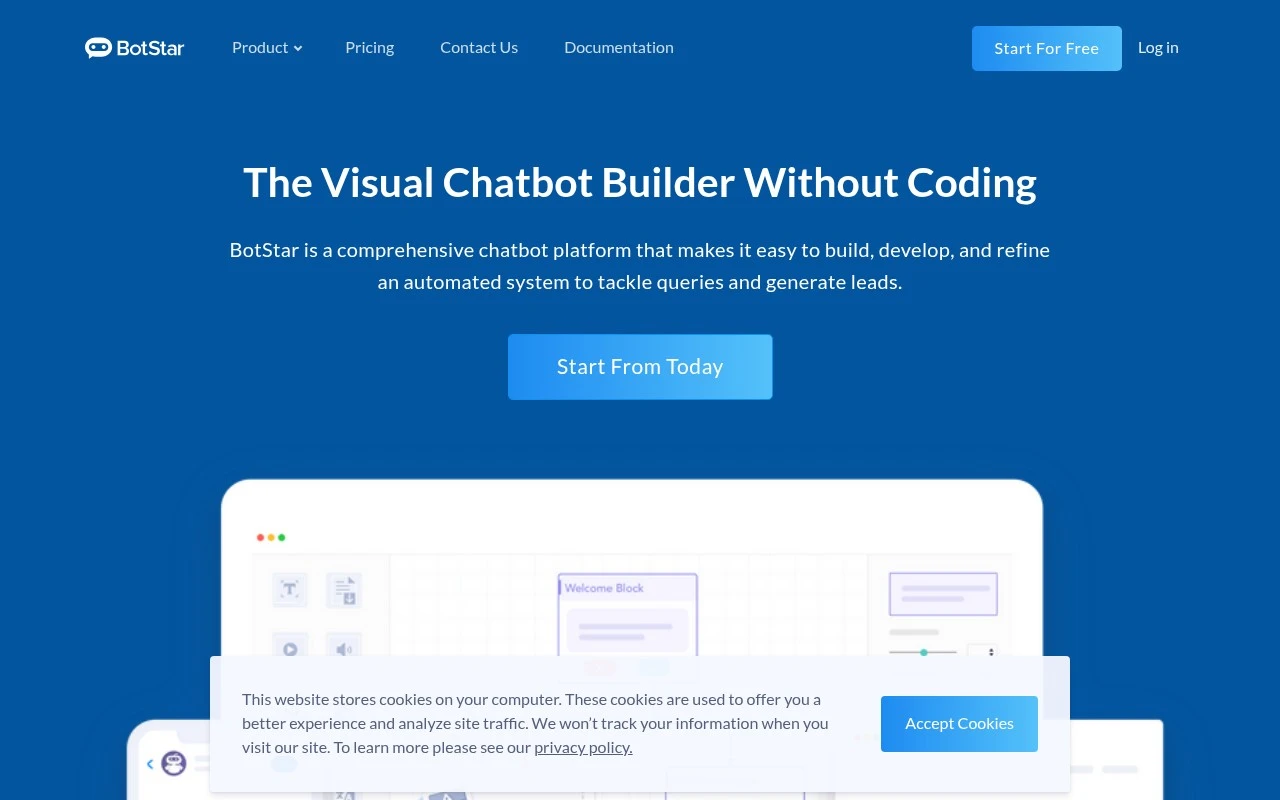
BotStar is a chatbot platform for building conversational bots for websites and Facebook Messenger, with tools for lead capture, customer support, and automated workflows. It provides a visual flow builder and integrations for managing user conversations and collected contact data.
Customer Support BotsSales & Lead Bots
FYAI Score
7.6 / 10
Based on 32 reviews
Pricing:
Freemium
Best for:
Marketing and support teams building automated chat journeys
Score Breakdown
- Ease of use7.4 / 10
- Features7.1 / 10
- Pricing8.1 / 10
- Integrations8.3 / 10
- Support7.1 / 10
 | Strengths |
-
 Best suited to teams that want to build chatbots visually because the flow editor makes conversation design accessible without starting from code.
 -
Strong fit for marketing and support workflows because it combines lead capture, broadcasts, media-rich messages, live chat handover, and integrations in one platform.
-
Useful for developer-assisted automation because the inline code editor supports API calls and more complex chat-flow logic when no-code blocks are not enough.
 | Limitations |
-
 Less suitable for teams wanting a fully hands-off chatbot because effective automation still depends on designing, testing, and maintaining conversation flows.
 -
Less suitable for very small teams with only basic FAQ needs because its campaign, handover, integration, and developer features can add more setup than they require.
-
The freemium model can limit growing teams because broader usage and more advanced automation needs typically move beyond the free plan.
 | 8.1/ 10FYAI score |
Helply
Customer Support BotsKnowledge Base Bots
Answers tickets, drafts replies, flags gaps and churn risks
Best for: | Customer support teams |
Pricing | Freemium |
 | 8.7/ 10Based on 7,757 reviews |
Zoho Desk
Customer Support BotsKnowledge Base Bots
Handles routine tickets, flags issues, and drafts replies
Best for: | Customer support teams |
Pricing | Freemium |
| 7.8/ 10Based on 31,824 reviews |
Zoho
Customer Support Bots
Runs business apps for sales, finance, HR, and support teams
Best for: | Operations teams |
Pricing | Freemium |