Curated ToolThis tool is part of our curated AI directory. We only include tools that meet our standards for relevance, usability and real-world value.

Windsurf

Desktop IDE to coordinate AI coding agents and review changes

Code Generation & CompletionDebugging
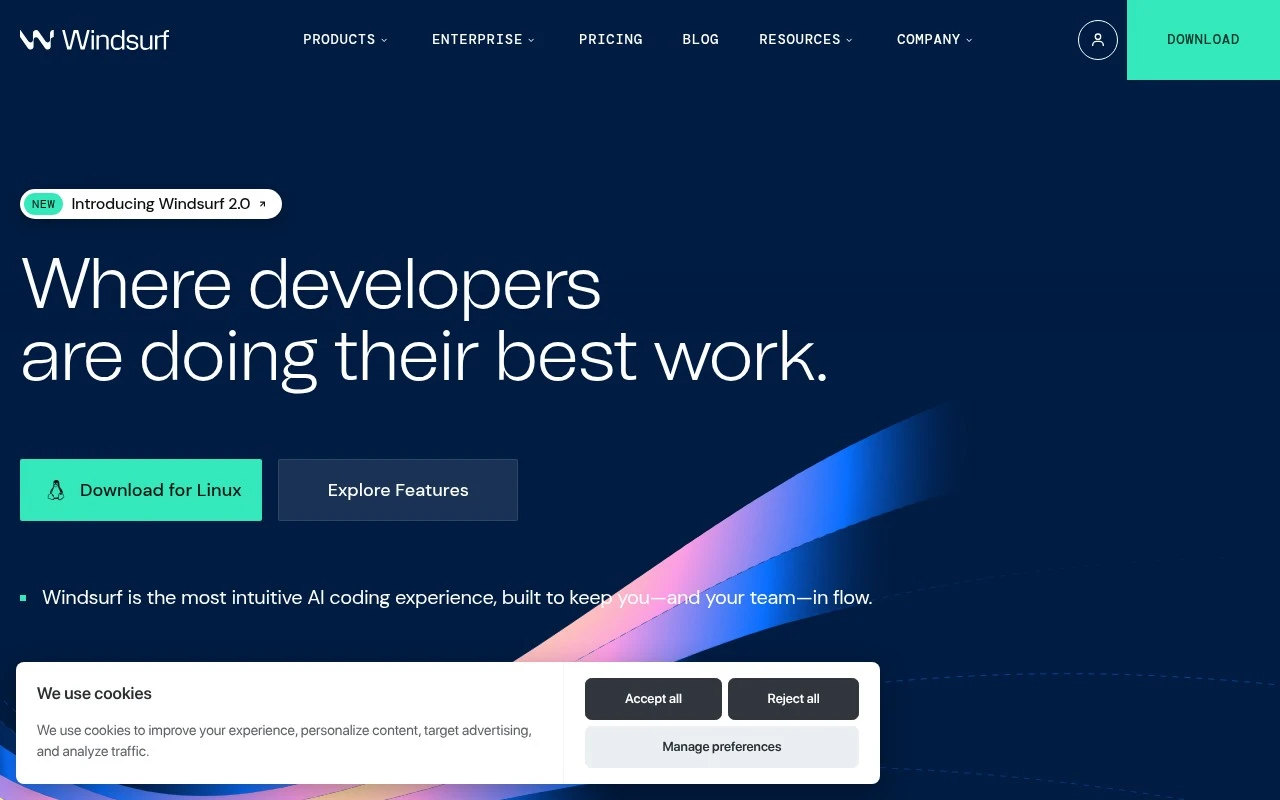
Windsurf.com describes Devin Desktop as the home for coding agents: a desktop IDE where engineers can plan work, delegate tasks to local or cloud agents, inspect their changes, and ship code without leaving the editor. The page emphasizes multi-agent session management, shared Spaces, codebase context, autocomplete-style assistance, diff review, and support for agents and models through the Agent Client Protocol.

FYAI Score

7.9 / 10

Based on 57 reviews

Pricing:

Freemium

Best for:

Software engineers orchestrating coding agents inside a desktop IDE

Score Breakdown

  • Ease of use7.2 / 10
  • Features7.8 / 10
  • Pricing8.7 / 10
  • Integrations8.0 / 10
  • Support8.0 / 10

PRODUCT PREVIEW

What this AI tool does

Windsurf is an AI-assisted development tool designed to help people write, understand, and modify code more efficiently. It typically fits into a developer’s workflow as a coding companion, offering contextual help while you work in a project, so you can move from idea to implementation with fewer interruptions. In practice, it’s useful for tasks like generating small code snippets, explaining unfamiliar parts of a codebase, refactoring functions, and drafting tests or documentation. It can also support debugging by helping you reason about errors and suggesting possible fixes based on the code and context you provide. This kind of tool is best used as a productivity aid rather than a replacement for review and testing. You’ll still want to validate outputs, run your test suite, and apply your team’s coding standards, especially when working on production systems or security-sensitive code.

Use cases

Best for

Coding Agent Orchestration

Plan tasks, delegate work to local or cloud agents, and manage multi-agent sessions with shared Spaces inside the IDE.

Code Review

Review agent-made edits in-editor using diffs and codebase context before accepting changes and shipping code.

Generate Code

Windsurf generates code with autocomplete-style assistance using full codebase context and Agent Client Protocol model support.

ANALYSIS

Strengths & limitations

Strengths
  • Combines coding-agent orchestration with an IDE rather than separating delegation and code review into different tools.
  • Supports workflows across local and cloud agents, including shared context and Git worktrees through Spaces.
  • Includes developer-facing IDE capabilities such as syntax highlighting, autocomplete, debugging, code context, and agent diff review.
Limitations
  • The official page is high-level and does not fully specify setup requirements, pricing, supported repositories, or all supported operating systems beyond a macOS download prompt.
  • Its value is mainly for software engineering teams already using or evaluating AI coding agents, not for general non-code productivity.
  • Some promoted capabilities, such as Agent Client Protocol support and model or agent compatibility, may depend on the surrounding Devin/Cognition ecosystem.

Evaluation

FYAI score breakdown

Our structured evaluation across five key criteria

7.9 / 10

Overall score

Based on 57 reviews

  • Ease of use7.2 / 10
  • Features7.8 / 10
  • Pricing8.7 / 10
  • Integrations8.0 / 10
  • Support8.0 / 10

What users say

Findings from public reviews, documentation and community sources.

  • Ease of use

    Windsurf/Devin describes Windsurf as a unified workspace to “Plan, delegate, review, and ship without leaving your editor,” with a “full IDE with syntax highlighting, autocomplete, and debugging tools.” A Reddit thread includes one user saying they “found Windsurf to be the best,” while another says Windsurf can “abandon the task” when work is “too big or complicated.”

  • Features

    The Windsurf product page lists local and cloud agents, Agent Client Protocol support, Spaces for shared context and Git worktrees, and cloud handoff. The Windsurf product page also references a full IDE, Supercomplete, Fast Context, and agent diff review.

  • Pricing

    The Windsurf pricing page lists five tiers, from Free to Enterprise custom, and shows Max at $200/month. The Windsurf pricing page says Free includes “unlimited inline edits” and “unlimited Tab completions,” with extra usage purchased at API pricing.

  • Integrations

    The Windsurf pricing comparison lists integrations with “Slack and Teams,” “Linear and Jira,” and “GitHub, GitLab, and Bitbucket.” The Windsurf pricing comparison also lists custom git provider support, Devin API, and SAML/OIDC SSO on higher tiers.

  • Support

    The Windsurf pricing page says Teams includes “Priority support.” The Windsurf pricing page says Enterprise adds “Highest priority support,” “Dedicated Slack Connect channel,” an “Optional onboarding call,” and “Dedicated account and engineering support.”

Who is this for?

Best for coding teams that want agent work inside an editor, Windsurf/Devin describes the product as a workspace to “Plan, delegate, review, and ship without leaving your editor.” Best for teams using common development tools because the pricing comparison lists “Slack and Teams,” “Linear and Jira,” and “GitHub, GitLab, and Bitbucket.” Less suited to users handing off very large or complicated tasks without close review, a Reddit user says Windsurf can “abandon the task” when work is “too big or complicated.”

PRODUCT PREVIEW

Feature highlights

Multi-agent sessions

Plan work, delegate tasks to agents, and track progress in one place.

Diff-first review

Inspect agent edits with diffs before you accept and ship changes.

Shared Spaces

Keep codebase context and sessions organized across projects and teams.

COMPARE

Discover curated alternatives worth comparing

Compare similar AI tools based on features, pricing and use cases

8.3/ 10Based on 68 reviews

Gemini Code Assist

Code Generation & CompletionTesting & Refactoring
AI coding assistant for code completion, edits, and explanations
Best for:
Software developers
Pricing
Freemium

9.1/ 10Based on 46 reviews

GitHub Copilot

Code Generation & CompletionTesting & Refactoring
AI coding assistant for code suggestions, chat, and reviews
Best for:
Software developers
Pricing
Freemium

8.9/ 10Based on 6 reviews

Cline

Code Generation & CompletionDebugging
Agentic coding runtime that edits files and runs commands
Best for:
Software developers
Pricing
Free

Ship better code with less context switching. Start using Windsurf to turn ideas into working changes faster and keep your team aligned.

FAQ

Frequently asked
questions

Everything you need to know about this AI tool,
its features, pricing, use cases, and limitations.

What types of teams and workflows is Windsurf a good fit for?
Windsurf fits remote or hybrid teams that need structured task tracking, real-time collaboration, and shared documentation in one place. It’s most useful when you have repeatable workflows (e.g., product delivery, client projects, cross-functional initiatives) and want consistent visibility across teams. If your work is mostly ad-hoc and lightweight, simpler tools may be easier to maintain.
Does Windsurf have a free plan, and what are the typical limitations compared to paid tiers?
Windsurf may offer a free tier or trial depending on your region and current pricing, but free access typically limits seats, storage, and advanced collaboration/admin controls. Paid plans usually unlock more granular permissions, workflow customization, and higher usage caps. Before choosing, confirm whether key needs like document sharing limits, integrations, and audit/history features are included in the tier you’re considering.
How does Windsurf compare with tools like Asana, Jira, or Monday.com?
Compared with Asana or Monday.com, Windsurf is often evaluated on how well it combines task tracking with real-time collaboration and document sharing in a single workflow. Versus Jira, it may feel less developer-centric if your team needs deep issue tracking, sprint tooling, and tight CI/dev integrations. The deciding factor is whether your priority is flexible project coordination across departments (Windsurf) or specialized software delivery workflows (Jira).
How quickly can a team get started with Windsurf, and what onboarding effort should you expect?
Windsurf can have a learning curve for teams new to formal project management tools, which may slow early adoption. Limited offline functionality can be a drawback for field teams or unreliable connectivity. Cost can also be higher than simpler task trackers, so it’s worth checking whether you’ll actually use the advanced collaboration and workflow features.
What should I check regarding data privacy, security, and compliance for Windsurf?
Review where Windsurf hosts data, how it handles encryption in transit/at rest, and whether it supports SSO, role-based access, and audit logs for your plan. If you have compliance requirements (e.g., SOC 2, ISO 27001, GDPR, HIPAA), verify current certifications and whether a DPA is available. Also confirm data retention, export options, and what happens to documents and activity history if you cancel.