
Curated ToolThis tool is part of our curated AI directory. We only include tools that meet our standards for relevance, usability and real-world value.
Warp
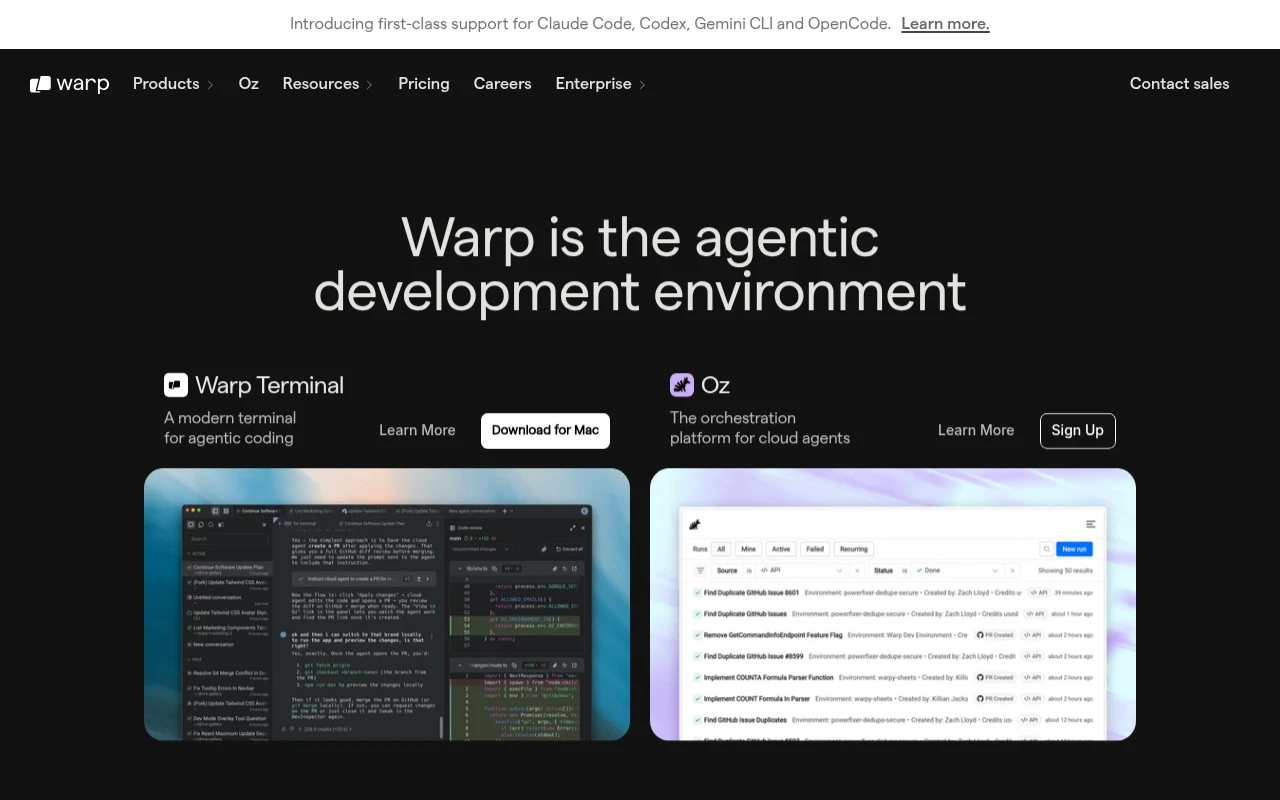
Warp is an AI-powered terminal for macOS, Linux, and Windows that helps developers run shell commands, understand errors, and generate commands from natural language. It organizes command output into blocks and supports shared workflows and notebooks for team use.
AI Coding Agents

FYAI Score
8.7 / 10
Based on 76 reviews
Pricing:
Freemium
Best for:
Developers who want agent-assisted coding from the terminal
Score Breakdown
- Ease of use8.3 / 10
- Features9.0 / 10
- Pricing8.9 / 10
- Integrations8.3 / 10
- Support8.8 / 10
 | Strengths |
-
 Best suited to developers who live in the terminal because AI agents, command workflows, and coding context can be handled without switching into a separate IDE-style interface.
 -
Flexible for teams experimenting with different coding agents because it supports Warp Agent alongside third-party agents such as Claude Code, Codex, and Gemini CLI.
-
Strong fit for organizations scaling agent usage because Oz and enterprise controls support cloud orchestration, agent launch options, and team governance.
 | Limitations |
-
 Less suitable for nontechnical users or no-code teams because Warp is built around terminal-based software development workflows.
 -
Requires workflow adoption for teams already standardized on another terminal or IDE because developers need to move agent interaction and command execution into Warp-centered processes.
-
Freemium pricing can become a planning consideration for larger teams because advanced collaboration, cloud orchestration, or governance needs are more likely to sit beyond basic free usage.
 | 9.1/ 10Based on 49 reviews |
Kilo Code
Code Generation & CompletionDebugging
Plans, edits, debugs, and reviews code across IDEs and cloud
Best for: | Software developers |
Pricing | Freemium |
 | 8.1/ 10Based on 44 reviews |
OpenCode
Code Generation & CompletionDebugging
Runs coding agents in terminal, IDE, or desktop with any LLM
Best for: | Software developers |
Pricing | Paid |
 | 7.9/ 10FYAI score |
Kiro
Code Generation & CompletionAI Coding Agents
Plans, implements, tests, and reviews spec-driven code changes
Best for: | Software developers |
Pricing | Freemium |