Curated ToolThis tool is part of our curated AI directory. We only include tools that meet our standards for relevance, usability and real-world value.

Qodo

Reviews code with repo context to flag defects and rule breaks

Code Review & Quality
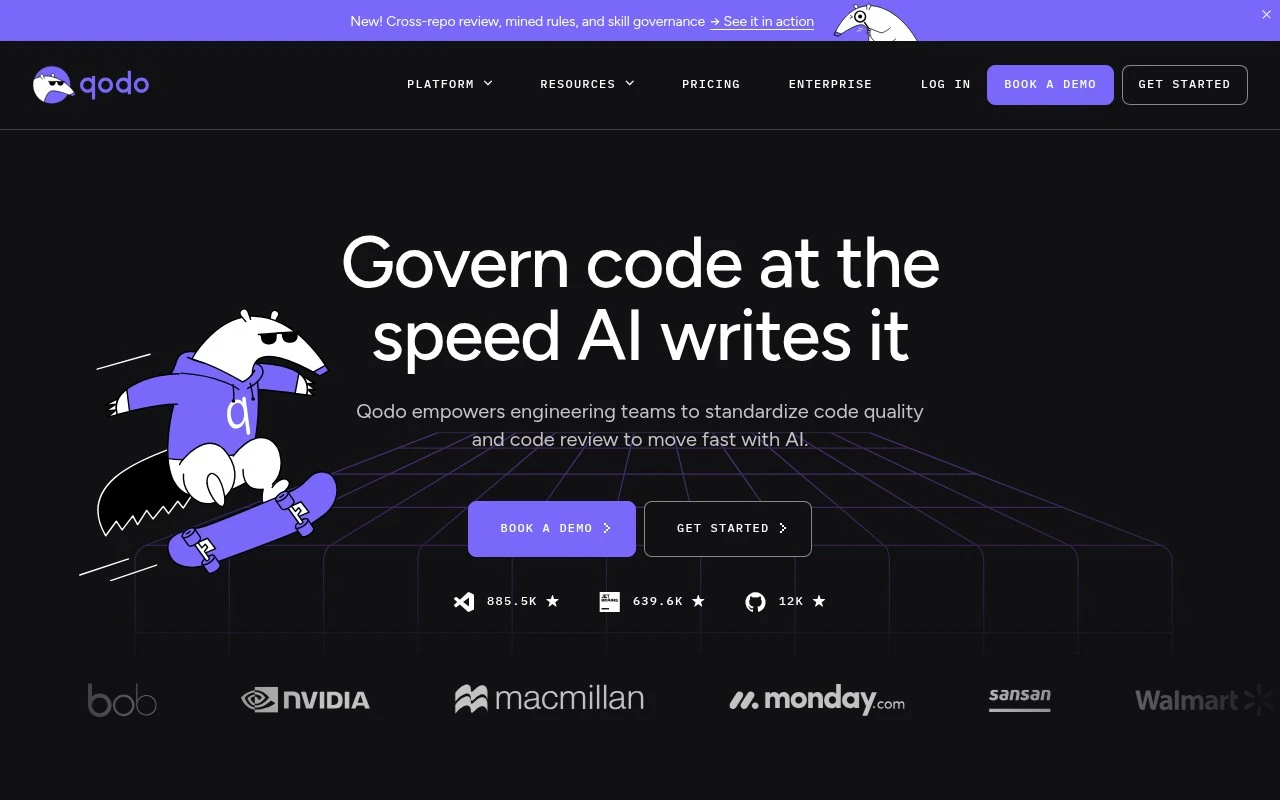
Qodo is an AI code review and governance platform for engineering teams. It reviews pull requests and local code using broader codebase, repository, PR history, rules, and business-requirement context, with the goal of catching real issues and enforcing team-specific standards before code reaches production. Its positioning is less about generating code and more about acting as an independent review, quality, and governance layer for teams using modern AI-assisted development.

FYAI Score

8.2 / 10

Based on 64 reviews

Pricing:

Freemium

Best for:

Engineering teams needing consistent PR quality and code governance

Score Breakdown

  • Ease of use8.5 / 10
  • Features8.4 / 10
  • Pricing8.1 / 10
  • Integrations7.7 / 10
  • Support8.2 / 10

PRODUCT PREVIEW

What this AI tool does

Qodo is an AI tool intended to help users work with code and related technical text in a more efficient way. It can be used to interpret prompts, generate or revise snippets, and assist with common programming tasks where a conversational interface is helpful. Because the tool’s exact focus and main use case aren’t specified, it’s best understood as a general-purpose assistant for software development workflows. Depending on how it’s configured, it may support activities like drafting code, explaining logic, refactoring, or producing documentation-style output from short instructions. If you’re evaluating codo-ai for informational purposes, consider what languages, environments, and guardrails you need, and test it on a few representative tasks from your day-to-day work. As with any AI system, outputs should be reviewed for correctness, security, and alignment with your project’s standards before being used in production.

Use cases

Best for

Pull Request AI Reviews

Qodo analyzes pull requests with codebase context to flag logic gaps, critical issues, standards violations, and requirement mismatches.

In-Ide Code Review

Qodo runs local IDE review workflows that analyze your current changes with repository context and suggest fixes inside the editor.

Coding Standards Governance

Define and enforce coding standards across repositories by applying policy checks to PRs and monitoring compliance for auditability.

ANALYSIS

Strengths & limitations

Strengths
  • Focuses on context-aware code review rather than generic lint-style feedback, including repo relationships, PR history, rules, and requirements.
  • Supports both pull request review and local IDE workflows, allowing issues to be found earlier in the development lifecycle.
  • Includes governance-oriented features such as living rules, audit trails, risk visibility, and enterprise deployment/security options.
Limitations
  • Best suited to software engineering organizations; it is not a general-purpose AI assistant or code generation tool.
  • The value appears tied to configuring and maintaining team-specific rules and repository context, which may require organizational setup.
  • The official material emphasizes enterprise governance and review workflows, so small teams seeking a lightweight reviewer may find it more platform-heavy than necessary.

Evaluation

FYAI score breakdown

Our structured evaluation across five key criteria

8.2 / 10

Overall score

Based on 64 reviews

  • Ease of use8.5 / 10
  • Features8.4 / 10
  • Pricing8.1 / 10
  • Integrations7.7 / 10
  • Support8.2 / 10

What users say

Findings from public reviews, documentation and community sources.

  • Ease of use

    G2 shows Qodo at "4.7/5" across "64 reviews," and users praise context-aware suggestions that "seamlessly" boost productivity during coding tasks. Qodo's pricing FAQ says the trial path requires "No" credit card: sign in with GitHub/Google/email, install on repos, and reviews start running.

  • Features

    Qodo's website positions Qodo as an "AI Code Review and Governance Platform" with "15+ agentic workflows for IDEs, PRs and security." Qodo's website lists context-aware PR review, local IDE review, cross-repo context, and rules enforcement.

  • Pricing

    Qodo's pricing page lists Pro Team at "$30," credits at "$.012/credit," and a "Free 14 Day Trial" with "no credit card." Qodo's pricing page says overage uses the same per-credit rate with a customer-set cap, Enterprise is custom, and there is not a permanent free tier after trial.

  • Integrations

    Qodo's website describes automated review across "your IDE, pull requests, CLI, and Git workflows." Qodo's website also references workflow integrations such as Linear for checking PRs against business requirements.

  • Support

    Qodo's pricing page says Pro Team includes "Standard support." Qodo's pricing page says Enterprise adds "Priority support / SLA" and a "Dedicated CSM."

Who is this for?

Best for engineering teams that want AI review inside existing development workflows, Qodo's website describes automated review across "your IDE, pull requests, CLI, and Git workflows." Less suited to teams that need a permanent free plan, Qodo's pricing page says there is not a permanent free tier after the "Free 14 Day Trial," so continued use requires moving beyond the trial.

PRODUCT PREVIEW

Feature highlights

Contextual PR Review

Reviews PRs using repo history, codebase context, and past decisions.

Policy & Standards

Enforces team rules and business requirements before code hits prod.

Local Code Checks

Find issues in local changes early, before opening a pull request.

COMPARE

Discover curated alternatives worth comparing

Compare similar AI tools based on features, pricing and use cases

8.3/ 10Based on 68 reviews

Gemini Code Assist

Code Generation & CompletionTesting & Refactoring
AI coding assistant for code completion, edits, and explanations
Best for:
Software developers
Pricing
Freemium

9.1/ 10Based on 46 reviews

GitHub Copilot

Code Generation & CompletionTesting & Refactoring
AI coding assistant for code suggestions, chat, and reviews
Best for:
Software developers
Pricing
Freemium

8.9/ 10Based on 6 reviews

Cline

Code Generation & CompletionDebugging
Agentic coding runtime that edits files and runs commands
Best for:
Software developers
Pricing
Free

Turn messy marketing data into clear insights in minutes. Start using Qodo to make faster decisions and improve campaign ROI with confidence.

FAQ

Frequently asked
questions

Everything you need to know about this AI tool,
its features, pricing, use cases, and limitations.

Is Qodo a good fit for performance marketing teams, agencies, or small businesses?
Qodo fits best when you’re running recurring campaigns and need faster reporting across multiple channels without manual spreadsheet work. It’s a strong option for in-house growth teams and agencies that deliver regular client updates. If your reporting is highly bespoke or you need deep custom modeling, you may find it less flexible than BI-first tools.
Does Qodo have a free plan, and what are the typical limitations compared to paid tiers?
Qodo’s availability of a free tier and its limits can vary, so you’ll want to confirm current plan details on qodo.ai. In tools like Qodo, free or entry tiers commonly cap data sources, reporting frequency, user seats, or export options. Paid plans usually unlock more integrations, higher data volumes, and team collaboration features.
How does Qodo compare with BI tools like Looker Studio, Tableau, or Power BI for marketing reporting?
Qodo is more focused on automating marketing analysis and reporting workflows, while BI tools are broader and typically offer deeper customization and data modeling. If you want quick, repeatable marketing dashboards and summaries with less setup, Qodo can be simpler. If you need complex joins, governance, or highly tailored visuals across many business functions, a BI platform may be a better fit.
How long does it take to set up Qodo, and what onboarding work should you expect?
Qodo can be less customizable for advanced users who need highly tailored reporting logic or unique KPI frameworks. You may also need initial integration effort to align data sources and resolve discrepancies. Pricing can be a deciding factor if you’re a smaller team that only needs lightweight reporting.
What should you check about Qodo’s data handling, privacy, and compliance before connecting ad accounts?
Before connecting accounts, verify what data Qodo stores versus only processes, how long it’s retained, and whether you can delete data on request. Confirm access controls (SSO, role-based permissions), encryption practices, and where data is hosted to match your compliance needs. If you operate under GDPR/CCPA or have client data restrictions, review Qodo’s DPA and subprocessors list on qodo.ai.