
Curated ToolThis tool is part of our curated AI directory. We only include tools that meet our standards for relevance, usability and real-world value.
Qoder
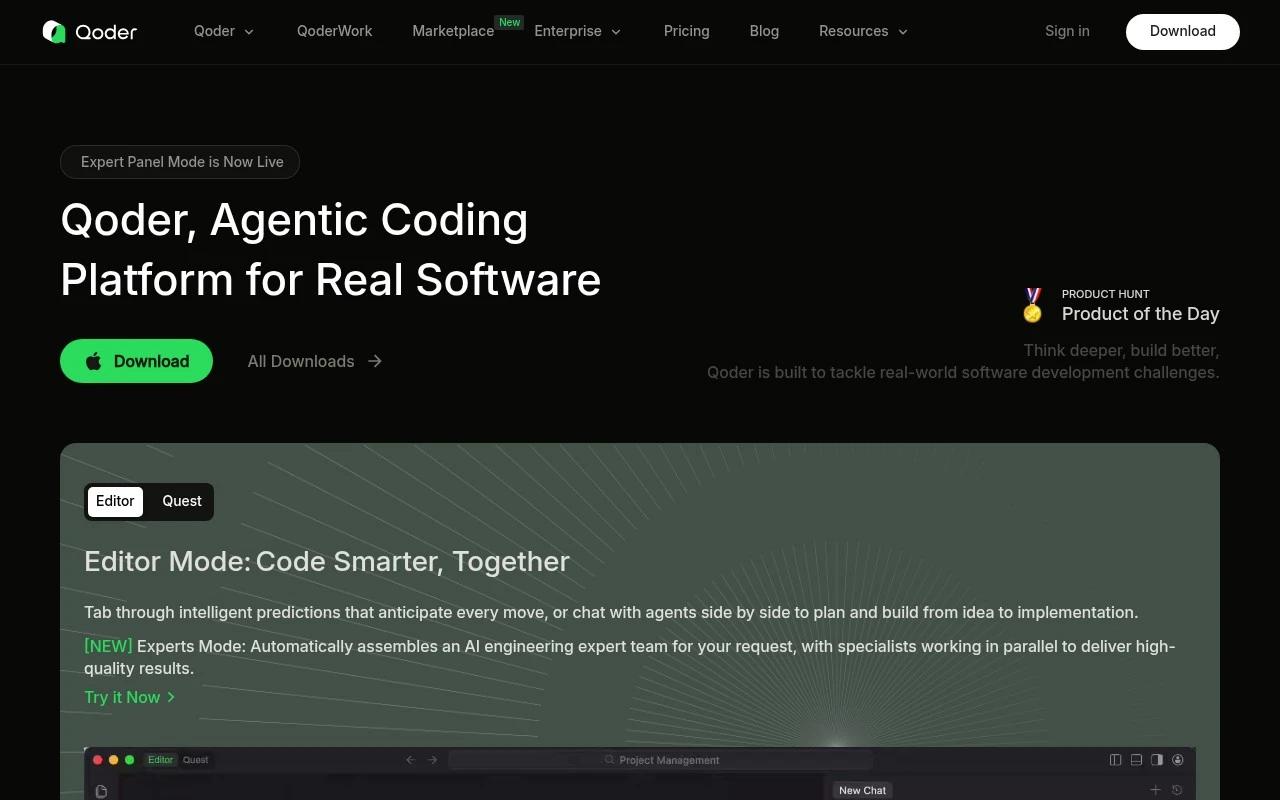
Qoder is an AI coding assistant for software development that can analyze codebases, generate and edit code, and support code refactoring from natural language instructions.
Code Generation & CompletionCodebase Chat

FYAI Score
7.9 / 10
FYAI rating based on features, pricing and integrations
Pricing:
Freemium
Best for:
Software engineers building and maintaining real-world codebases
Score Breakdown
- Ease of use8.2 / 10
- Features7.8 / 10
- Pricing7.3 / 10
- Integrations7.7 / 10
- Support8.5 / 10
 | Strengths |
-
 Fits developers who work across different environments because Qoder supports desktop, VS Code-style workflows, JetBrains IDEs, and a terminal-native CLI.
 -
Well suited to larger codebases because its agents can analyze repositories, remember rules, and carry out longer goal-oriented development tasks.
-
Useful for engineering teams standardizing AI-assisted workflows because multi-agent collaboration, skills, plugins, memory, and rules can encode repeatable development practices.
 | Limitations |
-
 Less suitable for non-technical teams because Qoder’s strongest fit is software engineering work rather than broad no-code business automation.
 -
Requires careful setup and governance because codebase-aware agents need access rules, permission boundaries, and human review before autonomous changes reach production.
-
Freemium access is less suitable for heavy team usage because sustained agent execution and larger-scale development workflows are likely to depend on paid capacity.
 | 9.1/ 10Based on 49 reviews |
Kilo Code
Code Generation & CompletionDebugging
Plans, edits, debugs, and reviews code across IDEs and cloud
Best for: | Software developers |
Pricing | Freemium |
 | 8.1/ 10Based on 44 reviews |
OpenCode
Code Generation & CompletionDebugging
Runs coding agents in terminal, IDE, or desktop with any LLM
Best for: | Software developers |
Pricing | Paid |
 | 7.9/ 10FYAI score |
Kiro
Code Generation & CompletionAI Coding Agents
Plans, implements, tests, and reviews spec-driven code changes
Best for: | Software developers |
Pricing | Freemium |