Curated ToolThis tool is part of our curated AI directory. We only include tools that meet our standards for relevance, usability and real-world value.

Continue

Open-source AI coding agent for code completion and refactoring

Code Generation & CompletionTesting & Refactoring

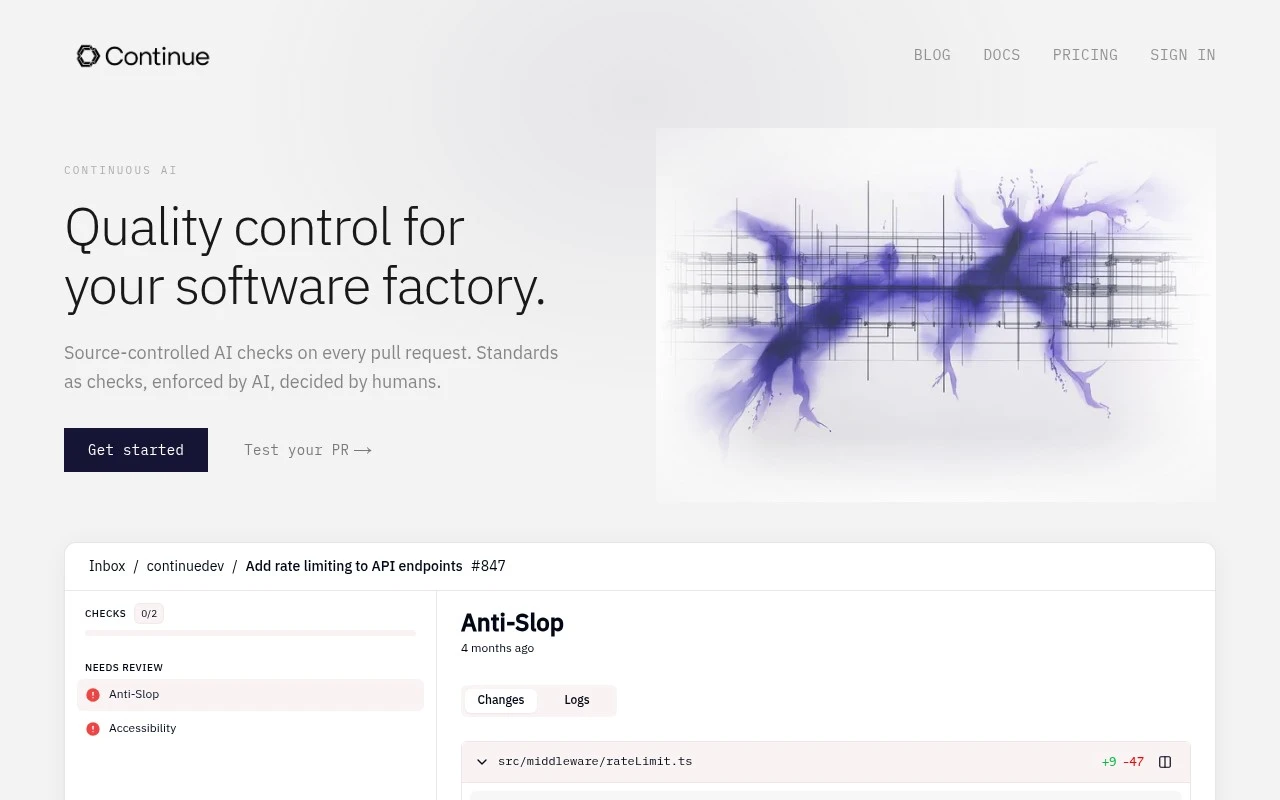
Continue is an open-source AI coding agent project for developers. The official continue.dev site now states that Continue has been acquired by Cursor and frames the project as a pioneering open-source coding agent whose codebase may continue to serve as a foundation for others.

FYAI Score

7.3 / 10

Based on 23 reviews

Pricing:

Free

Best for:

Developers who want an open-source AI coding agent in their editor

Score Breakdown

  • Ease of use7.3 / 10
  • Features7.0 / 10
  • Pricing7.7 / 10
  • Integrations7.3 / 10
  • Support7.0 / 10

PRODUCT PREVIEW

What this AI tool does

Continue is an AI-assisted coding tool designed to work inside your development environment, helping you interact with code through natural language. It’s aimed at developers who want a more conversational way to understand, modify, and navigate a codebase while staying in their editor. In practice, you can use it to ask questions about how a module works, request help drafting or refactoring functions, and get suggestions that align with the surrounding project context. Because it operates alongside your existing workflow, it can be useful for both day-to-day coding tasks and for getting oriented in unfamiliar repositories. As an informational tool, continue-dev is best understood as a bridge between a code editor and an AI model: you provide prompts tied to your current files, and it returns code or explanations you can review and apply. Like any AI coding assistant, its output benefits from developer oversight, especially for correctness, security, and adherence to project conventions.

Use cases

Best for

Codebase Chat

Chat with your repository by asking questions and letting the agent read files and return answers with relevant code context.

Code Refactoring

Use Continue to propose refactors by editing selected files and returning a patch you can review and apply in your editor.

Generate Code

Generate new functions, tests, or boilerplate by prompting the agent and inserting the suggested code directly into your project files.

ANALYSIS

Strengths & limitations

Strengths
  • Open-source codebase is explicitly described as still relevant after the acquisition.
  • Built specifically around developer workflows and AI-assisted coding.
  • Positioned around amplifying developers rather than automating them away.
Limitations
  • The official site no longer provides a detailed product feature page.
  • Current product status, roadmap, subscription handling, and data handling require review beyond the visible page text.
  • Because Continue has been acquired by Cursor, users should verify what is still maintained or available before adopting it.

Evaluation

FYAI score breakdown

Our structured evaluation across five key criteria

7.3 / 10

Overall score

Based on 23 reviews

  • Ease of use7.3 / 10
  • Features7.0 / 10
  • Pricing7.7 / 10
  • Integrations7.3 / 10
  • Support7.0 / 10

What users say

Findings from public reviews, documentation and community sources.

  • Ease of use

    A Reddit thread describes Continue as available through “a CLI, a VS Code extension, and a JetBrains plugin.” The same Reddit thread says users were “pleasantly surprised” while noting prior consensus that Continue was “generally good” but “missing some of the killer features.”

  • Features

    The Continue docs describe Continue as a “pioneering open-source coding agent” with a “final 2.0.0 release” covering the VS Code extension, CLI, and JetBrains plugin. The Continue docs state Continue is “no longer actively maintained and is read-only.”

  • Pricing

    The Continue docs emphasize open-source availability, source-code links, and an “Apache 2.0” license. The Continue pricing page presents acquisition FAQs rather than active subscription tiers.

  • Integrations

    The Continue docs list “VS Code Marketplace,” “Open VSX Registry,” “CLI npm,” and “JetBrains” releases/source code. Continue’s documented entry points are IDE and CLI channels.

  • Support

    The Continue docs say users can “explore the rest of the Continue Docs” to configure and customize the tool. The Continue docs state the repository is “no longer actively maintained and is read-only.”

Who is this for?

Best for developers who want an open-source coding agent in familiar coding surfaces. Continue is available through “a CLI, a VS Code extension, and a JetBrains plugin.” Less suited to teams that need an actively maintained coding assistant, the Continue docs state the repository is “no longer actively maintained and is read-only.”

PRODUCT PREVIEW

Feature highlights

IDE coding agent

Plan, edit, and refactor code across your project with AI help.

Customizable workflows

Configure prompts, tools, and behaviors to match your repo and style.

Open-source foundation

Transparent codebase you can inspect, extend, and build on.

COMPARE

Discover curated alternatives worth comparing

Compare similar AI tools based on features, pricing and use cases

8.3/ 10Based on 68 reviews

Gemini Code Assist

Code Generation & CompletionTesting & Refactoring
AI coding assistant for code completion, edits, and explanations
Best for:
Software developers
Pricing
Freemium

9.1/ 10Based on 46 reviews

GitHub Copilot

Code Generation & CompletionTesting & Refactoring
AI coding assistant for code suggestions, chat, and reviews
Best for:
Software developers
Pricing
Freemium

8.9/ 10Based on 6 reviews

Cline

Code Generation & CompletionDebugging
Agentic coding runtime that edits files and runs commands
Best for:
Software developers
Pricing
Free

Ship better code faster with an AI pair programmer in your editor. Start using Continue today to reduce busywork, catch issues earlier, and stay in flow.

FAQ

Frequently asked
questions

Everything you need to know about this AI tool,
its features, pricing, use cases, and limitations.

When is Continue a good fit, and when should I pick a different coding assistant?
Continue is a strong fit for teams that want an IDE-first assistant for code completion, refactors, and chat with awareness of the current file and repo context. It’s especially useful if you want flexibility to choose which model/provider to use rather than being locked into one vendor. If your priority is deep, end-to-end “agent” workflows (multi-step task execution, PR automation) you may prefer tools that focus more on autonomous agents than in-editor assistance.
Does Continue have a free plan, and what are the typical limitations compared to paid options?
Continue is commonly used with a free/open-source setup, but costs can still apply depending on which LLM provider you connect (API usage, seats, or quotas). Paid plans or enterprise offerings—when used—typically add centralized management, team controls, and support rather than changing the core IDE experience. If you need predictable pricing, compare how each tool bundles model access versus passing through API costs.
How does Continue compare with GitHub Copilot, Cursor, or Codeium for day-to-day development?
Continue tends to stand out for configurability: you can often swap models/providers and tune prompts or context behavior more than with some bundled assistants. Copilot and Cursor can feel more “batteries-included,” with tighter default experiences and fewer knobs to manage. If your team values standardization and minimal setup, a more opinionated tool may be easier; if you want control over models and workflows, Continue is usually competitive.
How fast can a team get Continue running, and what onboarding work should I expect?
Suggestion quality can vary by model and project structure, so developers may need to verify outputs more often than with highly curated, single-vendor assistants. There can be a learning curve around configuration and prompt/context tuning, especially for teams. Support for niche languages or specialized frameworks may be less consistent, depending on the model and integrations you use.
What should I know about data handling, privacy, and compliance when using Continue?
With Continue, privacy largely depends on the LLM provider you connect and how you configure context sharing (what code is sent, and when). For regulated environments, you’ll want to confirm whether prompts/code are logged, where data is processed, and whether you can enforce model/provider restrictions centrally. Compare tools on admin controls, auditability, and the ability to use self-hosted or enterprise endpoints if compliance is a requirement.