Curated ToolThis tool is part of our curated AI directory. We only include tools that meet our standards for relevance, usability and real-world value.

Amazon CodeWhisperer

AI coding assistant for code completion, chat, and debugging

Code Generation & CompletionDebugging
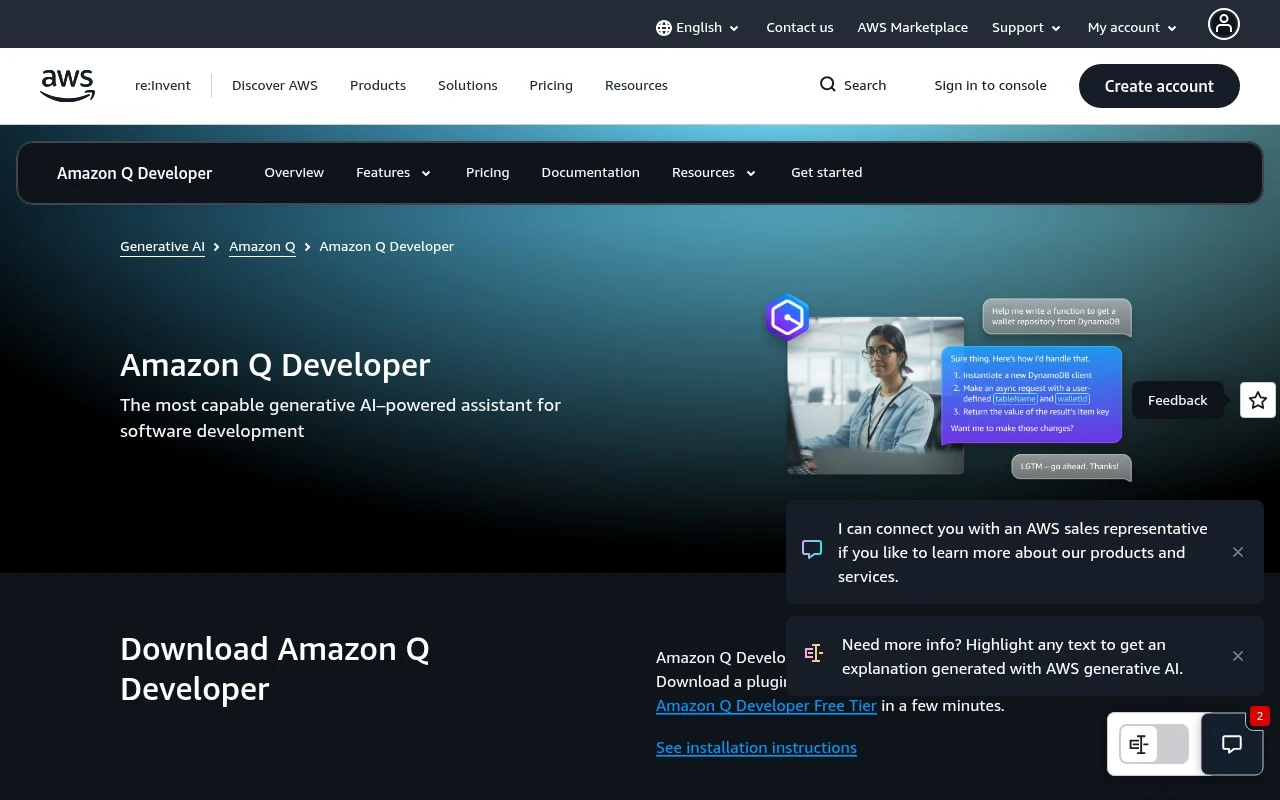
Amazon CodeWhisperer’s official AWS URL now describes Amazon Q Developer, AWS’s generative AI coding assistant. It works inside popular IDEs, the command line, AWS Console, Slack, Microsoft Teams, GitLab, and GitHub workflows to provide code generation, chat-based development help, security scanning, code review, refactoring, testing, and agentic task execution. Its strongest distinction is its deep AWS context: it can help with AWS architecture, resource analysis, operational troubleshooting, and application modernization such as Java upgrades and .NET porting.

FYAI Score

8.0 / 10

FYAI rating based on features, pricing and integrations

Pricing:

Freemium

Best for:

Developers building, securing, and modernizing apps on AWS

Score Breakdown

  • Ease of use7.9 / 10
  • Features8.0 / 10
  • Pricing7.7 / 10
  • Integrations8.5 / 10
  • Support7.8 / 10

PRODUCT PREVIEW

What this AI tool does

Amazon CodeWhisperer is an AI-assisted coding tool designed to help developers write code more efficiently by suggesting completions and snippets as they work. It fits into common development workflows and can be used while editing files, reviewing changes, or exploring unfamiliar APIs, with the goal of reducing repetitive typing and helping maintain consistent patterns. In practice, it’s most useful when you have a clear intent—such as implementing a function, handling input validation, or wiring up a service call—and want quick, context-aware suggestions based on what’s already in your project. It can also support learning and troubleshooting by offering alternative approaches or reminding you of typical usage, while still leaving final decisions and verification to the developer.

Use cases

Best for

Generate Code

Amazon CodeWhisperer generates code snippets in your IDE or CLI from comments and context, including AWS SDK and infrastructure patterns.

Code Review

It reviews pull requests in GitHub or GitLab workflows and flags security issues and risky patterns with suggested fixes.

Code Refactoring

It refactors code by proposing safer, cleaner implementations and modernization changes, such as Java upgrades and .NET porting guidance.

ANALYSIS

Strengths & limitations

Strengths
  • Deeply integrated with AWS services, AWS Console, AWS IAM Identity Center permissions, and AWS operational workflows.
  • Available across common developer environments, including VS Code, JetBrains IDEs, Visual Studio, Eclipse preview, CLI, GitLab, GitHub preview, Slack, and Microsoft Teams.
  • Covers more than autocomplete by adding chat, vulnerability scanning, test generation, code review, refactoring, repository-aware customization, and agentic coding tasks.
Limitations
  • The official CodeWhisperer URL no longer presents CodeWhisperer as a standalone product; it redirects the positioning to Amazon Q Developer.
  • Several capabilities described on the official page are marked as previews or tied to specific environments, such as Eclipse and GitHub support.
  • Its differentiated value is strongest for AWS users, so teams outside AWS may find some cloud operations and architecture features less relevant.

Evaluation

FYAI score breakdown

Our structured evaluation across five key criteria

8.0 / 10

Overall score

FYAI rating based on features, pricing and integrations

  • Ease of use7.9 / 10
  • Features8.0 / 10
  • Pricing7.7 / 10
  • Integrations8.5 / 10
  • Support7.8 / 10

What users say

Findings from public reviews, documentation and community sources.

  • Ease of use

    The AWS CodeWhisperer page tells users to “Download a plugin or extension” for JetBrains, VS Code, Visual Studio, command line, or Eclipse and says users can “get started on the Amazon Q Developer Free Tier in a few minutes.”

  • Features

    The AWS CodeWhisperer page says Amazon Q Developer “writes, debugs, and refactors code” and lists real-time suggestions, inline chat, vulnerability scanning, and unit tests.

  • Pricing

    The AWS CodeWhisperer pricing page states a “perpetual Free Tier” with “50 agentic chat interactions per month” and “up to 1,000 lines of code per month” for transformations.

  • Integrations

    The AWS CodeWhisperer page names integrations or placements for JetBrains, IntelliJ IDEA, Visual Studio, VS Code, Eclipse preview, CLI, AWS Console, GitLab, Microsoft Teams, Slack, GitHub.com, and GitHub Enterprise Cloud.

  • Support

    The AWS CodeWhisperer page surfaces “installation instructions,” a “getting started page,” “pricing,” and “Documentation” resources for setup and usage.

Who is this for?

Best for developers who want coding assistance inside common development environments, the AWS CodeWhisperer page tells users to “Download a plugin or extension” for JetBrains, VS Code, Visual Studio, command line, or Eclipse. Less suited to buyers who need all paid-tier details on the CodeWhisperer page, paid-tier detail is handled via the broader Amazon Q Developer pricing path rather than fully surfaced in the page text.

PRODUCT PREVIEW

Feature highlights

AWS-aware coding help

Generate code and get guidance tailored to AWS services and patterns.

Security scanning

Detect risky code and get fixes to reduce vulnerabilities early.

Modernize & refactor

Upgrade Java, port .NET, refactor, and create tests with AI help.

COMPARE

Discover curated alternatives worth comparing

Compare similar AI tools based on features, pricing and use cases

8.3/ 10Based on 68 reviews

Gemini Code Assist

Code Generation & CompletionTesting & Refactoring
AI coding assistant for code completion, edits, and explanations
Best for:
Software developers
Pricing
Freemium

9.1/ 10Based on 46 reviews

GitHub Copilot

Code Generation & CompletionTesting & Refactoring
AI coding assistant for code suggestions, chat, and reviews
Best for:
Software developers
Pricing
Freemium

8.9/ 10Based on 6 reviews

Cline

Code Generation & CompletionDebugging
Agentic coding runtime that edits files and runs commands
Best for:
Software developers
Pricing
Free

Ship better code faster with Amazon CodeWhisperer—get help from idea to implementation and stay confident in what you deploy. Start building with AWS-ready guidance today.

FAQ

Frequently asked
questions

Everything you need to know about this AI tool,
its features, pricing, use cases, and limitations.

When is Amazon CodeWhisperer a better fit than other coding assistants?
Amazon CodeWhisperer tends to be a strong choice if your team builds and operates primarily on AWS and wants help that extends beyond autocomplete into reviews, security checks, and AWS troubleshooting. It’s also useful when you want suggestions grounded in your internal repositories rather than only public patterns. If your stack is mostly non-AWS, the differentiation may be less compelling compared with more general-purpose assistants.
What’s the difference between the free and paid options, and what limits should I expect?
Amazon CodeWhisperer is now largely positioned under Amazon Q Developer, so “free vs paid” depends on the Q Developer tier and the environment you use. In practice, advanced features (for example, broader org controls, deeper integrations, or higher usage allowances) are typically tied to paid plans and may have quotas or preview constraints. Verify which features are included for your IDE, CLI, and code-hosting setup before standardizing on it.
How does Amazon CodeWhisperer compare with GitHub Copilot and JetBrains AI Assistant?
Compared with GitHub Copilot, Amazon CodeWhisperer is often evaluated for tighter AWS workflow support and adjacent capabilities like security scanning and modernization tooling. JetBrains AI Assistant can feel more seamless if your team is fully standardized on JetBrains IDEs, while CodeWhisperer/Q Developer emphasizes cross-environment coverage (IDE, CLI, console, chat tools). If you need consistent behavior across mixed IDEs plus AWS operations context, CodeWhisperer may score higher; for non-AWS codebases, Copilot is frequently the baseline comparison.
How fast can a team get Amazon CodeWhisperer running, and what onboarding work is typical?
The naming and packaging can be confusing because the CodeWhisperer page now points to Amazon Q Developer, and some features are preview-only or limited by tier and environment. Its strongest advantages are AWS-centric, so teams on other clouds or on-prem may not see enough incremental value. If you want one consistent feature set everywhere, check carefully for gaps across IDEs, the CLI, and code-hosting integrations.
What should we consider for data privacy, code retention, and compliance with Amazon CodeWhisperer?
Treat Amazon CodeWhisperer as part of Amazon Q Developer and review the specific service terms for how prompts, code snippets, and telemetry are handled in your chosen tier. If you connect private repositories, confirm what content is accessed, whether it’s stored or cached, and what admin controls exist for restricting data sharing. For regulated environments, validate region support, auditability, and whether your org needs enterprise identity and policy enforcement before enabling it broadly.