
Curated ToolThis tool is part of our curated AI directory. We only include tools that meet our standards for relevance, usability and real-world value.
Aider
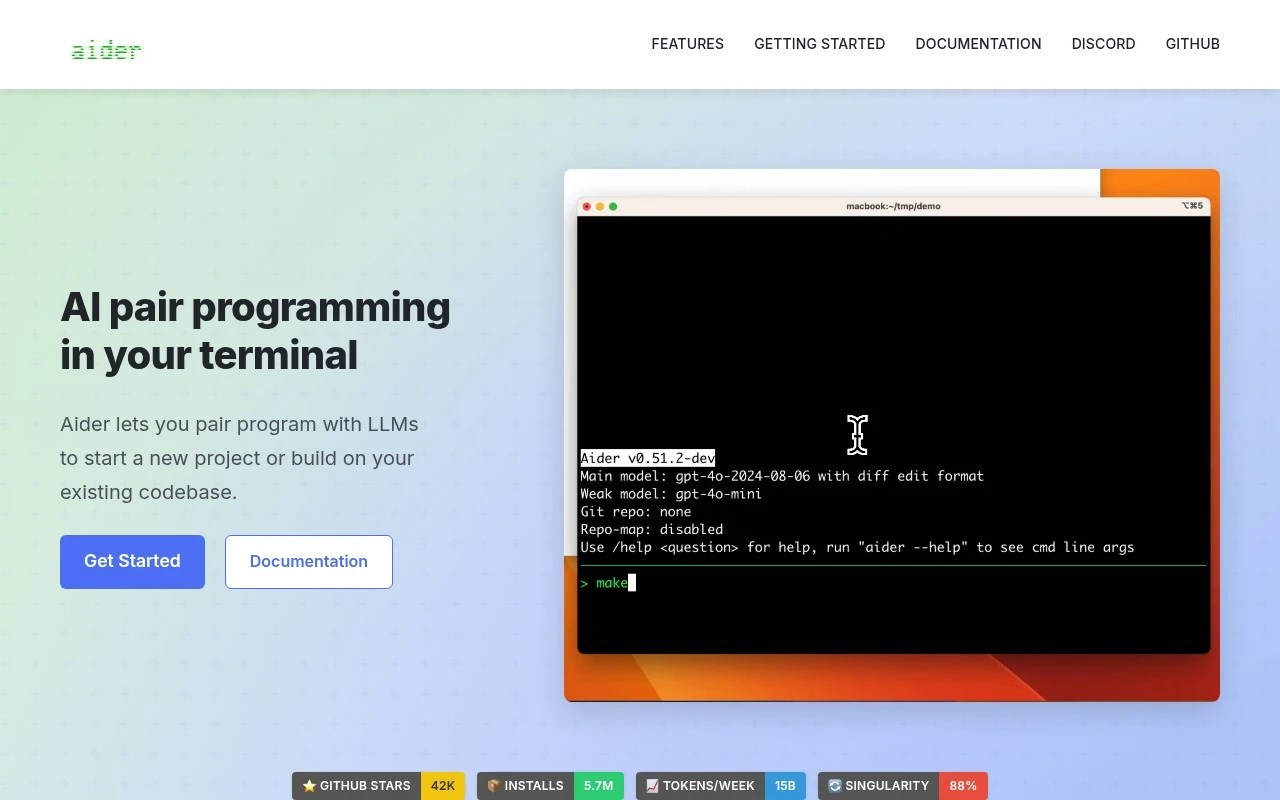
Aider is an open-source AI pair programming tool that runs in the terminal and edits code directly in a local Git repository. It works with large language models to implement changes, explain code, run commands, and create commits.
Code Generation & CompletionTesting & Refactoring

FYAI Score
8.3 / 10
FYAI rating based on features, pricing and integrations
Pricing:
Freemium
Best for:
Developers who want AI help that edits real code with git-aware changes
Score Breakdown
- Ease of use7.2 / 10
- Features8.4 / 10
- Pricing8.1 / 10
- Integrations9.2 / 10
- Support9.1 / 10
 | Strengths |
-
 Git-aware editing is useful for developers working in existing repositories because Aider can modify files and create commits with generated messages.
 -
Codebase mapping and multi-language editing suit larger or mixed-stack projects because the assistant can work across project context rather than a single pasted snippet.
-
Cloud and local model support gives technical teams deployment flexibility because they can choose hosted LLM APIs or self-hosted models to match cost, latency, and privacy preferences.
 | Limitations |
-
 Terminal-first workflow is less suitable for developers who prefer visual IDE extensions or no-code interfaces because most interaction happens through command-line commands.
 -
Setup is more hands-on than hosted chat assistants because users need to connect models, authorize local repository access, and align it with git workflows.
-
Freemium access can still involve separate LLM usage costs when connected to paid cloud models, so teams with heavy usage need to budget beyond the tool itself.
 | 9.1/ 10Based on 49 reviews |
Kilo Code
Code Generation & CompletionDebugging
Plans, edits, debugs, and reviews code across IDEs and cloud
Best for: | Software developers |
Pricing | Freemium |
 | 8.1/ 10Based on 44 reviews |
OpenCode
Code Generation & CompletionDebugging
Runs coding agents in terminal, IDE, or desktop with any LLM
Best for: | Software developers |
Pricing | Paid |
 | 7.9/ 10FYAI score |
Kiro
Code Generation & CompletionAI Coding Agents
Plans, implements, tests, and reviews spec-driven code changes
Best for: | Software developers |
Pricing | Freemium |