
Curated ToolThis tool is part of our curated AI directory. We only include tools that meet our standards for relevance, usability and real-world value.
Synthesia
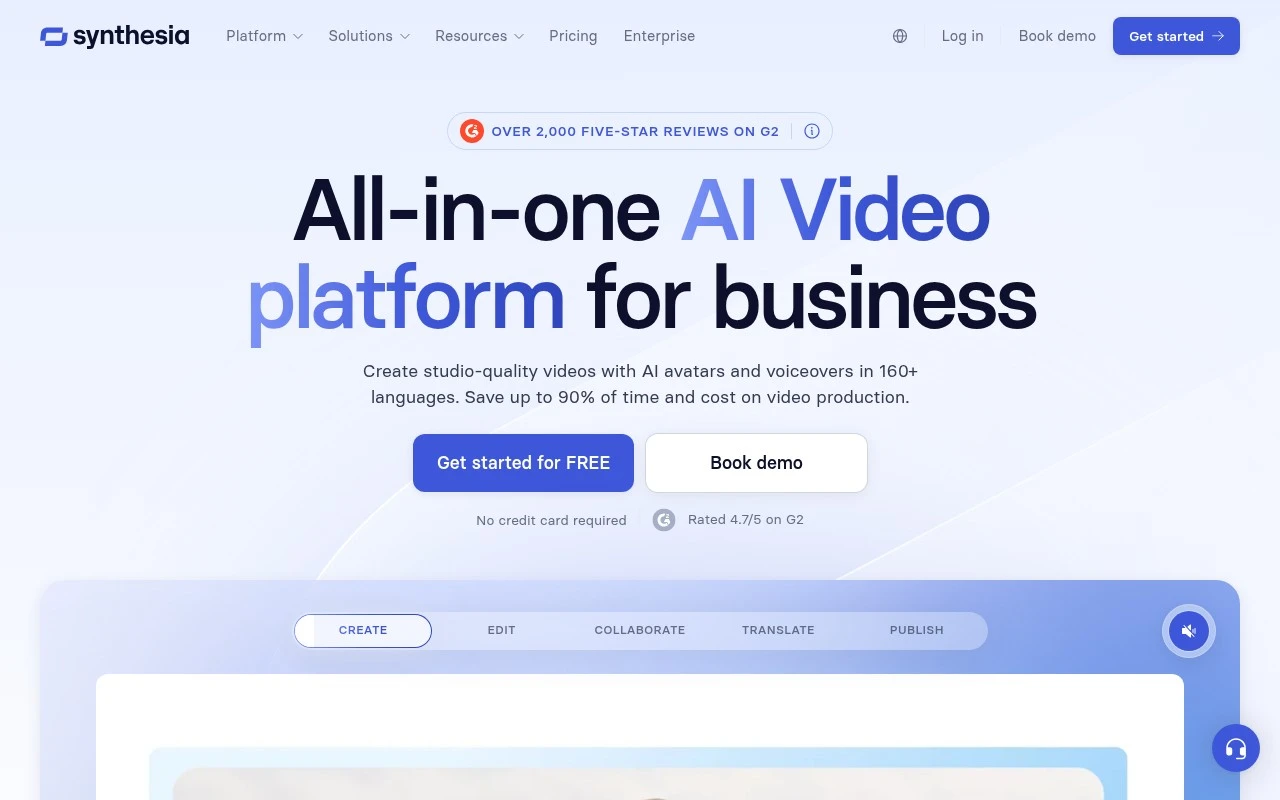
Synthesia is an AI video creation platform that turns written scripts into videos featuring digital avatars and AI-generated voiceovers. It is commonly used to produce training, onboarding, and corporate communication videos without recording a presenter on camera.
Marketing

FYAI Score
9.2 / 10
Based on 2,766 reviews
Pricing:
Freemium
Best for:
L&D and enablement teams scaling workplace training videos
Score Breakdown
- Ease of use9.3 / 10
- Features9.3 / 10
- Pricing8.9 / 10
- Integrations8.9 / 10
- Support9.3 / 10
 | Strengths |
-
 Best suited to enterprise training and enablement teams because scripts, documents, links, and ideas can be turned into consistent branded avatar videos at scale.
 -
Strong for global organizations because video translation, AI voices, and reusable workflows make it easier to localize and update training or internal communications content.
-
Useful for structured workplace video operations because collaboration, version control, LMS-oriented publishing, and analytics sit in one production workflow.
 | Limitations |
-
 Less suitable for teams that need cinematic storytelling, live-action footage, or highly emotional human performances because the core format is avatar-based business video.
 -
Can be heavier than a small team needs because its collaboration, governance, publishing, and analytics features are designed around scalable workplace content operations.
-
Freemium access is best for evaluation because serious business use, higher output volume, and enterprise workflows typically require a paid plan.
Feature highlights
AI avatar videos
Turn scripts, docs, or links into presenter-led videos fast.
Translate & localize
Create multilingual versions with AI voices and lip-sync.
Publish & analytics
Share to LMS-ready pages and track viewer engagement.
Compared in

 | 7.2/ 10Based on 177 reviews |
Arcads
Ad Creation
Creates short-form video ads with AI actors and avatars
Best for: | Marketing teams |
Pricing | Paid |
 | 8.4/ 10Based on 85 reviews |
Higgsfield
Short-form VideoAnimation
Creates and remixes images, videos, voice, VFX, and ads
Best for: | Video creators |
Pricing | Paid |
 | 7.7/ 10Based on 122 reviews |
PixVerse
Short-form VideoVideo Generators
Generates, directs, and scales AI video from prompts and images
Best for: | Video creators |
Pricing | Paid |