Curated ToolThis tool is part of our curated AI directory. We only include tools that meet our standards for relevance, usability and real-world value.

Submagic

Auto-edits short videos with captions, clips, and subtitles

Content & Social
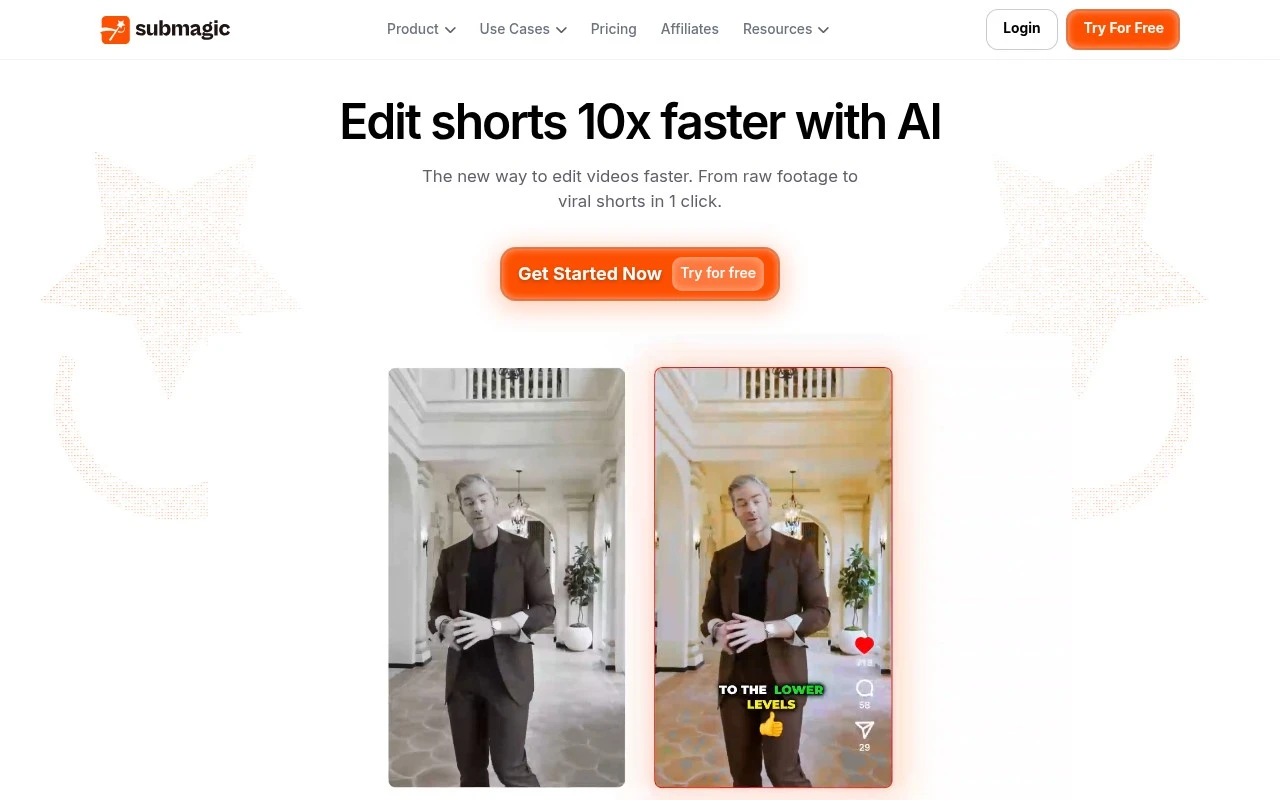
Submagic is an AI video editing tool focused on creating short-form social videos faster. Users can upload a video or YouTube link, then use AI to add captions, detect highlights, cut clips, insert B-roll, trim silences, and prepare videos for platforms such as TikTok, Instagram Reels, YouTube Shorts, Facebook Reels, and LinkedIn. It is built for creators and teams that need to publish high volumes of short videos without doing every edit manually.

FYAI Score

8.0 / 10

Based on 810 reviews

Pricing:

Freemium

Best for:

Creators and teams producing high-volume short-form videos

Score Breakdown

  • Ease of use8.2 / 10
  • Features7.7 / 10
  • Pricing7.9 / 10
  • Integrations8.0 / 10
  • Support8.0 / 10

PRODUCT PREVIEW

What this AI tool does

Submagic is an AI tool designed to help creators turn raw video clips into more polished, shareable content by handling common editing tasks that often take the most time. It’s typically used when you want to speed up the path from recording to posting, especially for short-form videos. In practice, submagic focuses on improving clarity and pacing by generating and styling captions and helping you prepare clips for different platforms. It can be useful for social media teams, solo creators, and educators who need consistent subtitles and readable on-screen text without spending hours in a traditional editor. If you’re comparing AI video editing tools, submagic fits best when your priority is faster turnaround and more accessible videos through captions. It’s not a replacement for full manual editing in every case, but it can reduce repetitive work and make it easier to publish regularly.

Use cases

Best for

Short Form Video Creation

Submagic turns a video or YouTube link into short-form clips by auto-adding captions, highlights, and platform-ready formatting.

Edit Video

Use it to edit video by trimming silences, cutting clips, inserting B-roll, and generating captions from speech automatically.

Content Repurposing

Use it for content repurposing by extracting highlights from long videos and exporting multiple Shorts, Reels, or TikToks.

ANALYSIS

Strengths & limitations

Strengths
  • Combines several short-form editing tasks in one workflow, including captions, trimming, highlight detection, B-roll, music, sound effects, and publishing.
  • Supports repurposing long-form content into multiple shorts, which is useful for podcasts, interviews, media teams, and creator workflows.
  • Includes collaboration, scheduling, publishing automation, and API positioning, making it relevant for teams as well as solo creators.
Limitations
  • The product is mainly positioned around short-form social video, so it may not replace a full professional editor for complex long-form post-production.
  • AI-generated captions, cuts, highlights, and B-roll selections may still require human review before publishing.
  • The provided site text lists many features but does not give detailed limits, pricing constraints, platform-specific publishing coverage, or API capabilities.

Evaluation

FYAI score breakdown

Our structured evaluation across five key criteria

8.0 / 10

Overall score

Based on 810 reviews

  • Ease of use8.2 / 10
  • Features7.7 / 10
  • Pricing7.9 / 10
  • Integrations8.0 / 10
  • Support8.0 / 10

What users say

Findings from public reviews, documentation and community sources.

  • Ease of use

    Submagic's site describes a workflow: “Upload a video or Youtube link,” then “Let AI edit for you,” and “Schedule and publish everywhere.” Submagic's site includes a testimonial saying “Editing has never been easier, even for beginners.”

  • Features

    Submagic's product page lists AI Captions, Magic Clips, AI Actors Studio, and AI Video Translator. Submagic's product page claims captions in “48 languages with 99% accuracy.”

  • Pricing

    Submagic's pricing page lists a free trial of “3 free videos” and paid tiers such as Starter at $19/member/month, Pro at $39/member/month, and Business + API at $69/member/month, with stated video, duration, AI-credit, and API-minute limits. A Reddit post in r/ContentCreators says “you only get limited videos with the subscription and once your video credits run out.”

  • Integrations

    Submagic's pricing page includes “API & Integrations,” Business includes “API & Integrations (100min/mo),” and Pro includes “Publish to TikTok, YouTube, Instagram.”

  • Support

    Submagic's pricing page says Business includes “Priority support & rendering,” and the Custom plan includes “Dedicated customer success.” Submagic's site provides public FAQ/tutorial resources.

Who is this for?

Best for short-form video creators publishing to social platforms. Pro includes “Publish to TikTok, YouTube, Instagram,” and Submagic's workflow starts with “Upload a video or Youtube link.” Less suited to teams that need unrestricted production volume, the pricing page uses stated video, duration, AI-credit, and API-minute limits, and a Reddit post says “you only get limited videos with the subscription and once your video credits run out.”

PRODUCT PREVIEW

Feature highlights

AI Captions

Auto-generate stylish captions that boost watch time and clarity.

Highlight Detection

Find the best moments fast and turn them into shareable clips.

Silence Trimming

Remove pauses automatically to keep shorts tight and engaging.

COMPARE

Discover curated alternatives worth comparing

Compare similar AI tools based on features, pricing and use cases

8.5/ 10Based on 16 reviews

Wondercraft

Short-form VideoVideo Editing
Turns text or audio into editable AI-generated videos and audio
Best for:
Video creators
Pricing
Freemium

8.5/ 10Based on 65 reviews

Wisecut

Short-form VideoVideo Editing
Edits long videos by removing pauses and adding captions
Best for:
Video creators
Pricing
Freemium

8.6/ 10Based on 2.521 reviews

Vizard.ai

Short-form VideoVideo Editing
Extracts short clips from long videos and adds captions for social.
Best for:
Social media managers
Pricing
Freemium

Turn every video into a scroll-stopper with captions that keep viewers watching. Start creating polished subtitles with Submagic today.

FAQ

Frequently asked
questions

Everything you need to know about this AI tool,
its features, pricing, use cases, and limitations.

When is Submagic a good fit for a marketing team’s workflow?
Submagic fits best when you publish short-form marketing videos at volume and need fast, consistent captions for social platforms. It’s also a practical choice if accessibility and watch-time retention are priorities but you don’t need full video editing in the same tool. If your content relies on heavy jargon, multiple speakers, or strict brand-style captioning, plan for review time.
Does Submagic have a free plan, and what are the typical limitations compared to paid?
Submagic commonly offers a free or trial option, but it’s usually constrained by export limits, watermarks, or capped usage (minutes/credits). Paid tiers generally unlock higher volumes, faster processing, and more export options suitable for regular publishing. Check the current pricing page for exact caps, since limits can change by plan and region.
How does Submagic compare with tools like CapCut, Descript, or VEED for captions?
Submagic is more focused on rapid subtitle generation and styling for social-ready clips, while CapCut and VEED bundle broader editing features. Descript is stronger for transcript-driven editing and longer-form workflows but can be heavier to adopt for quick social outputs. If you need one tool to handle editing, audio cleanup, and captions, an all-in-one editor may be a better match than Submagic.
How quickly can a team get started with Submagic?
Accuracy can vary with accents, overlapping speakers, and niche terminology, so manual corrections may be necessary. Submagic is caption-centric, so teams needing advanced timeline editing, motion graphics, or deep audio tools may end up using a second product. Budget can also be a factor if you’re captioning high volumes each month.
What should we verify about data handling and compliance before uploading videos to Submagic?
Confirm where Submagic processes and stores uploaded media, how long files/transcripts are retained, and whether you can delete data on demand. If you handle customer footage or regulated content, review the vendor’s DPA, subprocessors, and whether they support GDPR/CCPA-aligned requests. Also check whether your content may be used to improve models or analytics, and if there’s an opt-out.